Social media icons may be small, but they carry a surprisingly large amount of visual responsibility. They help users recognize platforms instantly, guide clicks, support brand credibility, and shape the overall feel of a website, app, presentation, or marketing campaign. As digital interfaces become more immersive and visually rich, 3D social media icons have become a popular way to add depth, personality, and polish without overwhelming the user experience.
TLDR: 3D social media icons are a modern way to make digital interfaces feel more engaging, tactile, and premium. The best designs balance depth, lighting, platform recognizability, and usability across different screen sizes. Use them strategically, keep them visually consistent, and always test their performance in real layouts before launch.
Why 3D Social Media Icons Are So Popular
For years, flat design dominated digital products. Clean lines, simple shapes, and minimal colors made interfaces faster, clearer, and easier to scale. However, as brands began looking for more distinctive visual identities, designers started reintroducing depth through shadows, gradients, glass effects, soft highlights, and dimensional objects. This shift has made 3D icon design feel both fresh and familiar.
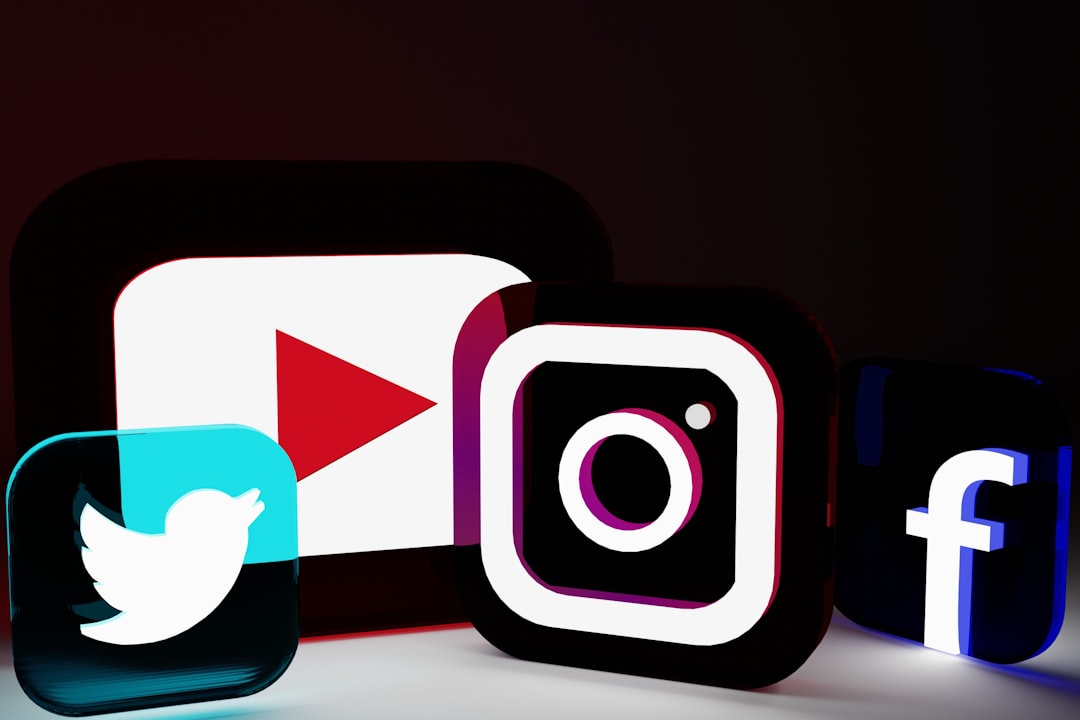
Social media icons are especially suited to 3D treatment because users already know their shapes. The Facebook “f,” Instagram camera, YouTube play button, TikTok note, and LinkedIn “in” are instantly recognizable. Adding volume, texture, or lighting can make these symbols feel more dynamic while preserving their core identity.
Another reason for the rise of 3D icons is the growth of high-resolution displays and powerful mobile devices. A decade ago, detailed icon files could slow down pages or appear blurry on certain screens. Today, designers can create crisp, lightweight 3D assets that look sharp on phones, tablets, laptops, and large monitors.
Key Design Trends in 3D Social Media Icons
Like all visual styles, 3D social media icons evolve with broader design culture. Some trends lean futuristic, while others feel warm, playful, or premium. The most effective approach depends on the brand, audience, and context.
1. Soft Clay and Inflated Shapes
One of the most popular trends is the soft clay or inflated look. Icons appear rounded, cushion-like, and slightly playful, almost as if made from soft rubber or foam. This style works well for wellness brands, creator portfolios, lifestyle websites, and mobile apps that want a friendly tone.
The key to this trend is moderation. A little puffiness creates charm, but too much can make icons look childish or reduce their readability. Designers often use gentle shadows, muted gradients, and smooth edges to keep the result polished.
2. Glassmorphism and Translucent Effects
Glassmorphism brings a frosted, semi-transparent appearance to digital elements. When applied to social media icons, it can create a sleek and futuristic look, especially when paired with blurred backgrounds, subtle highlights, and layered panels.
This trend is effective for technology companies, SaaS dashboards, crypto platforms, and digital portfolios. However, translucent icons must be tested carefully for contrast. If the background is too busy or the icon is too transparent, users may struggle to identify the platform quickly.
3. Metallic and Chrome Finishes
Metallic 3D icons are bold, luxurious, and high-impact. Silver, gold, chrome, and iridescent finishes can make familiar social media symbols feel premium and editorial. This style is common in fashion, music, entertainment, gaming, and luxury branding.
The challenge with metallic icons is avoiding visual noise. Chrome reflections can easily become too complex at small sizes. A good metallic icon should still be identifiable when scaled down, with highlights placed strategically rather than randomly.
4. Isometric Perspective
Isometric 3D icons use a consistent angled viewpoint, usually without dramatic perspective distortion. This makes them ideal for interface sets, infographics, onboarding screens, and landing pages. Social media icons in an isometric style often look like small tiles, badges, or blocks arranged in a neat visual system.
Because isometric design is structured and orderly, it works well when multiple icons appear together. The viewer can scan the set easily, and the consistent angle creates a professional appearance.
5. Minimal 3D with Subtle Depth
Not every 3D icon needs to look like a rendered object. Some of the strongest designs use minimal depth: a slight bevel, a soft shadow, a gentle gradient, or a raised surface. This approach feels modern without being distracting.
Minimal 3D is especially useful for corporate websites, product interfaces, and professional services brands. It adds sophistication while preserving clarity and speed.
Best Practices for Designing 3D Social Media Icons
A beautiful icon is only successful if it works in context. Social media icons have a job: they must be recognizable, clickable, accessible, and consistent with the surrounding design. Here are the most important best practices to follow.
Keep Platform Recognition Intact
Designers often want to customize icons so they match a brand’s visual identity. That is reasonable, but there is a limit. If users cannot immediately recognize the platform, the icon has failed its primary purpose. Preserve the essential silhouette, symbol, or logo structure whenever possible.
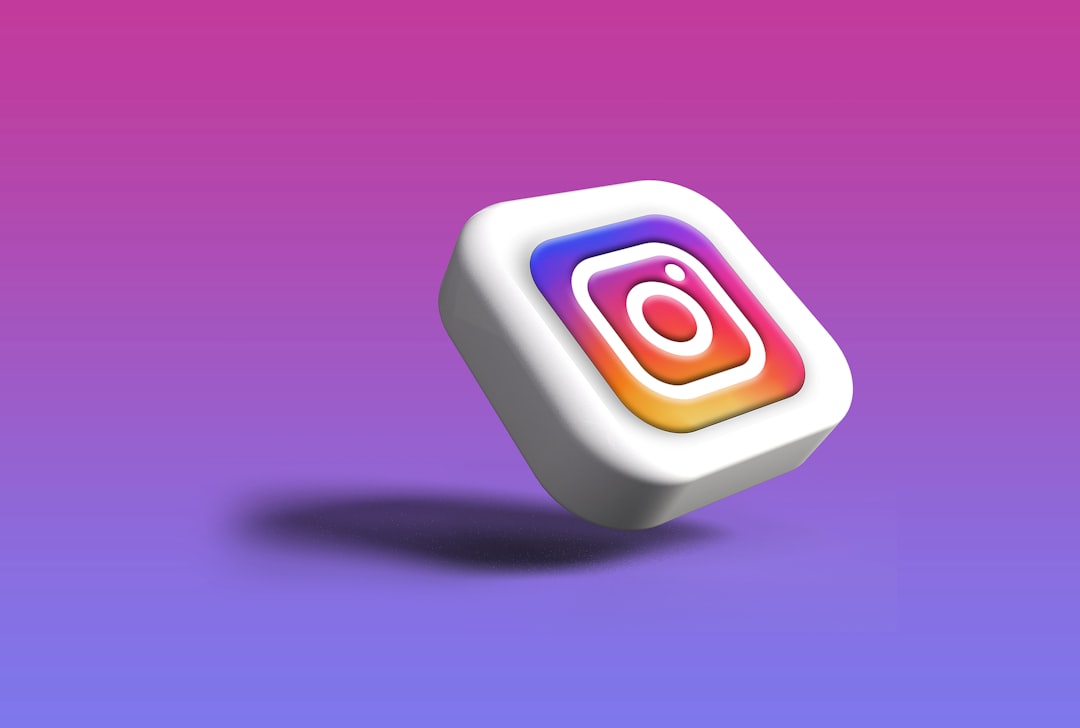
For example, a 3D Instagram icon can use custom lighting or a glass texture, but the camera shape or official glyph should remain clear. A YouTube icon can become a raised red button, but the play triangle should still be obvious.
Maintain Visual Consistency
If you are designing a set of 3D social media icons, consistency matters more than individual flair. The icons should share the same visual language, even if the platform colors differ.
- Lighting: Use the same light direction across all icons.
- Perspective: Keep the viewing angle consistent.
- Depth: Avoid making one icon flat and another extremely dimensional.
- Texture: Use similar material qualities, such as glossy, matte, clay, or glass.
- Shadow: Match shadow softness, opacity, and placement.
Consistency helps users read icons as a unified set rather than a collection of unrelated graphics.
Design for Small Sizes
3D details often look impressive in large previews but disappear when icons are reduced to 24, 32, or 48 pixels. Since social media icons frequently appear in footers, headers, sidebars, and mobile menus, small-size performance is critical.
Before finalizing a design, test it at multiple sizes. If the symbol becomes muddy, simplify the shape, increase contrast, or reduce small highlights. Details should support recognition, not compete with it.
Use Shadows with Purpose
Shadows are essential for 3D design, but they should not be overused. A shadow should explain where the object sits in space and how it relates to the background. Too many shadows can make icons look heavy, messy, or outdated.
A good rule is to use one primary cast shadow and one or two subtle internal shadows or highlights. This gives the icon believable depth without making it visually crowded.
Respect Brand Colors
Social media platforms have strong color associations. Twitter or X, Instagram, Facebook, YouTube, Pinterest, TikTok, Snapchat, WhatsApp, and LinkedIn each have recognizable color identities. While some projects use monochrome or custom themed icons, platform colors often improve instant recognition.
If your interface uses custom colors, consider whether recognizability might suffer. A monochrome icon set can look elegant, but users may need an extra moment to identify each platform. That moment matters, especially in conversion-focused designs.
Choose the Right File Format
3D icons can be exported in several formats, and each has strengths. The best choice depends on where the icons will be used.
- PNG: Good for detailed raster icons with transparency, though scaling up can reduce quality.
- SVG: Excellent for flat or lightly dimensional vector icons, but complex 3D effects may be difficult to reproduce.
- WebP: Useful for high-quality web graphics with smaller file sizes.
- GIF or video: Suitable for animated icons, but should be used sparingly.
- Lottie: Great for lightweight vector animation in apps and websites.
For websites, image optimization is crucial. Large 3D files can slow loading times, especially on mobile networks. Compress assets, serve responsive sizes, and avoid using oversized images for tiny interface elements.
Accessibility and Usability Considerations
3D design should never come at the cost of accessibility. Icons need enough contrast against their background, especially if they are used as buttons or links. Users with low vision, color blindness, or older screens may struggle with subtle gradients and low-contrast effects.
Always provide meaningful labels for social media links. An icon-only button should include accessible text for screen readers, such as “Visit us on Instagram” or “Follow us on LinkedIn.” This ensures the design is usable for people relying on assistive technology.
Additionally, make sure clickable icons have adequate touch targets. On mobile, a visually small icon should still sit inside a larger clickable area. A common recommendation is to provide a touch target of at least 44 by 44 pixels.
Where 3D Social Media Icons Work Best
3D icons are versatile, but they are not always the right choice. They work particularly well in visual-first environments where personality and engagement matter.
- Landing pages: They can add polish and guide users toward social proof or community channels.
- Creator websites: They help portfolios, blogs, and personal brands feel more expressive.
- Mobile apps: Dimensional icons can make interfaces feel touchable and lively.
- Presentations: They add visual interest to slides about marketing, community, or engagement.
- Campaign graphics: They stand out in promotional banners, ads, and announcements.
However, for government websites, legal platforms, medical portals, or highly formal interfaces, a simpler flat or outline style may be more appropriate. Good design is not about using the trendiest style; it is about matching the tone and task.
Common Mistakes to Avoid
One common mistake is mixing too many styles in one icon set. A glossy Instagram icon, a clay YouTube icon, and a metallic LinkedIn icon may each look good alone, but together they feel chaotic. Another mistake is making icons too decorative. If the viewer notices the effect before recognizing the platform, the design is probably overworked.
Designers should also avoid excessive animation. A gentle hover effect or small bounce can make icons feel interactive, but constant spinning, flashing, or floating may distract users and reduce professionalism. Animation should communicate interactivity, not demand attention at all times.
Finally, avoid placing detailed 3D icons on complex backgrounds. If both the icon and the background have strong gradients, textures, and shadows, the result can be hard to read. A simple background often makes dimensional icons look stronger.
How to Build a Strong 3D Icon System
A successful 3D icon system starts with rules. Decide on the perspective, grid, corner radius, material, lighting, and shadow before creating the full set. Create one or two sample icons first, test them in real layouts, and then expand the system.
It is also helpful to create variations for different use cases. For example, you might need large promotional icons, medium interface icons, and small footer icons. The small version should be simpler, with fewer details and stronger contrast. This approach is called responsive icon design, and it helps maintain quality across contexts.
The Future of 3D Social Media Icons
As augmented reality, spatial interfaces, and immersive web experiences grow, 3D icons will likely become even more common. Users are becoming comfortable with interface elements that feel tactile, layered, and animated. At the same time, the best designs will continue to prioritize speed, clarity, and accessibility.
Artificial intelligence and real-time rendering tools are also making it easier to explore styles quickly. Designers can experiment with materials, lighting, and perspectives faster than ever. Still, taste and judgment remain essential. A technically impressive icon is not automatically a useful one.
Conclusion
3D social media icons are more than decorative upgrades. When designed thoughtfully, they can make an interface feel modern, engaging, and memorable while still supporting usability. The best examples combine recognizable platform symbols with consistent lighting, appropriate depth, optimized file sizes, and accessible implementation.
Whether you choose soft clay icons, glassy translucent badges, metallic buttons, or subtle beveled symbols, the goal is the same: help users connect quickly and confidently. In a crowded digital world, small visual details can make a brand feel more refined, more human, and more enjoyable to explore.