
SketchUp has long been recognized as one of the most accessible and versatile 3D modeling platforms on the market. From architects and interior designers to hobbyists and game developers, it offers a balance of simplicity and power that few competitors match. Whether you are creating conceptual designs or preparing detailed presentations, SketchUp provides tools that make 3D modeling approachable without sacrificing functionality.
TLDR: SketchUp stands out for its user-friendly 3D modeling tools, rich plugin ecosystem, and powerful rendering integrations. It serves beginners and professionals alike through intuitive design workflows and scalability. With extensions and third-party render engines, users can transform simple models into photorealistic visuals. While not without limitations, its flexibility and community support make it a top-tier 3D design solution.
1. Intuitive and Powerful 3D Modeling Tools
At the heart of SketchUp lies its elegantly simple modeling system. Unlike many complex CAD platforms, SketchUp relies on a push-pull methodology that allows users to transform flat shapes into fully realized 3D forms with just a few clicks. This intuitive mechanic significantly lowers the learning curve for beginners.
Key modeling highlights include:
- Push/Pull Tool: Convert 2D surfaces into 3D geometry instantly.
- Follow Me Tool: Create complex extrusions and curved shapes.
- Inference System: Smart alignment cues ensure precision.
- Solid Modeling Tools: Combine, subtract, and intersect shapes easily.
- Groups and Components: Organize designs and reuse objects efficiently.
The inference engine deserves special praise. It guides users with colored alignment hints, ensuring edges align smoothly along axes and key reference points. This feature alone reduces common modeling errors and keeps workflows efficient.
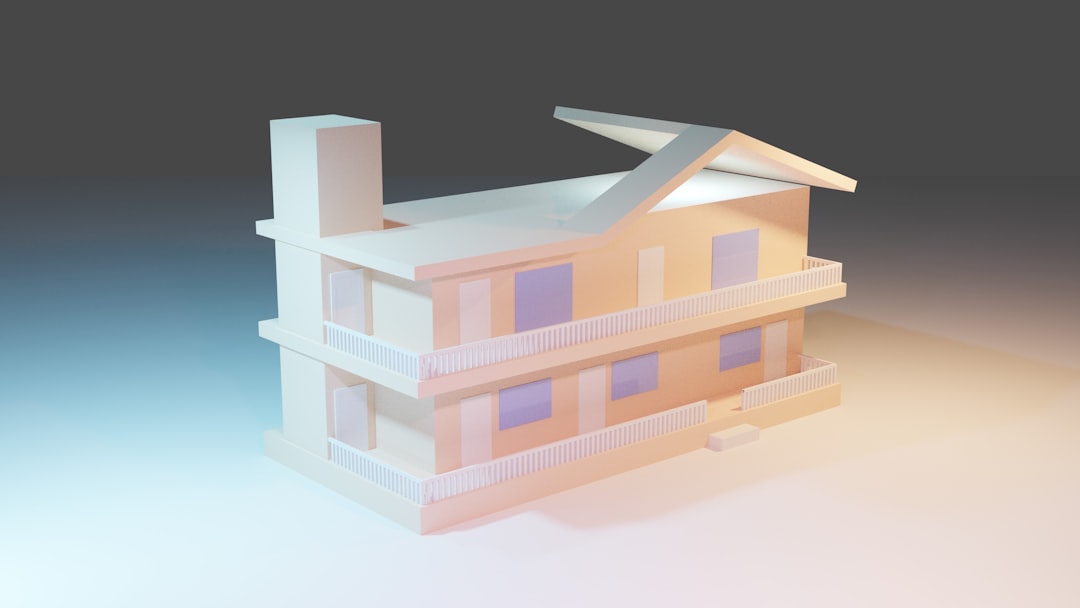
Additionally, components allow for non-destructive editing. Change one instance of a window or door, and every duplicate updates automatically. For architectural workflows, this is a huge time saver.
2. Seamless Integration with Extensions and Plugins
One of SketchUp’s strongest advantages is its vast Extension Warehouse. While the default toolset is powerful, the real magic happens when users expand functionality through plugins. This flexibility allows SketchUp to compete with far more expensive 3D modeling platforms.
Popular plugin categories include:
- Advanced Modeling: Tools like Artisan and SubD for organic modeling.
- Parametric Design: Extensions enabling rule-based modeling.
- Documentation: Layout integration and drafting automation.
- Structural Analysis: Engineering calculations and validation tools.
- Productivity: Cleanup tools and geometry optimizers.
Plugins transform SketchUp from an entry-level tool into a professional ecosystem. For example, installing a parametric modeling extension allows designers to adjust dimensions dynamically, similar to high-end BIM software.
Another advantage is the simplicity of installation. Most plugins can be added in seconds directly through the Extension Warehouse. Because of this, users can customize their workflow without wrestling with complex configurations.
3. Rendering Capabilities and Photorealism
While SketchUp’s native viewport is sufficient for modeling, high-end visualizations require rendering engines. Fortunately, SketchUp integrates seamlessly with industry-leading renderers.
Top rendering integrations include:
- V-Ray for SketchUp
- Enscape
- Lumion (via export)
- Thea Render
- Twinmotion
These engines provide features such as:
- Global illumination
- Realistic material mapping
- Reflections and refractions
- Environmental lighting
- Animation and walkthrough rendering

V-Ray is known for ultra-realistic architectural visualizations, while Enscape excels at real-time rendering and VR integration. This means designers can step inside their creations through virtual reality for immersive client presentations.
The flexibility to switch between rendering engines makes SketchUp adaptable. Beginners can start with simple styles and shadows, while professionals can produce portfolio-grade imagery.
4. Versions and Platform Flexibility
SketchUp is available in multiple versions to fit different needs and budgets. These include SketchUp Free (Web), SketchUp Go, SketchUp Pro, and SketchUp Studio. Each version offers varying levels of functionality.
| Feature | Free (Web) | Go | Pro | Studio |
|---|---|---|---|---|
| 3D Modeling Tools | Basic | Full Web | Full Desktop | Full Desktop |
| Cloud Storage | Limited | Unlimited | Unlimited | Unlimited |
| Extension Support | No | Limited | Yes | Yes |
| Layout Documentation | No | No | Yes | Yes |
| Advanced Analysis Tools | No | No | No | Yes |
SketchUp Free is ideal for beginners experimenting with 3D modeling directly in a browser. SketchUp Pro targets professionals who need documentation tools and plugin access. SketchUp Studio adds advanced features like energy analysis and scan integration for architectural workflows.
This tiered ecosystem allows users to scale up as their projects grow more complex.
5. User Community and Learning Resources
A software platform is only as strong as its community, and SketchUp boasts one of the most active user bases in the design industry. The official forums, YouTube tutorials, online courses, and third-party blogs ensure that help is always accessible.
Community advantages include:
- Thousands of free tutorials
- 3D Warehouse model sharing
- Active troubleshooting forums
- Regular webinars and workshops
The 3D Warehouse deserves special mention. It provides an enormous library of pre-built models — furniture, vehicles, vegetation, fixtures, and more. Instead of modeling every element from scratch, designers can import existing assets and customize them.
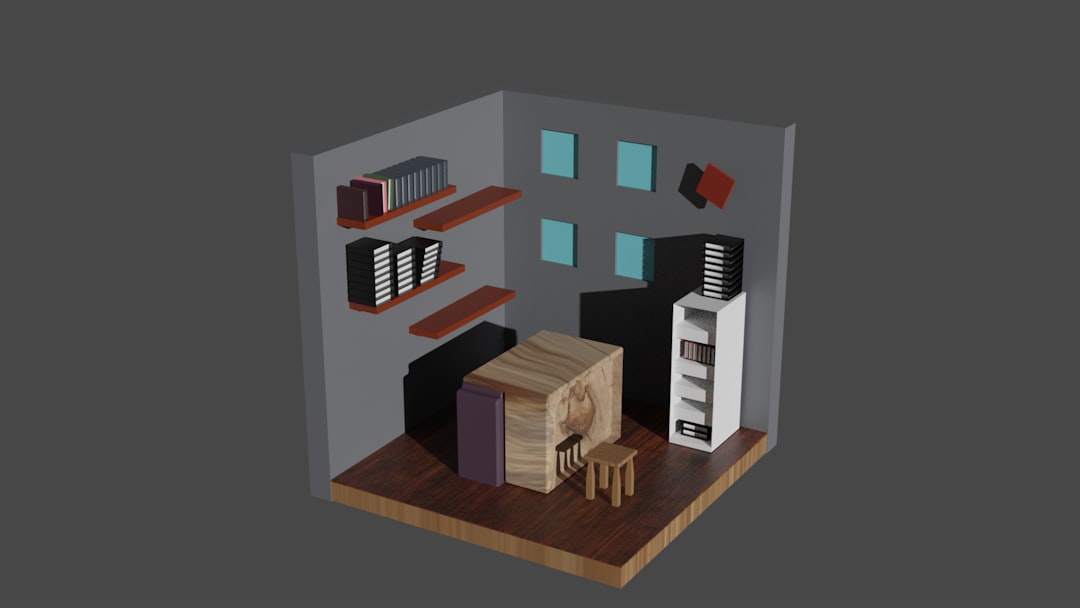
This dramatically speeds up project timelines, particularly in architectural visualization where detail objects can consume hours of modeling time.
Strengths and Limitations
No software is perfect, and SketchUp is no exception.
Strengths:
- Extremely beginner-friendly
- Flexible plugin ecosystem
- Strong rendering integration
- Large asset library
- Active global community
Limitations:
- Less robust for complex parametric design without plugins
- Can struggle with very large, high-poly models
- Advanced BIM functionality requires add-ons
However, many of these limitations can be mitigated with the right plugins and workflow optimizations.
Final Thoughts
SketchUp continues to hold its ground in a competitive 3D modeling landscape because it prioritizes usability without sacrificing depth. Whether you’re sketching a simple garden shed or developing a multi-story commercial building, the platform adapts to your needs.
Its clean interface encourages creativity rather than overwhelming new users with technical complexity. Meanwhile, professionals benefit from rendering integrations, powerful plugins, and documentation capabilities.
In short, SketchUp excels in three key areas: modeling simplicity, extensibility through plugins, and rendering flexibility. Combined with scalable pricing options and one of the richest learning ecosystems available, it remains a go-to choice for designers across industries.
If you’re searching for a 3D modeling tool that balances ease of use with professional-grade output, SketchUp is well worth considering.