Nothing ruins a good medieval battle like a launch error. You are ready to swing your sword in Chivalry 2. Then boom — Error 30005: Easy Anti-Cheat pops up. Annoying. Confusing. Very common. The good news? It is usually easy to fix.
TLDR: Error 30005 in Chivalry 2 is usually caused by broken Easy Anti-Cheat files, antivirus interference, or corrupted system files. You can fix it by repairing Easy Anti-Cheat, verifying game files, updating Windows, disabling antivirus, deleting a specific driver file, or reinstalling the game. Most fixes take only a few minutes. Start with the simple ones first.
Let’s walk through 6 easy ways to fix it. No tech wizardry required.
1. Repair Easy Anti-Cheat (The Quickest Fix)
This is the first thing you should try. It solves the problem most of the time.
Easy Anti-Cheat (EAC) is installed along with the game. If its files get corrupted, Error 30005 appears.
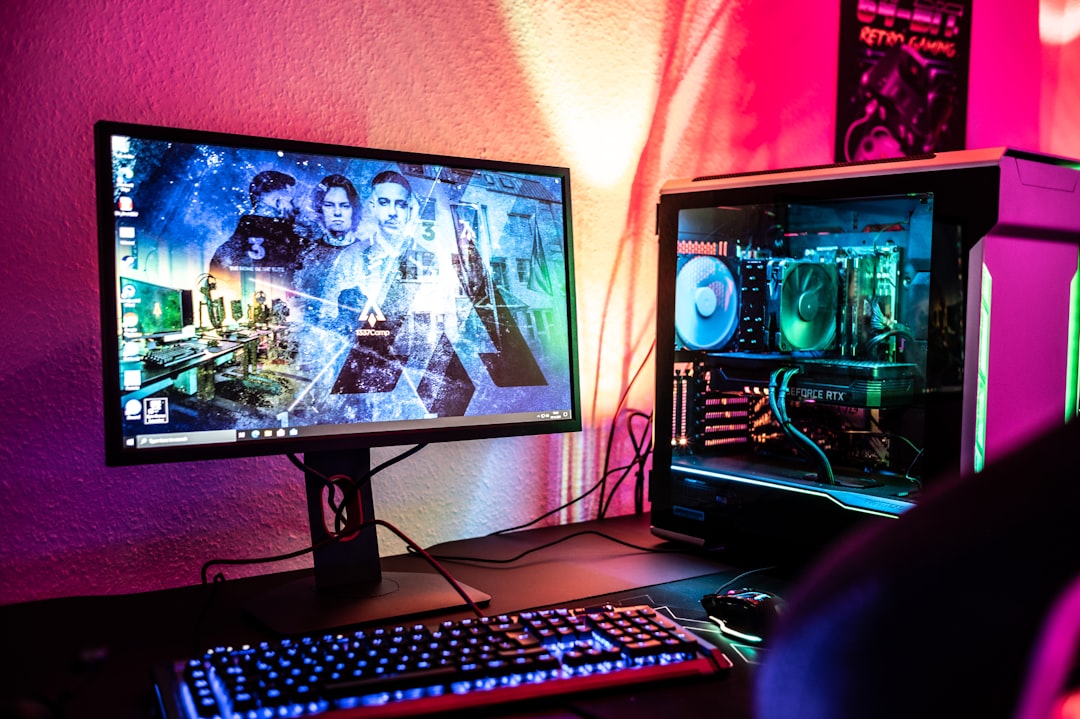
How to repair Easy Anti-Cheat:
- Open your Chivalry 2 installation folder.
- Go to EasyAntiCheat folder.
- Double-click EasyAntiCheat_Setup.exe.
- Select Chivalry 2 from the list.
- Click Repair Service.
Wait a few seconds. Restart your PC. Try launching the game again.
Still seeing the error? Move to the next fix.
2. Verify Game Files (Steam or Epic Games)
If game files are broken or missing, EAC will refuse to work.
Luckily, both Steam and Epic Games have a built-in repair tool.
On Steam:
- Open Steam.
- Go to Library.
- Right-click Chivalry 2.
- Select Properties.
- Click Installed Files.
- Choose Verify integrity of game files.
On Epic Games:
- Open Epic Games Launcher.
- Go to Library.
- Click the three dots next to Chivalry 2.
- Select Verify.
This will scan and replace damaged files automatically.
It may take 5–10 minutes. Be patient.
3. Delete the Easy Anti-Cheat.sys File
This sounds scary. It is not.
Sometimes a specific driver file gets stuck. Deleting it forces Windows to reinstall it properly.
The file name is:
EasyAntiCheat.sys
It is usually located here:
C:\Windows\System32\drivers
Image not found in postmetaSteps:
- Open File Explorer.
- Go to the drivers folder.
- Find EasyAntiCheat.sys.
- Delete it.
Now restart your computer.
When you launch the game again, Easy Anti-Cheat will create a fresh file automatically.
This fix works surprisingly often.
4. Disable Antivirus or Add an Exception
Your antivirus might be overprotective.
Some antivirus programs block Easy Anti-Cheat files. They think it looks suspicious. It is not.
Try this:
- Temporarily disable your antivirus.
- Launch Chivalry 2.
If the game works, you found the problem.
Now re-enable your antivirus and add these folders to the exceptions list:
- Chivalry 2 folder
- Easy Anti-Cheat folder
- Epic Games or Steam folder
This keeps your system safe while allowing the game to run.
Tip: Windows Defender can also cause this. Check its quarantine history.
5. Update Windows and Drivers
Outdated systems cause strange errors.
Easy Anti-Cheat depends on updated Windows security components.
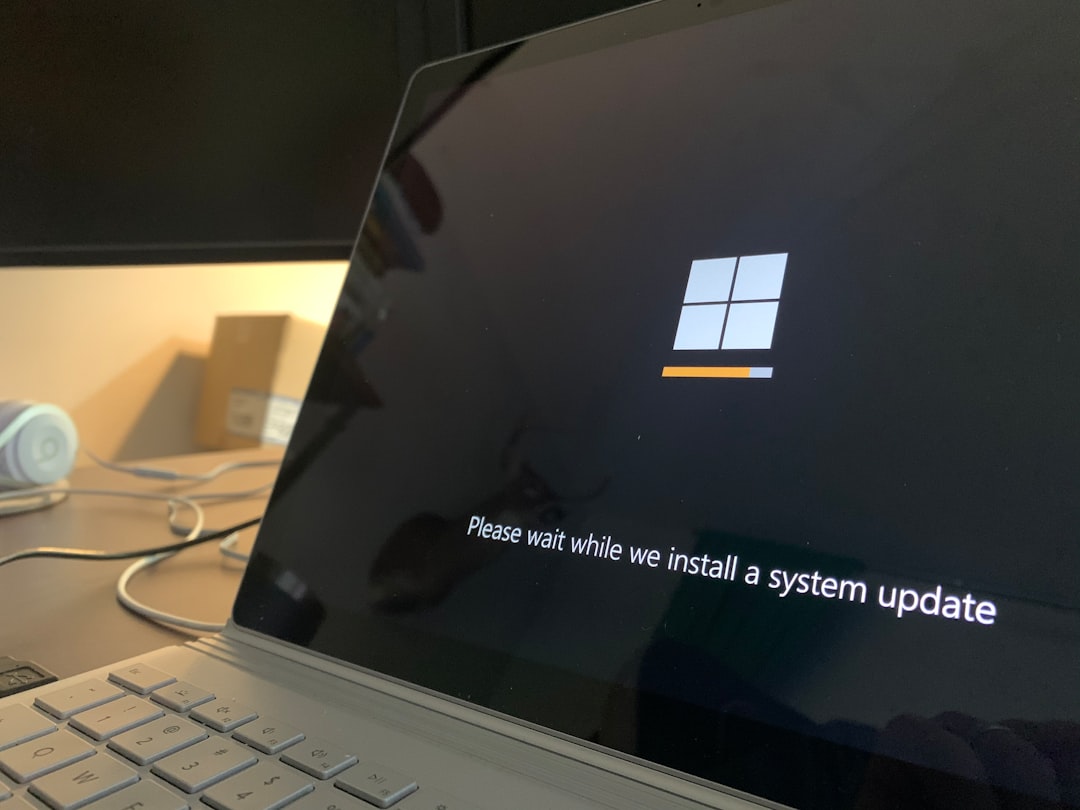
Update Windows:
- Press Windows + I.
- Click Update & Security.
- Select Check for updates.
Install everything available. Yes, even that annoying cumulative update.
Next, update your:
- Graphics driver (NVIDIA / AMD)
- Motherboard drivers
- Network drivers
Restart your PC after updates.
Many Error 30005 cases disappear after a full system update.
6. Reinstall Easy Anti-Cheat or the Entire Game
If nothing works, go nuclear. But only if needed.
Option A: Reinstall Easy Anti-Cheat Only
- Open the EasyAntiCheat folder.
- Run the setup file.
- Choose Uninstall.
- Restart your PC.
- Run setup again and select Install.
This refreshes the entire anti-cheat system.
Option B: Reinstall Chivalry 2
- Uninstall the game completely.
- Restart your PC.
- Download and install again.
Yes, it takes time. But it guarantees fresh files.
Quick Comparison Chart
Not sure which fix to try first? Use this table.
| Fix | Difficulty | Time Needed | Success Rate | Best For |
|---|---|---|---|---|
| Repair Easy Anti-Cheat | Very Easy | 2 Minutes | High | Most users |
| Verify Game Files | Easy | 5–10 Minutes | High | Corrupted files |
| Delete .sys File | Medium | 3 Minutes | Medium | Driver conflicts |
| Disable Antivirus | Easy | 5 Minutes | Medium | Security blocks |
| Update Windows | Easy | 10–30 Minutes | Medium | Outdated systems |
| Reinstall Game | Easy | 30+ Minutes | Very High | Last resort |
Why Error 30005 Happens
Let’s quickly break it down.
Error 30005 usually means:
- Easy Anti-Cheat failed to start.
- A required service is disabled.
- A file is corrupted or blocked.
- A driver conflict exists.
It is rarely something serious.
You are not banned. You are not hacked. Relax.
It is almost always a local system issue.
Extra Tips If You’re Still Stuck
If the problem refuses to disappear, try these bonus checks:
- Run the game as Administrator.
- Disable background overlays (Discord, MSI Afterburner, GeForce Experience).
- Make sure Secure Boot is enabled in BIOS.
- Check that the Easy Anti-Cheat Service is running (type services.msc in Run).
Sometimes small conflicts cause big frustration.
Final Thoughts
Error 30005 looks intimidating. It is not.
Most players fix it in under 10 minutes.
Start with repairing Easy Anti-Cheat. Then verify files. Work your way down the list.
Soon you will be back on the battlefield. Swinging swords. Charging into chaos. Probably getting eliminated. But at least the game will launch.
And that is a victory worth celebrating.