Mechanical keyboards have become more than just typing tools—they’re personal statements, productivity boosters, and even collector’s items. At the heart of this customization movement are keycaps, the removable caps that sit atop mechanical switches. Whether you’re chasing a better typing feel, a unique aesthetic, or improved durability, understanding keycaps can completely transform your keyboard experience.
TLDR: Keycaps affect how your keyboard looks, feels, and sounds. They come in different materials (like ABS and PBT), profiles (such as OEM, Cherry, and SA), and manufacturing methods (like double-shot and dye-sublimation). Choosing the right set depends on your priorities: durability, typing comfort, sound, or style. With the right knowledge, upgrading your keycaps is one of the easiest and most satisfying keyboard mods you can make.
What Are Keycaps and Why Do They Matter?
Keycaps are the parts of your keyboard you physically touch every time you type. While they may seem simple, they play a major role in:
- Typing comfort
- Acoustic profile
- Durability
- Visual appearance
Mechanical keyboards allow you to swap keycaps easily, unlike most membrane keyboards. This opens the door to nearly endless customization options. A new keycap set can make your keyboard quieter, deeper-sounding, more vibrant, or more professional-looking.
Keycap Materials: ABS vs PBT (and More)
The two most common keycap materials are ABS (Acrylonitrile Butadiene Styrene) and PBT (Polybutylene Terephthalate). Each has its own characteristics.
1. ABS Keycaps
- Smooth texture
- More affordable
- Prone to shine over time
- Easier to produce vibrant colors
ABS is commonly found on stock keyboards. Over time, frequent use may cause the surface to develop a glossy shine. However, high-quality double-shot ABS keycaps are still a favorite among enthusiasts due to their sound and color clarity.
2. PBT Keycaps
- More textured feel
- Highly durable
- Resistant to shine
- Slightly more muted sound
PBT is often considered the premium choice for durability. It’s more resistant to heat and wear, making it a popular choice for heavy typists and gamers.
Quick Material Comparison
| Feature | ABS | PBT |
|---|---|---|
| Texture | Smooth | Textured |
| Durability | Moderate | High |
| Shine Resistance | Low | High |
| Color Vibrancy | Excellent | Good |
Keycap Profiles: Shape and Height Matter
Profile refers to the shape and height of keycaps. Different profiles dramatically affect typing comfort and sound.

Popular Keycap Profiles
- OEM: The standard profile on most prebuilt keyboards. Comfortable and familiar.
- Cherry: Slightly shorter than OEM, known for ergonomic typing and a deeper sound.
- SA: Tall, sculpted, and retro-looking with a distinct thocky sound.
- DSA: Uniform and flat across rows, ideal for custom layouts.
- XDA: Similar to DSA but slightly larger surface area.
If you type all day, Cherry or OEM profiles offer a comfortable balance. If you want dramatic aesthetics and sound, SA might be your go-to choice.
Printing Methods: How Legends Are Made
The legends (letters and symbols) on keycaps can be manufactured in several ways. This impacts durability and appearance.
1. Pad Printing
- Ink printed on the surface
- Affordable
- Legends may fade over time
2. Laser Etching
- Laser burns legends into the plastic
- Often used for backlit keycaps
- Moderate durability
3. Dye-Sublimation
- Dye infused into the plastic
- Extremely durable
- Common on PBT keycaps
4. Double-Shot Molding
- Two layers of plastic molded together
- Legends never fade
- Premium quality
For long-term durability, double-shot and dye-sublimated keycaps are generally the best choices.
Keycap Compatibility: What You Must Check
Before buying a new keycap set, compatibility is crucial. Mechanical keyboards vary in layout and switch type.
1. Switch Type
Most mechanical keyboards use MX-style switches (Cherry MX or clones), which have a cross-shaped stem. Ensure your keycaps support this stem type.
2. Keyboard Layout
- Full-size (100%)
- TKL (Tenkeyless)
- 75%
- 65%
- 60%
Compact keyboards often require special key sizes, especially for shift, alt, and spacebar keys. Always check the included key sizes in the set.
Sound and Acoustics
Keycaps influence how your keyboard sounds. Thicker keycaps often produce a deeper, more satisfying “thock,” while thinner caps create a higher-pitched sound.
- Thick PBT: Deep and muted
- Thin ABS: Brighter and higher pitched
- SA profile: Deep and resonant
- Low-profile caps: Sharper acoustics
If sound is important to you, consider pairing thick PBT or double-shot ABS keycaps with a well-dampened keyboard case.
Aesthetics and Customization
This is where keycaps truly shine. From minimalist black-and-white themes to vibrant anime-inspired designs, your keyboard can reflect your personality.
Popular Styles
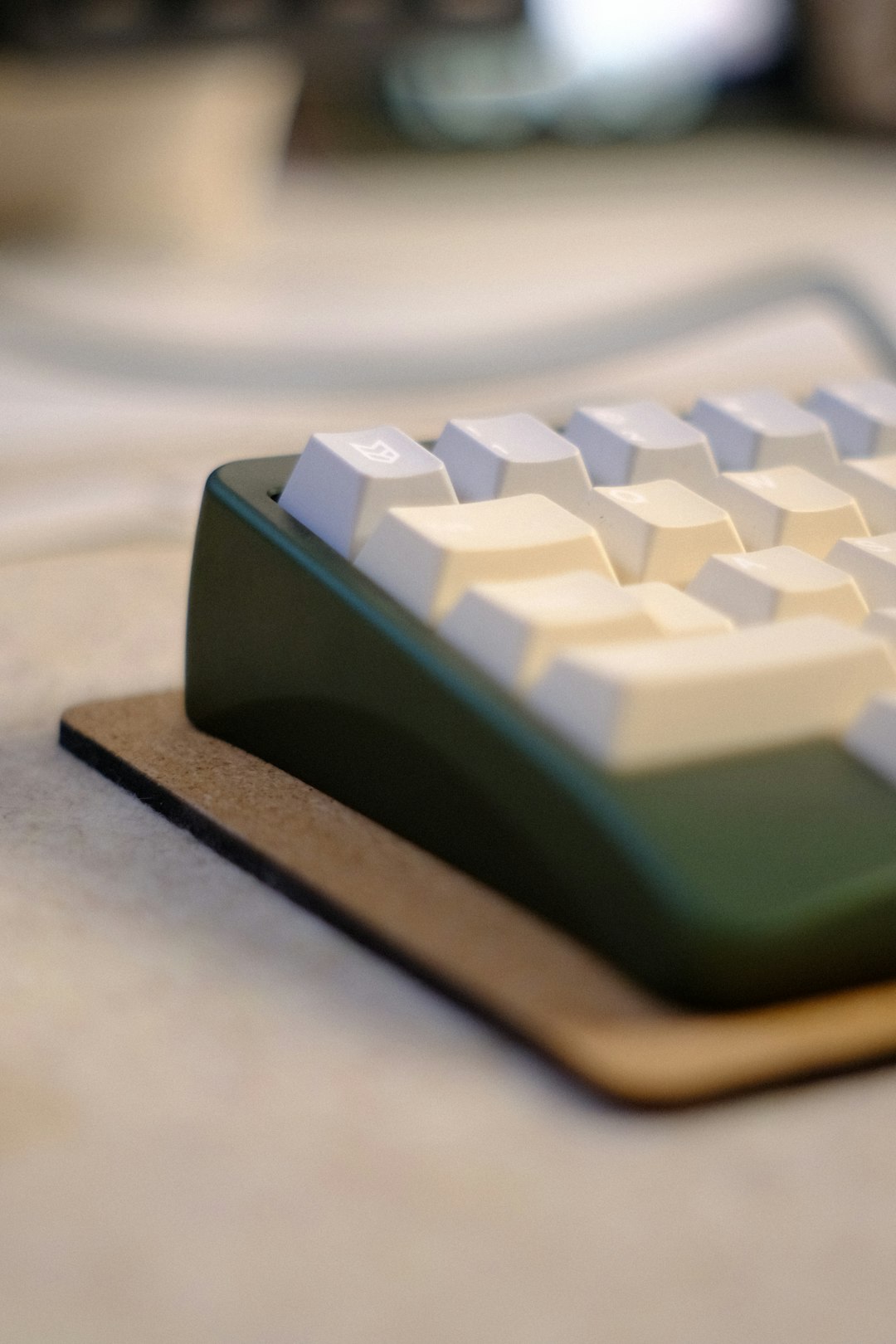
- Retro beige
- Monochrome minimalism
- Pastel colorways
- RGB shine-through
- Artisan keycaps
Artisan keycaps are individually crafted decorative caps, often used for escape keys. These can be made from resin, metal, or even wood and add a unique touch to any setup.
Backlit vs Non-Backlit Keycaps
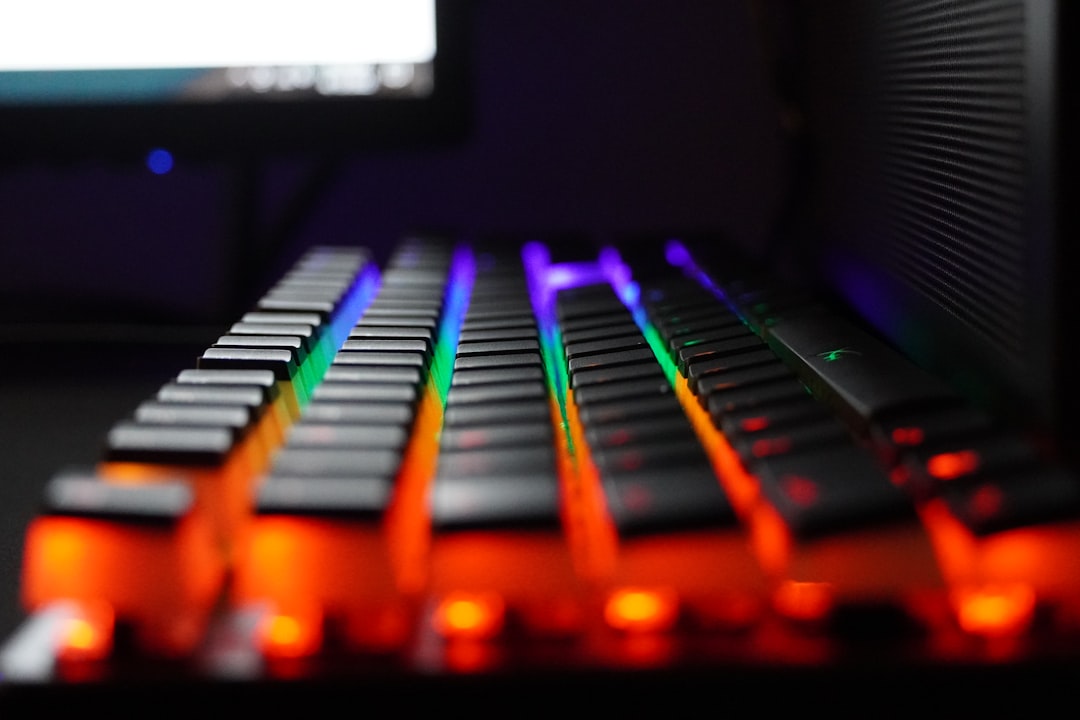
If you use RGB lighting, you’ll need shine-through keycaps. These allow light to pass through translucent legends.
- Shine-through: Ideal for gaming and low-light environments
- Non-shine-through: Better for thicker plastic and premium aesthetics
Non-backlit keycaps typically offer more design flexibility and higher material quality, as they don’t require transparent layers.
Maintenance and Cleaning
Over time, keycaps collect dust, oils, and debris. Regular maintenance keeps them looking and feeling fresh.
Cleaning Steps
- Use a keycap puller to remove caps safely.
- Soak them in warm water with mild soap.
- Gently scrub if needed.
- Let them fully dry before reinstalling.
Avoid harsh chemicals, especially for ABS keycaps, as they can damage the surface.
Are Expensive Keycaps Worth It?
High-end keycap sets can cost significantly more than standard options. But what are you paying for?
- Higher quality plastic
- More complex manufacturing methods
- Unique color matching
- Limited production runs
If you spend hours a day typing, investing in quality keycaps can improve both comfort and enjoyment. For casual users, mid-range PBT sets often provide the best value.
Choosing the Right Keycaps for You
When selecting your next keycap set, ask yourself:
- Do I prioritize durability or aesthetics?
- Do I want a deeper or brighter sound?
- Is RGB important to me?
- What profile feels most comfortable?
There’s no universally “best” keycap—only what best fits your needs and preferences.
Final Thoughts
Keycaps are one of the most accessible and impactful upgrades you can make to a mechanical keyboard. They influence how your keyboard feels under your fingers, how it sounds in your workspace, and how it looks on your desk. From material choices like durable PBT to sculpted profiles like SA or Cherry, each variation brings a unique typing experience.
Whether you’re a gamer, programmer, writer, or enthusiast collector, understanding keycaps empowers you to create a keyboard that feels truly yours. Once you dive into the world of keycaps, you may find that swapping them is just the beginning of your mechanical keyboard journey.