Quick Response codes—better known as QR codes—have evolved from simple black-and-white data squares into powerful branding assets. Today, businesses, marketers, educators, and creators use QR codes not just to share links, but to enhance user engagement, track analytics, and create visually stunning designs that reflect their brand identity.
TLDR: QR codes are no longer just simple utilities—they are versatile marketing tools. Modern QR code generators offer advanced customization, branding options, analytics, and dynamic editing features. This article explores 10 powerful QR code generator tools that allow you to create eye-catching, trackable, and fully customizable designs. A detailed comparison chart is also included to help you choose the right tool for your needs.
Whether you’re designing QR codes for product packaging, restaurant menus, digital business cards, or event promotions, choosing the right generator makes all the difference. Let’s explore the top tools that combine functionality with creative flexibility.
Why Custom QR Codes Matter
Standard QR codes get the job done, but custom-designed QR codes capture attention and reinforce brand identity. Instead of generic black squares, businesses can:
- Add logos and icons
- Customize colors and gradients
- Modify patterns and corner shapes
- Track performance analytics
- Create dynamic, editable QR codes
This flexibility transforms QR codes from passive tools into interactive brand experiences.
Comparison Chart: Top 10 QR Code Generator Tools
| Tool | Customization | Dynamic Codes | Analytics | Free Plan | Best For |
|---|---|---|---|---|---|
| QR Code Generator Pro | High | Yes | Advanced | Limited | Marketing campaigns |
| The QR Code Generator | Medium | Yes | Basic | Yes | Small businesses |
| Beaconstac | Very High | Yes | Advanced | Trial | Enterprise use |
| QRStuff | Medium | Yes | Moderate | Yes | Educators |
| Unitag | High | Yes | Advanced | Trial | Brand-focused design |
| QRCode Monkey | High | No | No | Yes | Quick custom designs |
| Flowcode | High | Yes | Advanced | Limited | Creators and influencers |
| Visualead | Very High | Yes | Advanced | Trial | Image integrated QR codes |
| Scanova | High | Yes | Advanced | Trial | Large organizations |
| Kaywa | Medium | Yes | Moderate | No | Professional use |
1. QR Code Generator Pro
This robust platform offers a balance between creative freedom and data sophistication. You can customize patterns, eye shapes, colors, and logo placements while benefiting from detailed scan analytics.
Key strengths:
- Dynamic QR codes
- Campaign tracking
- Bulk generation
- High-resolution export formats
Ideal for marketing teams that need measurable performance insights.
2. The QR Code Generator
Simple, intuitive, and beginner-friendly, this tool is great for users who want quick customization without a steep learning curve. It supports dynamic links and basic analytics while offering solid visual tweaking options.
Best suited for small businesses launching promotions or flyers.
3. Beaconstac
Beaconstac stands out as a powerful enterprise-level solution. With advanced analytics, retargeting integrations, and team management features, it’s tailored for scale.
Customization options include:
- Branded frames and call to action text
- Logo embedding
- Color gradients
- Error correction adjustments
This platform is especially effective for multi-location brands and large campaigns.
4. QRStuff
QRStuff offers more than 25 data types, including WiFi access codes, PayPal links, and social media connections. Its interface is straightforward, making it popular among educators and nonprofits.
While design customization is moderate compared to others, its functionality breadth is impressive.
5. Unitag
Unitag excels in sleek, brand-forward design customization. You can significantly alter the visual structure of your QR code while maintaining scan reliability.
Features include:
- Fine-tuned color management
- Shape modification
- Logo overlays
- High-quality vector downloads
Perfect for designers who care deeply about visual aesthetics.

6. QRCode Monkey
If you want a fast, free option with surprisingly robust design tools, QRCode Monkey is a solid pick. It doesn’t support dynamic tracking in its base version, but it compensates with:
- Unlimited free static codes
- Custom colors
- Logo embedding
- High-resolution print-ready files
It’s ideal for quick projects like posters, presentations, and business cards.
7. Flowcode
Flowcode focuses on blending QR codes with modern marketing campaigns. It offers powerful tracking, allowing creators and influencers to monitor scans across platforms.
Standout features include:
- Real-time analytics dashboards
- Geo-location tracking
- Custom color themes
- Team collaboration tools
Great for content creators measuring audience engagement.
8. Visualead
Visualead reimagines QR codes by integrating them directly into images. Instead of placing a logo in the center, you can design codes that blend seamlessly into photographs or illustrations.
This makes it particularly effective for:
- Product packaging
- Retail displays
- Interactive magazine ads
The result is a highly decorative yet functional QR code that doesn’t look intrusive.
9. Scanova
Scanova caters to businesses requiring scalable QR solutions. From event management to inventory tracking, it offers comprehensive campaign tools.
It includes:
- Password protection
- Lead generation forms
- Custom landing pages
- Editable destination URLs
Its analytical capabilities make it attractive to organizations focused on ROI.
10. Kaywa
Kaywa is one of the earlier QR code platforms and remains a trusted professional option. While it emphasizes functionality over artistic experimentation, it delivers reliable dynamic QR solutions with solid tracking.
It’s particularly suitable for:
- Corporate communications
- Secure data sharing
- Long-term campaign management
Key Features to Look For
When choosing a QR code generator, prioritize the features that align with your goals:
- Dynamic editing: Change the destination without reprinting the code.
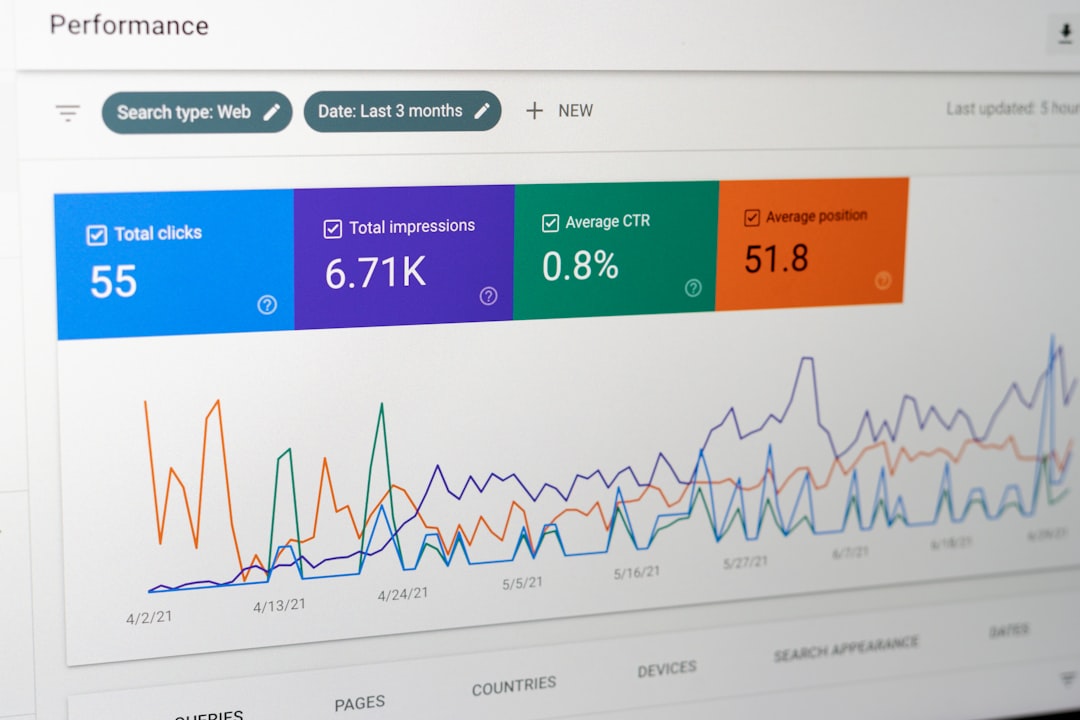
- Analytics tracking: Monitor scan frequency, location, and device type.
- Customization options: Colors, shapes, gradients, and branding elements.
- Error correction: Maintain scannability with logo overlays.
- File formats: SVG and vector downloads for high-quality printing.
Final Thoughts
QR codes are no longer just tools—they are interactive branding assets that connect physical and digital experiences. The right QR code generator allows you to build visually compelling designs while gathering valuable data about audience engagement.
Whether you prioritize aesthetics, analytics, scalability, or ease of use, there’s a tool on this list to match your needs. By leveraging advanced customization and tracking capabilities, you can transform a simple square into a powerful marketing gateway.
Choose wisely, design boldly, and let your QR codes work harder for your brand.