
Bitdefender is designed to provide broad, always-on protection, including malware detection, web filtering, exploit prevention, ransomware defenses, and, in some editions, firewall or VPN features. Still, no security product should be expected to handle every practical need on a computer. The safest approach is to pair Bitdefender with tools that complement it rather than compete with it.
TLDR: The best programs to use alongside Bitdefender are those that do not install a second full-time antivirus engine or duplicate core protection layers unnecessarily. Password managers, backup tools, software updaters, encryption utilities, archive managers, and diagnostic tools usually work well when configured sensibly. For second-opinion malware checks, use an on-demand scanner rather than another always-on security suite. Keep programs updated, avoid overlapping real-time defenses, and review alerts before creating exclusions.

Before Installing Extra Tools: A Practical Rule
The main cause of security software conflicts is overlap. Two programs trying to scan every file in real time, intercept web traffic, control the firewall, or monitor ransomware behavior can slow the system down or trigger false alerts. Bitdefender is already strong in these areas, so the programs below were chosen because they generally operate in different lanes.
- Avoid running two full antivirus suites at the same time.
- Use one primary firewall and one primary VPN.
- Do not create exclusions unless there is a clear, repeated false positive.
- Download tools only from official vendor websites or trusted repositories.
1. Bitwarden
Bitwarden is a reputable password manager that works well alongside Bitdefender because it does not behave like an antivirus, firewall, or system scanner. Its job is to store strong passwords, generate new ones, and autofill logins through a browser extension or desktop app.
This makes it a strong companion to Bitdefender: Bitdefender helps keep malicious software and unsafe websites away, while Bitwarden reduces the risk of password reuse and weak credentials. For the cleanest setup, avoid running multiple password manager extensions at the same time. If you use Bitwarden, you may want to disable any other password manager extension in the browser to prevent autofill confusion.
Best use: Enable two-factor authentication for your Bitwarden account and use a strong, unique master password.
2. Macrium Reflect Home
Macrium Reflect Home is a backup and disk imaging program. It does not compete with Bitdefender’s malware protection; instead, it provides a recovery path if something goes seriously wrong, whether from ransomware, hardware failure, accidental deletion, or a failed update.
Bitdefender can block many ransomware attacks, but a properly maintained offline or protected backup remains one of the most reliable safety nets. Macrium Reflect uses normal backup processes and Windows backup services, so it typically coexists without conflict. The most important practice is to store backups on a drive that is not permanently exposed to everyday file changes.
Best use: Create scheduled system images and occasionally test that your recovery media can boot successfully.
3. Malwarebytes Free
Malwarebytes Free can be useful as a second-opinion scanner, provided it is used in on-demand mode. This means you open it manually when you want to run an extra scan, rather than relying on it as a second real-time antivirus.
The distinction matters. Bitdefender should remain your primary real-time protection. Running another full real-time security product at the same time may introduce duplicate scanning, browser filtering conflicts, or performance problems. However, an on-demand scanner can be helpful if you want reassurance after removing suspicious software or investigating unusual system behavior.
Best use: Install Malwarebytes Free, update its definitions before scanning, and avoid enabling premium real-time modules unless you have verified compatibility and adjusted settings carefully.
4. Patch My PC Home Updater
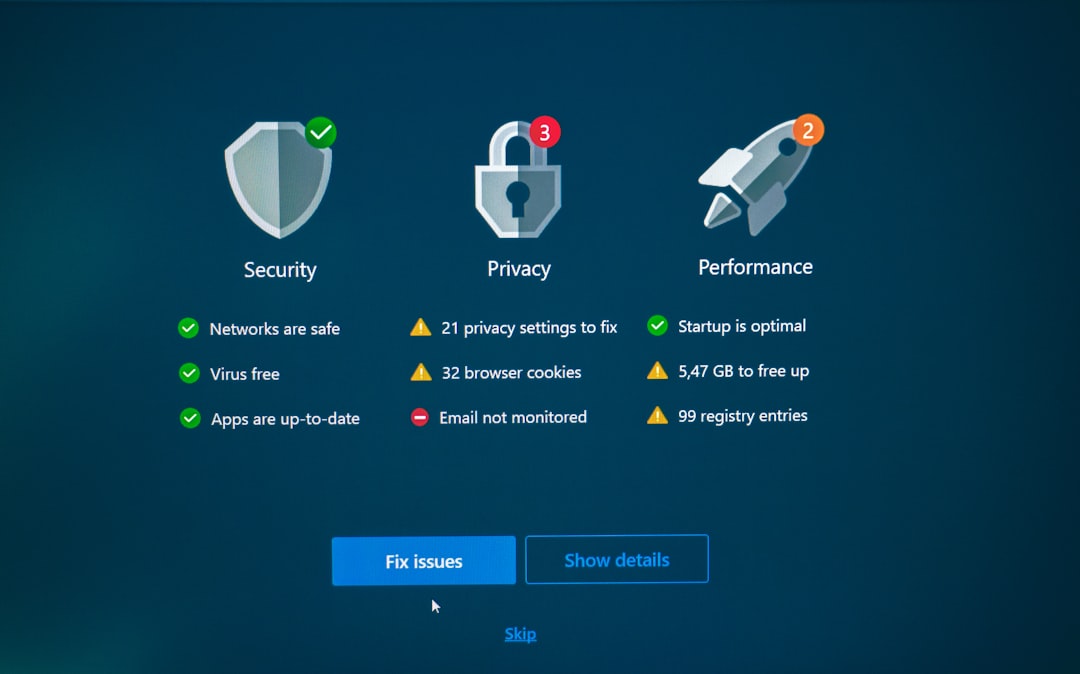
Patch My PC Home Updater helps keep common third-party applications updated. This is a valuable addition to Bitdefender because many attacks target outdated browsers, PDF readers, media players, messaging apps, and utilities. Antivirus protection is important, but reducing known vulnerabilities is just as important.
Patch My PC does not function as malware protection and does not need to monitor every file on the system. Its role is straightforward: identify supported outdated programs and update them. Bitdefender may still scan downloaded installers, which is desirable rather than problematic.
Best use: Review the list of detected applications before applying updates, especially on workstations that depend on specific software versions.
5. VeraCrypt
VeraCrypt is an encryption tool used to create encrypted containers or encrypt drives. It pairs well with Bitdefender because it addresses a different security concern: protecting data if a device or external drive is lost, stolen, or accessed without permission.
When a VeraCrypt volume is mounted, Bitdefender can usually scan files inside it like files on any other drive. When it is dismounted, the contents remain encrypted. This division of responsibility is clear: VeraCrypt protects confidentiality, while Bitdefender checks active files and system behavior for threats.
Best use: Use a long passphrase, keep a backup of critical encrypted data, and never rely on encryption as a substitute for malware protection.
6. 7-Zip
7-Zip is a lightweight archive manager for opening and creating compressed files such as ZIP, 7z, and TAR archives. It is widely used and generally does not conflict with Bitdefender because it does not attempt to replace security controls.
Archive tools and antivirus programs often work together. For example, when you extract files from an archive, Bitdefender can scan the extracted contents. 7-Zip can also create password-protected archives, although this should be treated as convenient protection rather than a complete backup or enterprise-grade data security strategy.
Best use: Be careful with archives from unknown senders. Extract suspicious files only when you trust the source, and let Bitdefender scan them before opening.
7. Microsoft Sysinternals Autoruns
Autoruns, part of Microsoft Sysinternals, is a serious diagnostic utility that shows what starts automatically with Windows. It is not a cleaner, optimizer, or antivirus. Instead, it gives experienced users and administrators visibility into startup entries, services, scheduled tasks, drivers, browser helper objects, and other persistence points.
This makes it a useful companion to Bitdefender during troubleshooting. If Bitdefender reports suspicious behavior or you notice unknown startup items, Autoruns can help you inspect what is loading. Because it does not provide real-time protection, it generally avoids the conflict patterns associated with competing security suites.
Best use: Do not delete entries casually. Research unknown items first, and create a restore point before disabling startup components.
Final Recommendations
The safest software stack is not the one with the most security tools installed. It is the one where each program has a clear role. Bitdefender should remain the primary real-time protection layer, while supporting tools handle passwords, backups, patching, encryption, archives, and diagnostics.
If you add any of these programs, install them one at a time and observe system behavior. Keep everything updated, restart when required, and avoid aggressive “optimization” settings that remove logs, quarantine data, browser components, or update files without review. Used carefully, the seven programs above can strengthen a Windows setup without creating unnecessary conflicts with Bitdefender.