Sales order management sounds serious. It wears a tiny business suit. But really, it is just the way a company takes an order, checks it, prepares it, ships it, and gets paid. Simple, right? Think of it like a relay race. The order is the baton. Everyone must pass it cleanly.
TLDR: Sales order management is the full journey of a customer order, from “I want this” to “Here is your delivery.” It helps teams avoid mistakes, delays, and confused customers. A good process keeps sales, stock, shipping, and finance working together. Better order management means happier customers and healthier cash flow.
What Is Sales Order Management?
Sales order management is the process of handling customer orders from start to finish. It begins when a customer places an order. It ends when the product or service is delivered and the payment is complete.
It includes many small steps. Each step matters. If one step breaks, the whole order can wobble like a shopping cart with one bad wheel.
A good sales order process answers these questions:
- What did the customer buy?
- Is it in stock?
- What price was agreed?
- Where should it be delivered?
- Has the customer paid?
- Was the order shipped on time?
When these answers are clear, the business runs smoothly. When they are not, chaos enters with a clipboard.

Why Sales Order Management Matters
Customers like fast service. They also like correct service. They do not enjoy receiving three left shoes, unless they are an octopus with a foot problem.
Good order management helps your business:
- Reduce errors: Fewer wrong items, prices, and addresses.
- Save time: Less manual work and fewer repeat tasks.
- Improve cash flow: Orders turn into invoices faster.
- Boost customer trust: People know what to expect.
- Control inventory: You know what is available and what is not.
- Support growth: More orders are easier to handle.
In short, sales order management keeps things tidy. And tidy businesses usually make more money.
The Sales Order Management Process
Let’s walk through the usual order journey. No jargon jungle. Just the basics.
1. Customer Places an Order
The customer buys something. This can happen online, by phone, through email, or with a sales rep. The order includes product details, quantity, price, delivery address, and customer information.
This is the “hello” moment. It must be clear. If the order starts messy, it may end messy too.
2. Order Is Checked
The business checks the order. Is the customer real? Is the price correct? Are the terms approved? Is the product available?
This step helps stop trouble early. It is like checking your pockets before leaving the house. Keys? Wallet? Tiny emergency snack? Good.
3. Inventory Is Confirmed
Next, the system checks stock. If the item is available, great. If not, the business may backorder it, suggest another product, or tell the customer there will be a delay.
Honesty is better than mystery. Customers prefer a real update over silence.
4. Order Is Approved
Some orders need approval. This is common for large orders, special discounts, custom products, or credit accounts.
Approval protects the business. It makes sure nobody accidentally sells a gold-plated sofa for the price of a sandwich.
5. Order Is Fulfilled
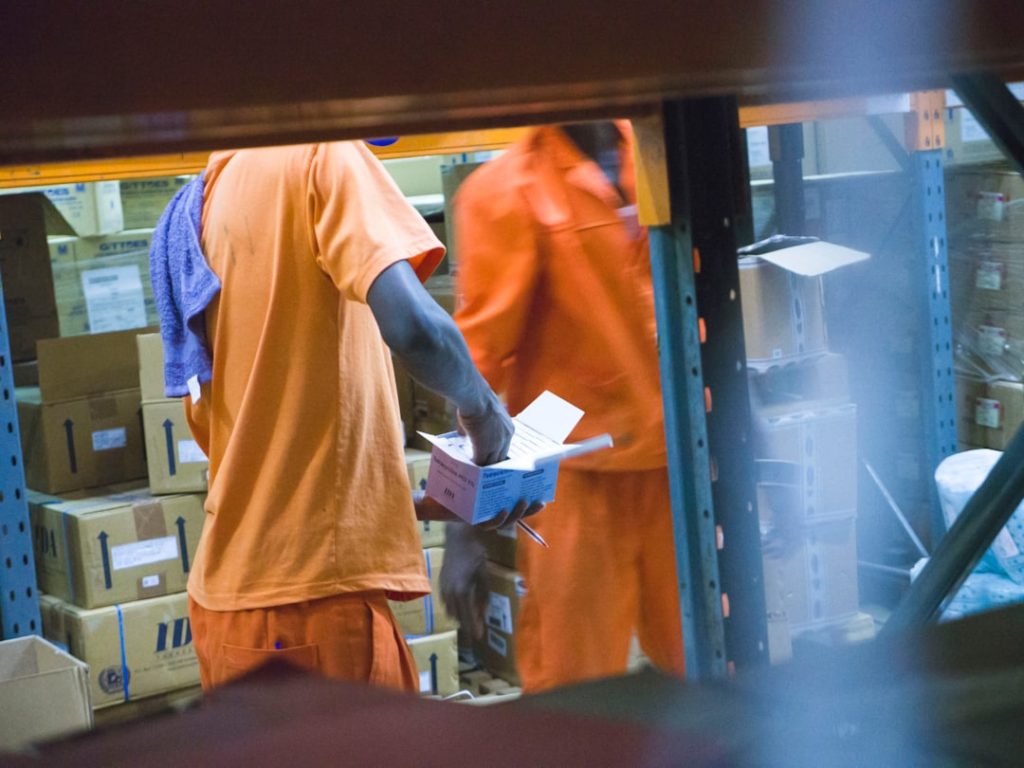
Now the warehouse or service team gets to work. Products are picked, packed, and prepared. If it is a service, the delivery team is scheduled.
This is where the order becomes real. The customer’s “I want that” turns into “It is on the way.”

6. Order Is Shipped or Delivered
The order leaves the building. Tracking details may be sent to the customer. Delivery times are updated. Everyone breathes a tiny sigh of relief.
Shipping should be visible. Customers love tracking links. Watching a package move across a map is oddly exciting.
7. Invoice Is Created
The business sends an invoice. This may happen before shipping, after shipping, or after delivery. It depends on the company and payment terms.
The invoice should match the order. Same products. Same prices. Same taxes. Same shipping fees. No surprises. Unless the surprise is free cookies.
8. Payment Is Collected
The customer pays. The finance team records the payment. If payment is late, reminders may be sent.
This step is important. Sales are nice. Paid sales are nicer.
9. Order Is Closed
Once delivery and payment are complete, the order is closed. The data is stored for reports, customer service, returns, and future planning.
Closed orders are useful. They show what sold, when it sold, and how well the process worked.
Common Sales Order Management Problems
Even good teams run into trouble. Here are common problems that pop up like annoying little mushrooms.
- Manual data entry: Typing the same details again and again creates errors.
- Poor inventory visibility: Sales teams may sell items that are not in stock.
- Slow approvals: Orders get stuck waiting for a manager.
- Wrong pricing: Discounts or contract rates may be missed.
- Weak communication: Sales, warehouse, and finance may not share updates.
- No tracking: Customers keep asking, “Where is my order?”
These problems cost time. They also cost trust. And trust is harder to restock than paper clips.
Best Practices for Better Order Management
You do not need magic. You need a clear process. Maybe also coffee. But mostly process.
Use One Central System
Keep order data in one place. Sales, inventory, shipping, and finance should use the same information. This reduces confusion.
If everyone has a different spreadsheet, your business is basically running a treasure hunt. Fun for pirates. Bad for operations.
Automate Repetitive Tasks
Automation can create order confirmations, update stock, send invoices, and trigger shipping steps. This saves time and reduces mistakes.
Let software do the boring clicks. Humans can handle the thinking, problem solving, and snack selection.
Set Clear Approval Rules
Decide which orders need approval. For example, large discounts or high-value orders may need a manager. Small standard orders can move ahead automatically.
This keeps things fast and safe.
Keep Inventory Updated
Inventory should update in real time if possible. Your sales team needs to know what can be sold today.
Nothing hurts like selling an item and then discovering it vanished last Tuesday.
Communicate With Customers
Send order confirmations. Share delivery updates. Give tracking links. Explain delays quickly.
Customers are usually patient when they know what is happening. They become grumpy when they hear nothing.
Track Key Metrics
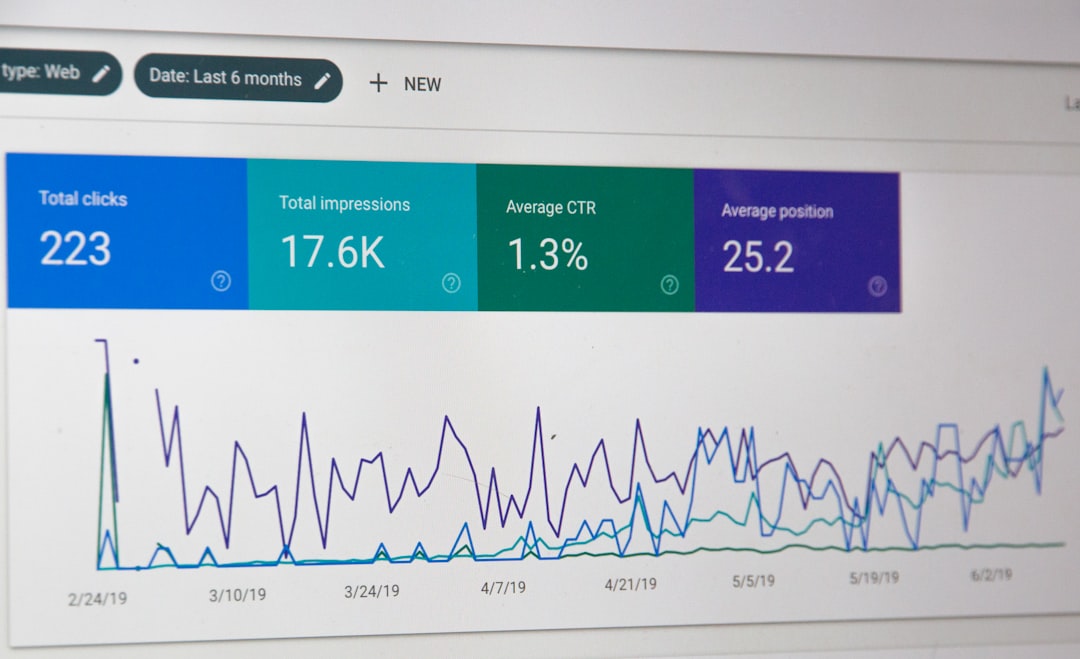
Measure your order process. Numbers show where things are slow or broken.
Useful metrics include:
- Order cycle time: How long it takes to complete an order.
- Order accuracy rate: How often orders are correct.
- Fulfillment time: How long picking, packing, or delivery takes.
- Backorder rate: How often items are out of stock.
- Return rate: How often customers send items back.
Sales Order vs Purchase Order
These two sound similar. They are not the same.
A purchase order comes from the buyer. It says, “We want to buy these items.”
A sales order comes from the seller. It says, “We confirm we will sell these items under these terms.”
So, the buyer sends a purchase order. The seller creates a sales order. They are like two sides of the same business handshake.
What to Look for in Sales Order Management Software
Software can make order management much easier. But choose wisely. Shiny buttons are nice. Useful features are better.
Look for software that offers:
- Easy order entry
- Real-time inventory updates
- Customer records and order history
- Automated invoices and confirmations
- Shipping and tracking tools
- Approval workflows
- Reporting dashboards
- Integration with accounting and ecommerce tools
The best system should fit your business. Not the other way around. If your team needs a manual to open the manual, keep looking.
Final Thoughts
Sales order management is not just paperwork. It is the heartbeat of selling. It connects customers, products, teams, payments, and delivery.
When it works well, orders move fast. Customers feel informed. Teams avoid panic. Money arrives sooner.
Start with a clear process. Use good tools. Track your results. Fix small problems before they become giant flaming problems.
In the end, great sales order management is simple: take the order, handle it correctly, deliver on time, and keep the customer smiling. That is the whole game.