The fastest way to find business owner information is to check the company website, booking page, Facebook page, Google Business Profile, and public business records in that order. This gives searchers the best chance of finding an owner name, contact email, booking link, phone number, or verified social profile without wasting hours on stale directories.
TLDR: A clean search usually starts with the business website, then moves to booking tools, Facebook, Google, and state or local records. For example, a sales researcher checking 50 local salons may find direct booking links for about 70% of them, owner names for 40%, and usable emails for 55% within one afternoon. The best results come from comparing at least three sources, since one page may show a manager while another lists the true legal owner. If a contact detail appears only once and looks outdated, it should be treated as unverified.
Why Owner and Booking Information Is Often Scattered
Business information rarely sits in one neat place. A company may use one email on its website, another on Facebook, and a third inside its booking software. The legal owner may be listed in a state filing, while the public contact person may be a receptionist or office manager.
Honestly, it feels like some platforms hide the useful details behind extra clicks for no good reason. A booking button may take 10 seconds longer to load than the main page. A Facebook “About” section may show a phone number but no email. A website footer may have a contact form, yet no person’s name.
That is why a structured search works better than random browsing.

Step 1: Check the Business Website First
The official website is still the strongest starting point. It often contains the most accurate brand name, service details, phone number, email address, booking link, and social media icons.
A searcher should check these areas:
- Contact page: Often lists email, phone, physical address, and office hours.
- About page: May name the founder, owner, director, or leadership team.
- Footer: Common place for legal name, privacy policy, social links, and support email.
- Team page: Useful for service businesses, agencies, clinics, studios, and consultants.
- Terms and privacy pages: These may show the registered company name and mailing address.
If the site has no visible email, the source code is sometimes useful. Searchers can use the browser’s “find” feature for terms like mailto, email, contact, or support. This can reveal an address linked behind a button.
Step 2: Review Booking Details and Appointment Tools
Booking pages can reveal more than appointment slots. They may show staff names, service categories, office locations, cancellation policies, and customer support email addresses.
Common booking platforms often display details such as:
- Business trading name
- Staff member names
- Service pricing
- Location address
- Calendar availability
- Confirmation email or support contact
For restaurants, salons, fitness studios, medical offices, and repair services, the booking page may be more current than the main website. That happens because staff update appointments daily but forget the rest of the site for months.
The catch is that booking systems do not always show the actual owner. They usually show whoever manages appointments. Still, this is useful. A manager can often forward the message to the right person if the outreach is relevant and polite.
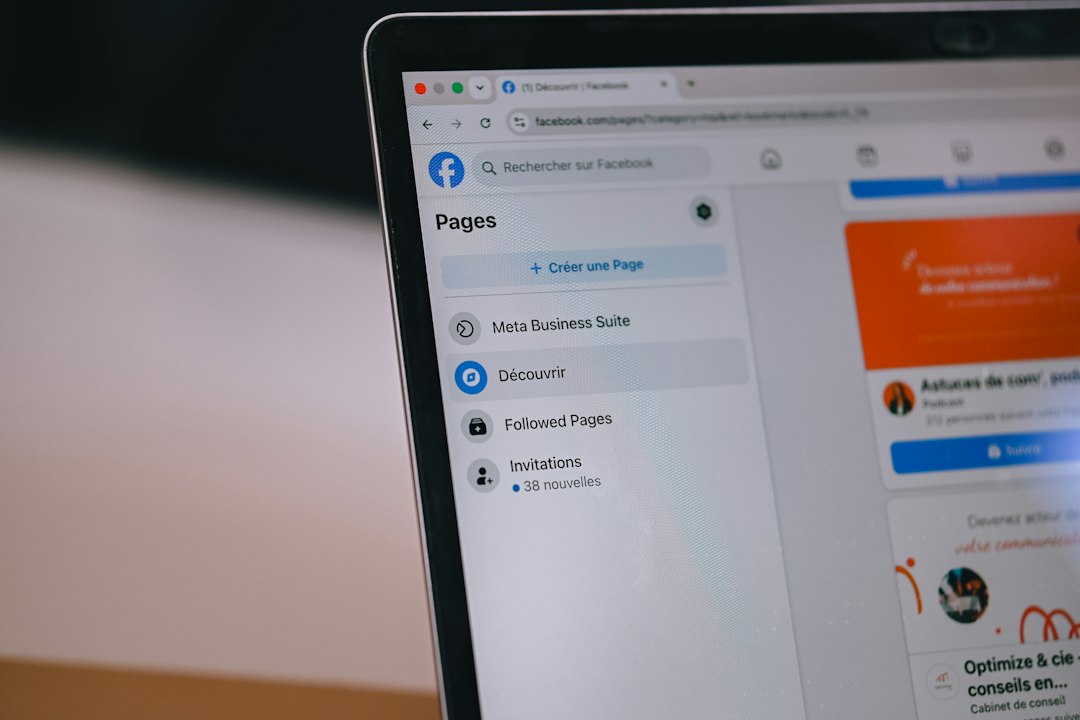
Step 3: Use Facebook Pages for Contact Clues
Facebook pages remain useful for local business research. Many small companies update Facebook more often than their websites. This is especially true for trades, beauty services, restaurants, events, and home-based businesses.
A researcher should check:
- About section: Phone, email, website, hours, service area, and address.
- Page transparency: Page creation date and location signals.
- Intro text: Short descriptions may include owner names or direct booking notes.
- Posts: Owners sometimes sign posts or appear in launch announcements.
- Photo captions: Grand openings, awards, and team photos often name key people.
Facebook Messenger may also be available, but it should not be abused. A simple message asking for the correct business contact is better than a pushy pitch.
Step 4: Search Public Business Records
Public records can confirm legal ownership. In many regions, state or local business registries list company officers, registered agents, filing dates, and business addresses.
Good places to check include:
- Secretary of State business databases
- Local corporation registries
- County clerk records
- Professional license databases
- Chamber of commerce listings
- Industry association directories
These records are helpful, but they need context. A registered agent is not always the owner. A mailing address may be a lawyer’s office. A company may use an LLC name that differs from its public brand.
For example, “Northside Cleaning Co.” may legally operate as “NSC Services LLC.” Matching the address, phone number, website, and owner name helps confirm the connection.
Step 5: Use Search Operators for Better Results
Search engines work better with targeted queries. Instead of typing only the business name, a researcher can combine the name with contact terms.
Useful search patterns include:
- “Business Name” owner
- “Business Name” founder
- “Business Name” email
- “Business Name” booking
- “Business Name” Facebook
- “Business Name” “LLC”
- site:businesswebsite.com email
Searchers can also check cached snippets, review sites, event pages, job posts, podcast mentions, and news articles. A founder interview may reveal more than the contact page.
How to Verify the Information
Bad data creates awkward outreach. It also wastes time. Every detail should be checked against at least two sources when possible.
Better verification signs include:
- The same email appears on the website and Facebook page.
- The owner name matches public records and press mentions.
- The booking page links from the official website.
- The phone number appears on Google, Facebook, and the website.
- The business address matches license or registry data.
Large mismatches deserve caution. If Facebook shows one website and Google shows another, the business may have rebranded. If the booking link goes to a different name, it may belong to a franchise, partner, or old vendor.
Ethical and Legal Limits
Business research should stay within public, lawful sources. Private personal profiles, leaked databases, and scraped personal data create risk. They can also damage trust.
Professional outreach should use business contacts, not private family accounts. If a business owner does not publish a direct email, a general inbox or contact form is a safer first step. Clear identification matters too. The sender should state who they are and why they are making contact.
Best Workflow for Finding Business Contact Details
- Search the exact business name.
- Open the official website.
- Check contact, about, footer, privacy, and team pages.
- Find the booking page and note staff or support details.
- Open the Facebook page and review the About section.
- Check Google Business Profile for matching phone and website.
- Search public records for legal owner or registered company data.
- Compare details across sources.
- Save the source links for later proof.
This process keeps the search organized. It also reduces guesswork. For local businesses, a careful search often takes 5 to 15 minutes per company. Harder cases can take longer, especially when the business has changed names or uses several locations.
FAQ
How can someone find the owner of a business online?
The best method is to check the business website, public business registry, license records, Facebook page, Google Business Profile, and local directories. The owner name should be confirmed across more than one source when possible.
Is a registered agent the same as the business owner?
No. A registered agent may be a lawyer, filing service, employee, or third-party office. The agent receives legal documents but may not own the company.
Where are booking details usually found?
Booking details are usually on the business website, Google Business Profile, Facebook page, Instagram bio, or a third-party scheduling page. The booking page may show services, staff, prices, and appointment times.
How can a business email be verified?
An email is stronger when it appears on the official website and another trusted source, such as Facebook, Google, or a booking confirmation page. A domain-based email is usually more reliable than a random free email address.
Can Facebook show real business contact information?
Yes. Many small businesses list phone numbers, emails, websites, hours, and booking links in the Facebook About section. Posts and photo captions may also mention owners or managers.
What should be avoided during business owner research?
Searchers should avoid private personal accounts, leaked data, spam tactics, and unverified contact lists. Public business sources are safer, cleaner, and more professional.