Manual HR is ending because spreadsheets, email chains, and paper forms cannot keep up with modern work. HR teams are being pushed to hire faster, track skills, manage compliance, and keep employees happy with fewer delays. A Gartner survey found that 76% of HR leaders believe their organizations will fall behind if they do not adopt AI tools in the next 12 to 24 months [source: Gartner].
TLDR: HR software is replacing repetitive people management tasks such as payroll checks, time off requests, onboarding, training records, and performance reviews. For example, a 120-person retail company could cut new hire admin from 6 hours to 90 minutes per employee by using digital forms, e-signatures, and automated task reminders. The best tools do not remove HR from the process. They give HR more time for people, coaching, and culture.
Why manual HR is finally breaking
Manual HR has always been slow. It worked when teams were small and everyone sat in the same office. That is not how many companies work now.
Employees expect fast answers. Managers want clean reports. Finance needs accurate payroll data. Legal wants audit trails. HR is stuck in the middle, often copying the same name, title, salary, and start date into five different places.
Honestly, it feels like the worst kind of busywork. One missed cell in a spreadsheet can create a payroll issue. One lost document can slow down a hire. One forgotten review reminder can make an employee feel ignored.
What HR software now handles
Modern HR platforms bring daily people tasks into one system. The goal is simple. Reduce admin. Improve accuracy. Give leaders better data.
- Recruiting: Applicant tracking tools sort candidates, schedule interviews, and store feedback.
- Onboarding: New hires receive forms, policies, training tasks, and welcome messages before day one.
- Payroll: Hours, salaries, tax details, and deductions flow into payroll with fewer manual checks.
- Time off: Employees request leave in a portal, while managers approve it in seconds.
- Performance: Reviews, goals, and feedback stay visible instead of hiding in old documents.
- Learning: Training records show who completed safety, compliance, or skills courses.
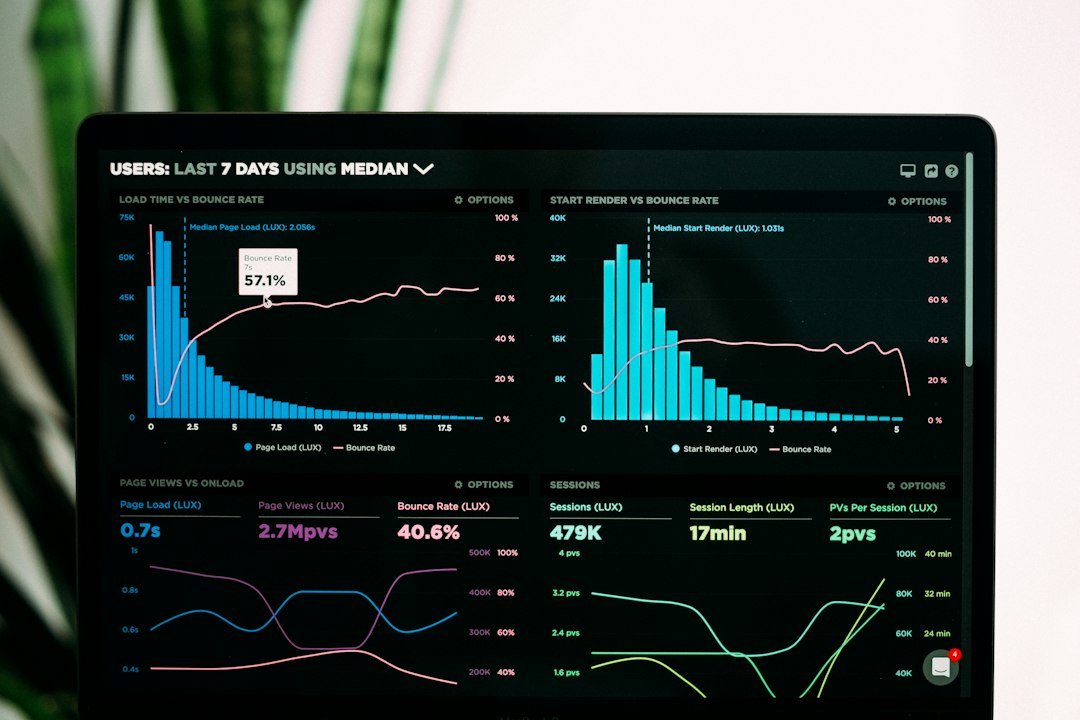
- Analytics: HR can track turnover, hiring time, absence trends, and headcount.
These tools do not need to be huge enterprise systems. Many small businesses now use simple cloud software with a monthly fee. That makes digital HR more realistic for teams with 20, 50, or 200 employees.
The biggest gains are speed and clarity
Speed matters in HR. A slow hiring process can lose strong candidates. A slow onboarding process can make a new hire question the company before the first week ends.
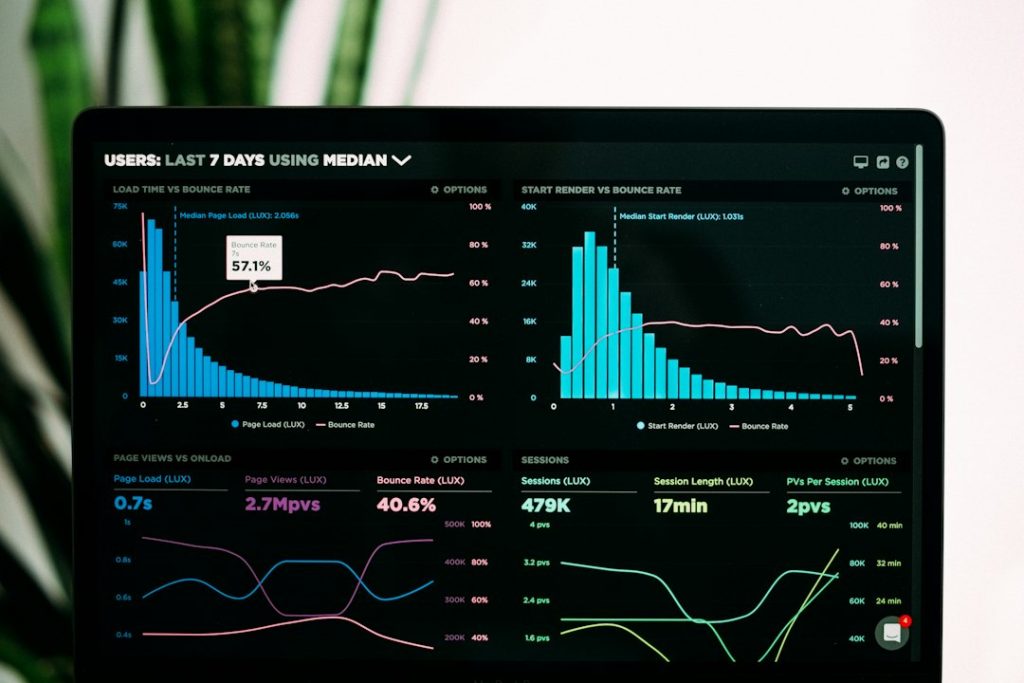
Software helps by removing the chase. Instead of sending three follow-up emails about a missing tax form, the system sends reminders. Instead of asking a manager for a review update, HR can see the status on a dashboard.
Clarity improves too. Employees can check their own payslips, benefits, time off balances, and company policies. This cuts repeat questions. It also gives staff more control.
It drives HR teams mad when a simple address change takes ten minutes because the data sits in separate files. A good system fixes that with one employee profile that updates connected records.
Where automation helps most
Automation is most useful when the task is common, repeatable, and easy to define. That includes reminders, approvals, document routing, and status updates.
For example, when a new employee is added, the system can trigger a checklist. IT gets a laptop request. Payroll gets bank details. The manager gets a first-week plan. The employee gets forms and training links.
This does not mean HR becomes cold or robotic. In many cases, the opposite happens. HR has more time to call the new hire, check in after week one, or help a manager handle a tough conversation.
The risks companies should not ignore
Bad HR software can create new problems. Some tools are clunky. Some add extra clicks. Some hide basic reports behind paid upgrades. That gets old fast.
Privacy is another concern. HR data includes salaries, health details, addresses, performance notes, and identity records. Companies need strong access controls, clean permissions, and clear rules on who can see what.
Bias also needs attention. AI screening tools can speed up hiring, but they must be checked. If old hiring data was biased, software can repeat those patterns. HR should review outputs, not blindly accept them.
How companies should choose HR tools
The best choice depends on company size, budget, and pain points. A small firm may only need payroll, time off, and onboarding. A larger company may need workforce planning, learning tools, and deeper reporting.
Before buying, HR teams should ask:
- Which tasks waste the most time each week?
- Which errors happen often?
- Which reports do leaders ask for every month?
- Will employees actually use the tool?
- Does it connect with payroll, finance, and calendar systems?
A short trial helps. So does testing the tool with real users. If a manager cannot approve leave without asking for help, the system may be too complex.
Manual HR is not gone, but its role is shrinking
People management still needs judgment, empathy, and trust. Software cannot replace a fair HR partner during a conflict. It cannot build culture by itself. It cannot sense when a manager is burning out.
But manual tracking is becoming harder to defend. Paper files, inbox approvals, and spreadsheet reports slow down work that should be simple. Digital HR tools are becoming the standard because they save time, reduce mistakes, and make employee data easier to use.
The end of manual HR is not the end of human HR. It is the end of HR teams being buried under admin that software can handle better.
FAQ
Is HR software only for large companies?
No. Many small and mid-sized companies use HR tools for payroll, onboarding, time off, and employee records.
Will HR software replace HR employees?
It may reduce repetitive admin work, but it does not replace human judgment, coaching, conflict support, or culture building.
What is the first HR task a company should digitize?
Onboarding is often a strong first step because it involves forms, tasks, reminders, and several teams.
Can HR software improve employee experience?
Yes. Employees get faster answers, easier access to records, and smoother processes for leave, benefits, and reviews.
What should companies watch out for?
They should check data privacy, user permissions, hidden costs, reporting limits, and how easy the tool is to use.