
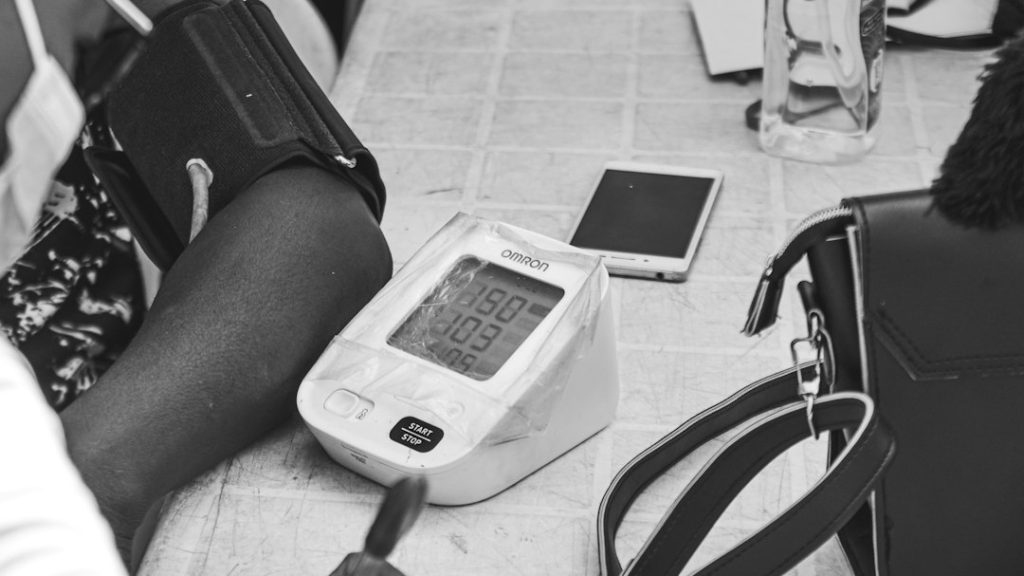
Choose Omron if accuracy reputation matters most, iHealth if you want low fuss for the money, and Withings if app design and WiFi sync matter more than price. Home blood pressure tracking is not a gadget hobby. It is useful health data. High blood pressure affects nearly half of U.S. adults, according to the CDC [source: CDC]. A good monitor can turn random doctor-office numbers into a clear weekly pattern.
TLDR: For most homes, Omron Platinum is the safest pick, iHealth Track is the best budget choice, and Withings BPM Connect is the smoothest for app-based tracking. If one person takes two readings in the morning and two at night for seven days, that creates 28 readings; for two people, that becomes 56 readings. That is enough to spot patterns, like pressure rising after poor sleep or salty meals. Pick the device that makes you actually stick with the routine.
What matters most in a home blood pressure monitor?
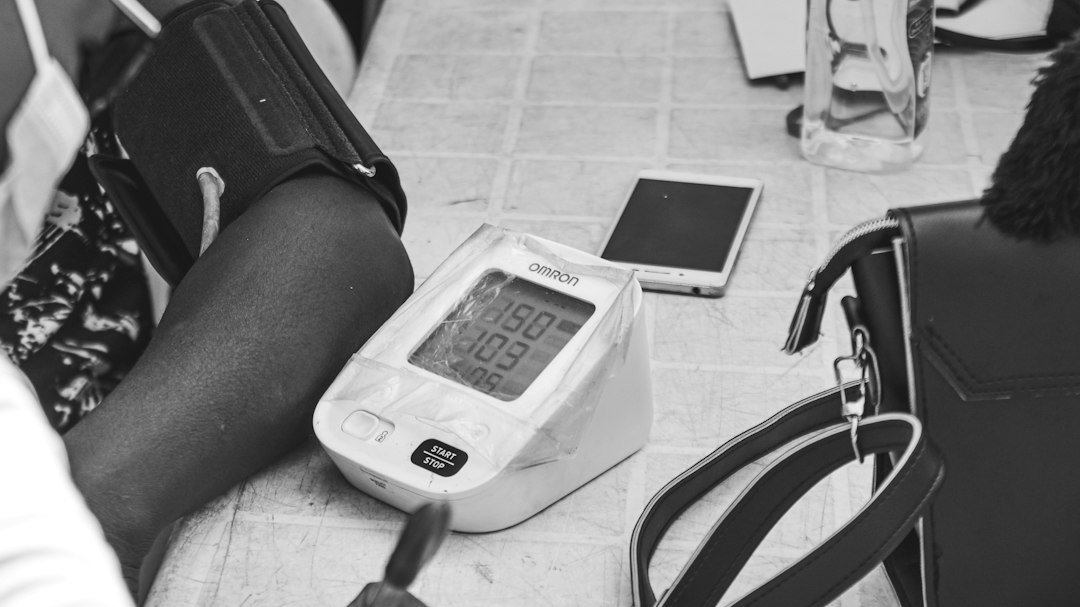
The best monitor is not always the one with the most features. It is the one you will use correctly. Upper-arm cuffs are usually preferred for home tracking because they are easier to position well than wrist models. Fit matters too. A cuff that is too small can push numbers higher than they really are.
- Accuracy: Look for clinical validation when possible.
- Cuff comfort: A stiff cuff can make daily use annoying fast.
- App quality: Great hardware with a clunky app gets old.
- Data sharing: PDF or app exports help when talking to your doctor.
- Multi-user support: Critical for couples or families.
Before buying, check whether the model, or a very close version of it, appears on a validated device list [source: Validate BP]. It takes two minutes and may save you from buying a pretty device with shaky data.
1. iHealth Track Smart Upper Arm Blood Pressure Monitor
Best for: budget buyers who still want app tracking.
The iHealth Track is simple, affordable, and friendly for beginners. It has a large screen and color-coded results, so you do not need to open your phone every time. That is a big plus for older users or anyone who hates app clutter.
The Bluetooth sync works well once set up, but pairing can feel fussy the first time. Honestly, it feels like every health app wants one more account, one more permission, and one more minute of your life. Still, for the price, iHealth Track gives a lot of value.
2. iHealth Neo Wireless Blood Pressure Monitor
Best for: travel and small apartments.
The iHealth Neo is slimmer and more modern than the Track. It is rechargeable, compact, and easy to pack. If you travel often or want something that does not scream “medical device” on your nightstand, this one fits.
The trade-off is that it leans more on the app. That is fine for phone-first users. It is less ideal for someone who wants a big display and zero setup drama.
3. Omron Platinum Blood Pressure Monitor
Best for: people who want a proven, full-featured home monitor.
The Omron Platinum is one of the strongest all-around choices. It supports two users, stores plenty of readings, and can average multiple measurements. That matters because blood pressure jumps around. A single reading after coffee or stress can mislead you.
The cuff is sturdy and the display is clear. The Omron Connect app is useful, though not the prettiest. Expect a more practical feel than a polished consumer tech feel.
4. Omron Evolv Wireless Upper Arm Monitor
Best for: people who hate tubes and bulky cuffs.
The Omron Evolv puts the cuff and monitor into one piece. No hose. No separate box. That makes it cleaner and easier to store. It is a good pick if you want Omron’s reliability in a more compact shape.
The downside is positioning. Since everything sits on your arm, you need to place it carefully. If you rush, readings may vary. Take the extra 20 seconds. Sit still. Keep your feet flat. It matters.
5. Withings BPM Connect
Best for: people who want effortless syncing.
The Withings BPM Connect feels more like a smart device than a clinic tool. It uses WiFi and Bluetooth, has a clean design, and sends readings to the Withings app with very little effort. If you like graphs, trends, and automatic sync, it is hard not to like.
It is also more expensive than many basic monitors. You are paying for design and software. For some people, that is worth it. For others, a cheaper iHealth or Omron will do the same core job.
6. Withings BPM Core
Best for: tech-heavy users who want more than blood pressure.
The Withings BPM Core adds features such as ECG and a digital stethoscope in markets where those tools are approved. That makes it the most advanced device here. It is also the most niche.
If your doctor wants extra heart data, ask whether this type of device makes sense. If you only need blood pressure numbers, BPM Core may be overkill. It drives me crazy when people buy the most expensive monitor, then stop using it after two weeks because the routine feels too much.
Quick comparison
| Device | Best strength | Main drawback |
|---|---|---|
| iHealth Track | Low price and clear screen | Basic app experience |
| iHealth Neo | Slim and travel friendly | More app dependent |
| Omron Platinum | Strong features for home use | App feels plain |
| Omron Evolv | One-piece wireless design | Needs careful placement |
| Withings BPM Connect | Great WiFi syncing | Costs more |
| Withings BPM Core | Extra heart features | Too much for basic tracking |
Which should you buy?
Pick iHealth Track if you want a simple monitor at a fair price. Pick Omron Platinum if you want the safest all-around choice for regular home tracking. Pick Withings BPM Connect if automatic syncing and clean reports will keep you consistent.
The real winner is the device that gets used. Take readings at the same time each day. Rest for five minutes first. Keep your arm supported at heart level. Then bring your trend report to your next appointment. That is where home monitoring becomes useful, not just another number on a screen.