
Video has become one of the richest data sources in the modern digital economy. From security cameras and autonomous vehicles to sports broadcasts, medical imaging, retail analytics, and social media platforms, businesses are collecting enormous volumes of moving visual information every day. AI video annotation is the process that helps machines understand that information by labeling objects, actions, scenes, and events inside video footage.
TLDR: AI video annotation turns raw video into structured training data that machine learning models can understand. It is used to label objects, track movement, identify actions, and improve computer vision systems across industries. Businesses use it to power applications such as autonomous driving, surveillance, healthcare diagnostics, retail analytics, robotics, and media search. The right tools and annotation strategy can significantly improve model accuracy, reduce manual work, and unlock valuable insights from video data.
What Is AI Video Annotation?
AI video annotation is the practice of adding meaningful labels to video frames so artificial intelligence systems can recognize patterns, objects, people, behaviors, and environments. Unlike image annotation, which deals with still pictures, video annotation must account for motion, time, continuity, and context. A person walking across a store, a vehicle changing lanes, or a surgeon using an instrument is not just a static object; it is an event unfolding over time.
In simple terms, video annotation teaches machines to “see” and interpret the world in motion. Annotators mark key elements in a video, and those labeled examples are used to train computer vision models. Over time, the model learns to identify similar objects or activities on its own.
For example, in a video of traffic, annotators may label cars, pedestrians, traffic lights, road signs, lane markings, bicycles, and speed changes. An AI model trained on this data can later help power autonomous driving systems, traffic monitoring platforms, or accident detection software.

How Video Annotation Works
The video annotation process usually begins with raw footage. This footage is divided into frames or clips, then reviewed and labeled using specialized annotation software. Depending on the project, annotators may label every frame, selected keyframes, or specific events within a sequence.
A typical workflow includes:
- Data collection: Videos are gathered from cameras, sensors, drones, medical devices, vehicles, or digital platforms.
- Frame extraction: The video is broken into frames or segments for easier labeling.
- Annotation: Objects, actions, boundaries, or events are labeled using tools such as boxes, polygons, masks, or keypoints.
- Quality control: Annotated data is reviewed to ensure accuracy and consistency.
- Model training: The labeled video data is used to train or fine-tune AI models.
- Model validation: The AI model is tested against new video data to measure performance.
The more accurate and consistent the annotations are, the better the AI system is likely to perform. Poor labeling can lead to false detections, missed objects, biased outcomes, or unreliable predictions.
Common Types of Video Annotation
Different AI applications require different annotation methods. Some projects simply need to detect objects, while others need to understand behavior, motion, or detailed shapes. Here are the most widely used types of video annotation.
1. Bounding Boxes
Bounding boxes are rectangular boxes drawn around objects in video frames. They are commonly used for identifying cars, people, animals, packages, equipment, and other visible items. Bounding boxes are popular because they are relatively fast to create and useful for object detection models.
2. Polygon Annotation
Polygon annotation is used when objects have irregular shapes. Instead of drawing a rectangle, annotators place points around the exact outline of an object. This is useful in applications like agriculture, satellite imagery, construction monitoring, and medical analysis where precise object boundaries matter.
3. Semantic Segmentation
Semantic segmentation labels every pixel in a frame according to category. For example, in a street video, pixels may be labeled as road, sidewalk, vehicle, pedestrian, building, tree, or sky. This technique is valuable for systems that need a detailed understanding of the entire scene.
4. Instance Segmentation
Instance segmentation goes a step further than semantic segmentation. It not only identifies object categories but also separates individual objects within the same category. For example, it can distinguish one pedestrian from another in a crowded city scene.
5. Keypoint Annotation
Keypoint annotation identifies specific points on an object or body, such as joints, facial landmarks, hands, or tool tips. It is often used in human pose estimation, sports analytics, gesture recognition, animation, and healthcare movement analysis.
6. Object Tracking
Object tracking follows the same object across multiple frames. This is essential for understanding motion, speed, direction, and behavior. It is used in autonomous vehicles, surveillance, retail analytics, sports broadcasting, and drone navigation.
7. Event and Action Labeling
Event annotation labels activities rather than just objects. Examples include “person falls,” “worker enters restricted area,” “customer picks up product,” “vehicle stops suddenly,” or “player scores.” This type of annotation is especially important for behavior recognition and decision-making systems.
Key Benefits of AI Video Annotation
Video annotation is more than a technical step in machine learning. For many organizations, it is the bridge between raw footage and practical business intelligence. Here are some of its biggest benefits.
Improved AI Accuracy
High-quality annotation gives AI models clear examples of what to recognize. If a model is trained on well-labeled videos from diverse conditions, it becomes better at handling real-world complexity, such as poor lighting, crowded spaces, unusual angles, and partial object visibility.
Automation of Visual Tasks
Many visual inspection and monitoring tasks are repetitive, time-consuming, and prone to human fatigue. AI video annotation helps create models that can automate tasks such as defect detection, safety monitoring, traffic analysis, inventory tracking, and patient movement assessment.
Better Decision-Making
Annotated video data can reveal patterns that are hard to detect manually. Retailers can understand foot traffic, manufacturers can spot workflow bottlenecks, and city planners can analyze pedestrian movement. These insights support smarter operational and strategic decisions.
Scalability
Manual video review does not scale well when thousands of hours of footage are involved. Once trained, AI systems can process video streams continuously and at high speed. Annotation is the foundation that makes this scalability possible.
Reduced Costs Over Time
Although annotation requires an upfront investment, it can reduce long-term costs by enabling automation. Businesses can lower dependence on manual monitoring, reduce errors, detect problems earlier, and improve productivity.
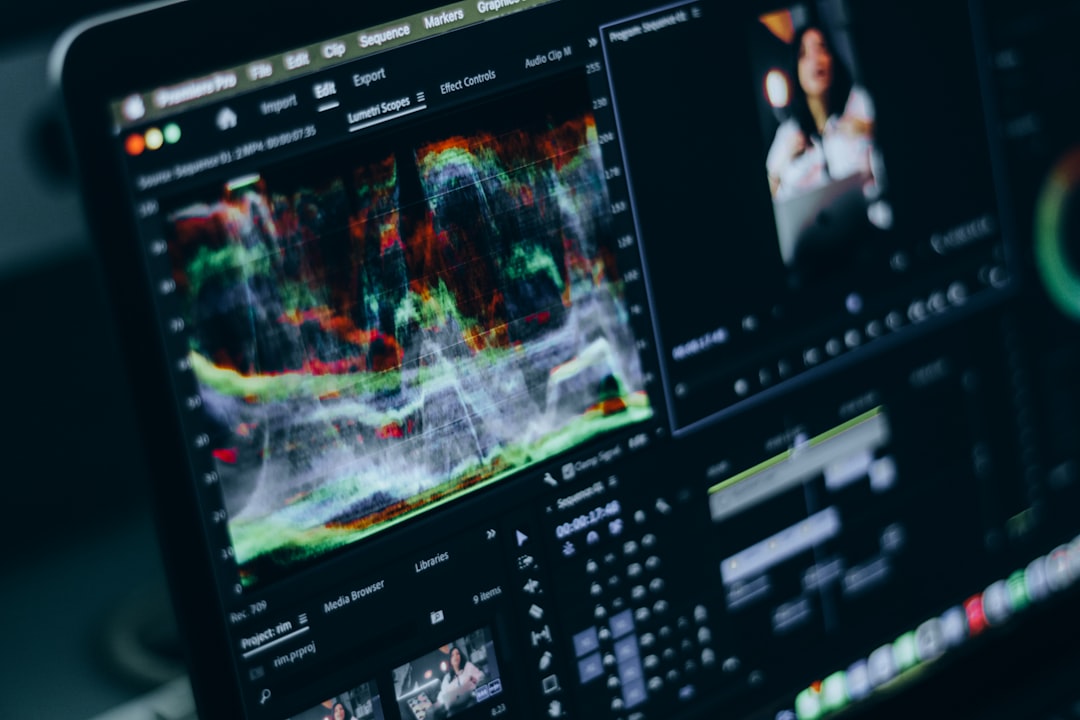
Tools Used for AI Video Annotation
Video annotation tools vary widely, from simple labeling platforms to enterprise-grade data pipelines. The best choice depends on project size, annotation complexity, collaboration needs, security requirements, and integration with machine learning workflows.
Common features to look for include:
- Frame-by-frame labeling: Allows precise annotation of individual frames.
- Object interpolation: Automatically estimates object positions between manually labeled frames, saving time.
- Multiple annotation types: Supports boxes, polygons, masks, keypoints, lines, and labels.
- Collaboration tools: Enables multiple annotators and reviewers to work together.
- Quality assurance workflows: Includes review systems, consensus checks, and error tracking.
- Export formats: Supports common formats used by machine learning frameworks.
- Security controls: Protects sensitive video data, especially in healthcare, finance, and surveillance use cases.
- AI-assisted labeling: Uses pre-trained models to speed up annotation and reduce repetitive work.
Some teams use open-source tools for flexibility and cost control, while others prefer commercial platforms that provide managed workflows, automation, workforce access, and enterprise support. Increasingly, annotation platforms include human-in-the-loop capabilities, where AI makes initial predictions and humans correct or approve them. This approach combines machine speed with human judgment.
Business Applications of AI Video Annotation
AI video annotation is used across many industries because almost every sector has visual processes that can be improved with intelligent automation. Below are some of the most important business applications.
Autonomous Vehicles and Transportation
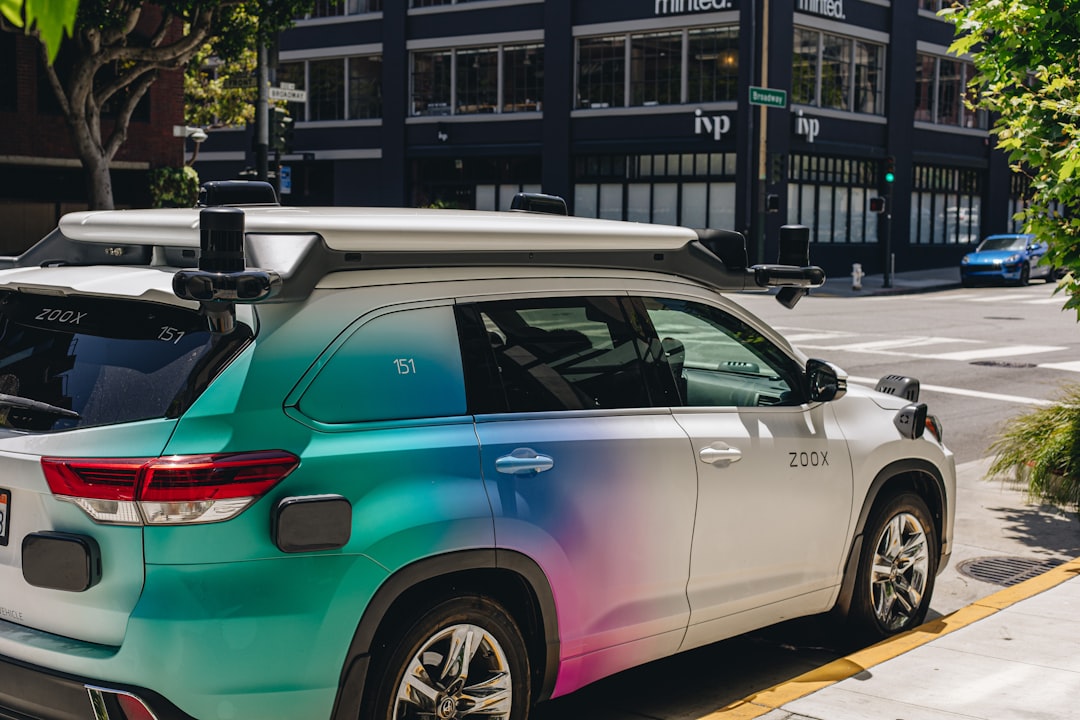
Self-driving cars, driver assistance systems, delivery robots, and traffic management platforms rely heavily on annotated video. Models must recognize pedestrians, cyclists, lane boundaries, road signs, traffic signals, obstacles, and unusual driving behavior. In transportation, a small error can have serious consequences, so annotation quality is especially critical.
Security and Surveillance
Video annotation helps train systems that detect suspicious activity, unauthorized access, abandoned objects, crowd formation, perimeter breaches, and safety incidents. Businesses, airports, campuses, warehouses, and public agencies use these systems to improve response times and reduce the burden on human security teams.
Healthcare and Medical Research
In healthcare, video annotation can support surgical analysis, patient monitoring, rehabilitation tracking, medical imaging review, and fall detection. For example, annotated videos of patient movement can help AI systems identify mobility issues or recovery progress. In surgical environments, annotation can help analyze techniques, instrument usage, and procedural efficiency.
Retail and Customer Experience
Retailers use annotated video to understand how customers move through stores, which displays attract attention, how long shoppers wait in lines, and when shelves need restocking. AI-powered video analytics can help optimize store layouts, staffing, product placement, and loss prevention.
Manufacturing and Quality Control
Factories use video annotation to train models that detect product defects, monitor assembly lines, verify worker safety gear, and identify equipment issues. Instead of relying only on random manual inspections, manufacturers can use AI to continuously monitor production quality.
Sports and Performance Analytics
Sports organizations annotate video to track players, ball movement, formations, techniques, and key events. This data can be used for coaching, injury prevention, broadcast enhancements, fan engagement, and tactical analysis. Keypoint annotation is particularly useful for studying posture, motion, and biomechanics.
Agriculture and Environmental Monitoring
Drones and cameras are increasingly used to monitor crops, livestock, forests, and natural resources. Annotated video can train AI models to identify plant disease, animal behavior, irrigation issues, pest activity, and environmental changes. This helps farmers and researchers make faster, more accurate decisions.
Challenges in Video Annotation
Despite its value, video annotation can be challenging. Video files are large, complex, and often require significant human effort. Annotating every frame of a long video can be expensive and slow, especially when precision is required.
Common challenges include:
- High data volume: Even a short video can contain thousands of frames.
- Consistency issues: Different annotators may label the same object in different ways.
- Occlusion: Objects may be partially blocked by other objects or people.
- Changing conditions: Lighting, weather, camera movement, and angles can vary greatly.
- Privacy concerns: Videos may include faces, license plates, medical information, or private environments.
- Cost and time: Detailed annotation can require specialized skills and careful review.
To address these issues, businesses often combine strong project guidelines, trained annotators, automated pre-labeling, clear quality control, and secure data handling. For sensitive data, anonymization techniques such as face blurring or license plate masking may also be necessary.
Best Practices for Successful Video Annotation
A successful video annotation project starts long before the first frame is labeled. Clear planning can prevent costly rework and improve model performance.
- Define the objective: Know exactly what the AI model needs to detect or predict.
- Create detailed labeling guidelines: Include examples, edge cases, and rules for ambiguous situations.
- Use representative data: Include different environments, lighting conditions, camera angles, and object variations.
- Start with a pilot project: Test the workflow on a smaller dataset before scaling.
- Measure annotation quality: Use audits, reviewer feedback, and agreement metrics.
- Protect privacy: Apply security controls and anonymization when needed.
- Iterate continuously: Use model results to identify weak spots and improve future annotations.
The Future of AI Video Annotation
The future of video annotation is moving toward more automation, smarter workflows, and richer forms of labeling. AI-assisted tools are already reducing manual work by suggesting labels, tracking objects automatically, and highlighting uncertain areas for human review.
At the same time, demand for high-quality annotated video is growing. As AI systems become more advanced, they need training data that captures subtle details: gestures, intent, context, interactions, and rare events. This means human expertise will remain important, especially in complex domains such as healthcare, autonomous systems, defense, and industrial safety.
We are also likely to see more use of synthetic data, where simulated environments generate labeled video automatically. This can be especially useful for rare or dangerous scenarios, such as car accidents, emergency evacuations, or equipment failures. However, synthetic data usually works best when combined with real-world annotated footage.
Conclusion
AI video annotation is one of the essential building blocks of modern computer vision. It transforms raw video into structured data that machines can learn from, enabling systems to detect objects, understand movement, recognize actions, and support better decisions. From autonomous vehicles and smart surveillance to healthcare, retail, manufacturing, and sports, its business applications are broad and rapidly expanding.
For organizations working with video data, annotation is not just a technical requirement; it is a strategic investment. With the right tools, clear guidelines, quality controls, and privacy safeguards, businesses can turn video into a powerful source of automation, insight, and competitive advantage.