Creating a professional flyer or invitation is no longer limited to experienced designers or large marketing teams. Today, a reliable flyer invitation maker can help businesses, nonprofits, schools, event organizers, and individuals produce polished materials for both print and digital distribution. Whether the goal is to promote a product launch, announce a community event, invite guests to a formal gathering, or increase attendance at a seasonal sale, the right tool can make the process faster, more consistent, and more cost-effective.
TLDR: A flyer invitation maker helps users create attractive, professional materials for events and promotions without requiring advanced design skills. The best tools provide templates, customization options, brand controls, export formats, and collaboration features. To get strong results, users should focus on clear messaging, visual hierarchy, accurate event details, and distribution requirements. A well-designed flyer or invitation can improve attendance, strengthen credibility, and support a more organized promotional campaign.
Why Flyer Invitation Makers Matter
Flyers and invitations remain practical communication tools because they combine visual appeal with direct information. A flyer can quickly explain what is happening, when it is happening, where it is happening, and why someone should care. Invitations serve a similar purpose but often require a more personal or formal tone, especially for weddings, corporate receptions, fundraisers, conferences, and private celebrations.
Modern flyer invitation makers are valuable because they reduce the barriers between an idea and a finished design. Instead of starting with a blank page, users can choose from structured layouts, adjust colors and typefaces, add images, and export the final file for printing, email, social media, or messaging platforms. This makes them useful not only for professional marketers but also for small business owners and event coordinators who need dependable results on a limited timeline.
Common Uses for Flyers and Invitations
A flyer invitation maker can support a wide variety of communication needs. The same platform may be used for a formal event invitation one day and a promotional handout the next. This flexibility is one of the main reasons these tools have become common in marketing and event planning workflows.
- Business promotions: Product launches, store openings, limited-time offers, service announcements, and seasonal campaigns.
- Corporate events: Conferences, seminars, networking receptions, open houses, training sessions, and employee gatherings.
- Community activities: Fundraisers, school events, local fairs, workshops, charity drives, and public meetings.
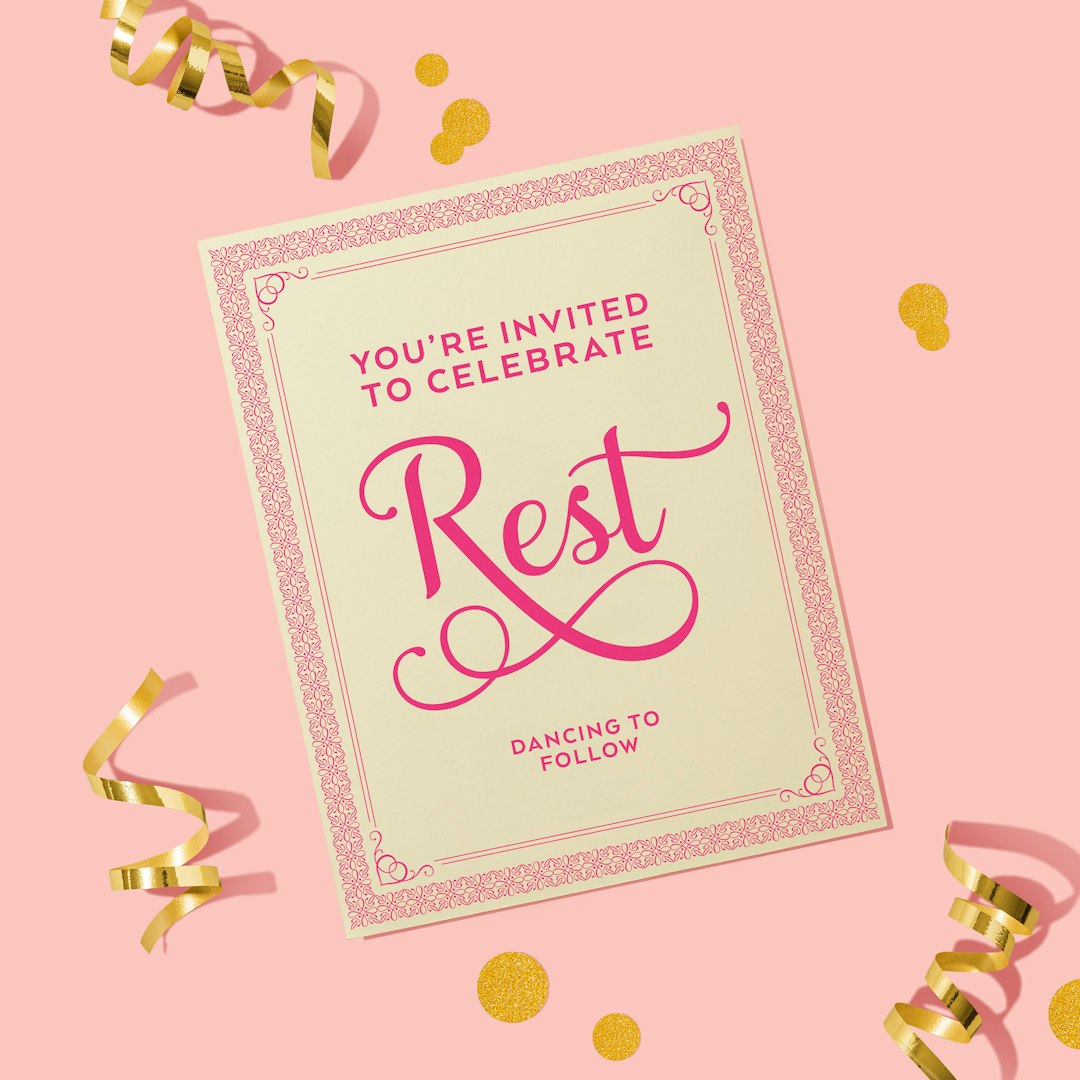
- Private celebrations: Birthdays, weddings, anniversaries, baby showers, graduations, and holiday parties.
- Entertainment events: Concerts, gallery openings, theater performances, club nights, festivals, and sports events.
Because these situations have different expectations, the ability to customize tone and layout is important. A charity fundraiser may need a sincere and trustworthy appearance, while a music event may need bold imagery and high-energy colors. A formal corporate invitation, by contrast, may require restrained typography, clean spacing, and a more conservative design style.
Key Features to Look For
Not every flyer invitation maker offers the same level of quality or control. Selecting the right tool should involve more than choosing the platform with the largest template library. Serious users should consider how well a tool supports accuracy, consistency, brand integrity, and final output quality.
1. Professional Templates
Templates are often the starting point for efficient design. A good template should provide a balanced structure, not simply decorative elements. It should make room for the event title, date, time, venue, call to action, contact information, and any necessary legal or sponsor details. Strong templates also help users avoid overcrowding the design, which is one of the most common flyer mistakes.
2. Customization Controls
Reliable tools allow users to adjust colors, fonts, spacing, images, icons, backgrounds, and layout sections. Customization should be flexible enough to support different industries and occasions while still being easy to manage. For organizations, the ability to use specific brand colors and approved fonts can be especially valuable.
3. Image and Asset Management
Images play a major role in flyer and invitation design. High-quality visuals can create trust, interest, and emotional connection. Users should look for tools that allow image uploads, cropping, resizing, background removal, and safe placement within the layout. For promotional materials, product photos and venue images should be sharp and relevant.

4. Print and Digital Export Options
A professional design tool should provide export formats suitable for multiple channels. Print-ready files often require high resolution, proper dimensions, bleed settings, and PDF output. Digital versions may need JPG or PNG formats optimized for email, social media, websites, or messaging apps. A flyer meant for a storefront window has different requirements from an invitation sent through email, so export flexibility is essential.
5. Collaboration and Review
For teams, collaboration features can prevent errors and save time. Event details often need approval from several people, including managers, sponsors, venue representatives, or clients. Tools that allow sharing, comments, version history, or controlled editing can make the review process more organized and reduce the risk of publishing incorrect information.
Design Principles That Improve Results
Even the best software cannot replace sound communication judgment. A flyer invitation maker gives users the tools, but the effectiveness of the final piece depends on how those tools are used. Good design is not just about decoration; it is about helping the viewer understand the message quickly and confidently.
Use a Clear Visual Hierarchy
The most important information should be the easiest to notice. Typically, the event name or main offer should be the largest and most prominent element. The date, time, and location should follow clearly. Supporting information, such as descriptions, sponsor names, or contact details, should be smaller but still readable.
Keep the Message Focused
A flyer should not try to say everything. It should encourage the reader to take the next step, such as registering, attending, calling, scanning a code, or visiting a website. Too much text can weaken the message and make the design look unprofessional. A concise headline, short supporting copy, and direct call to action are usually more effective.
Choose Fonts Carefully
Typography affects credibility. Decorative fonts may be suitable for festive invitations, but they should still be readable. For business promotions and formal events, clean and professional typefaces are usually safer. It is often best to use no more than two or three fonts in one design. Consistency helps the flyer look intentional and organized.
Use Color With Purpose
Color can attract attention, but it can also create confusion if overused. A trustworthy design usually relies on a controlled palette. Brand colors should be used consistently, and contrast should be strong enough to ensure readability. For invitations, color should also match the mood of the event, such as elegant tones for a gala or bright colors for a family festival.
Essential Information Every Flyer or Invitation Should Include
Design quality matters, but accuracy matters even more. A visually attractive flyer that omits key details will not perform well. Before exporting or printing the final design, users should verify that all necessary information is included and correct.
- Event or promotion name: Make the purpose immediately clear.
- Date and time: Include the day of the week when helpful.
- Location: Provide the venue name, address, and room or hall if needed.
- Call to action: Tell people what to do next, such as RSVP, register, buy tickets, or visit a store.
- Contact details: Include phone, email, website, or social media when appropriate.
- Cost or entry requirements: Mention ticket prices, donation suggestions, age limits, or registration deadlines.
- Brand or host information: Identify the organization, sponsor, or person responsible for the event.
For business promotions, it may also be necessary to include terms and conditions, expiration dates, limited availability notices, or compliance statements. These details should be readable but should not dominate the design.
Digital Distribution and Print Considerations
A flyer invitation maker should support the way the material will be delivered. Digital distribution is fast and inexpensive, but it requires attention to file size, readability on mobile screens, and platform dimensions. A flyer designed for a poster may not work well as a square social media post unless the layout is adapted.
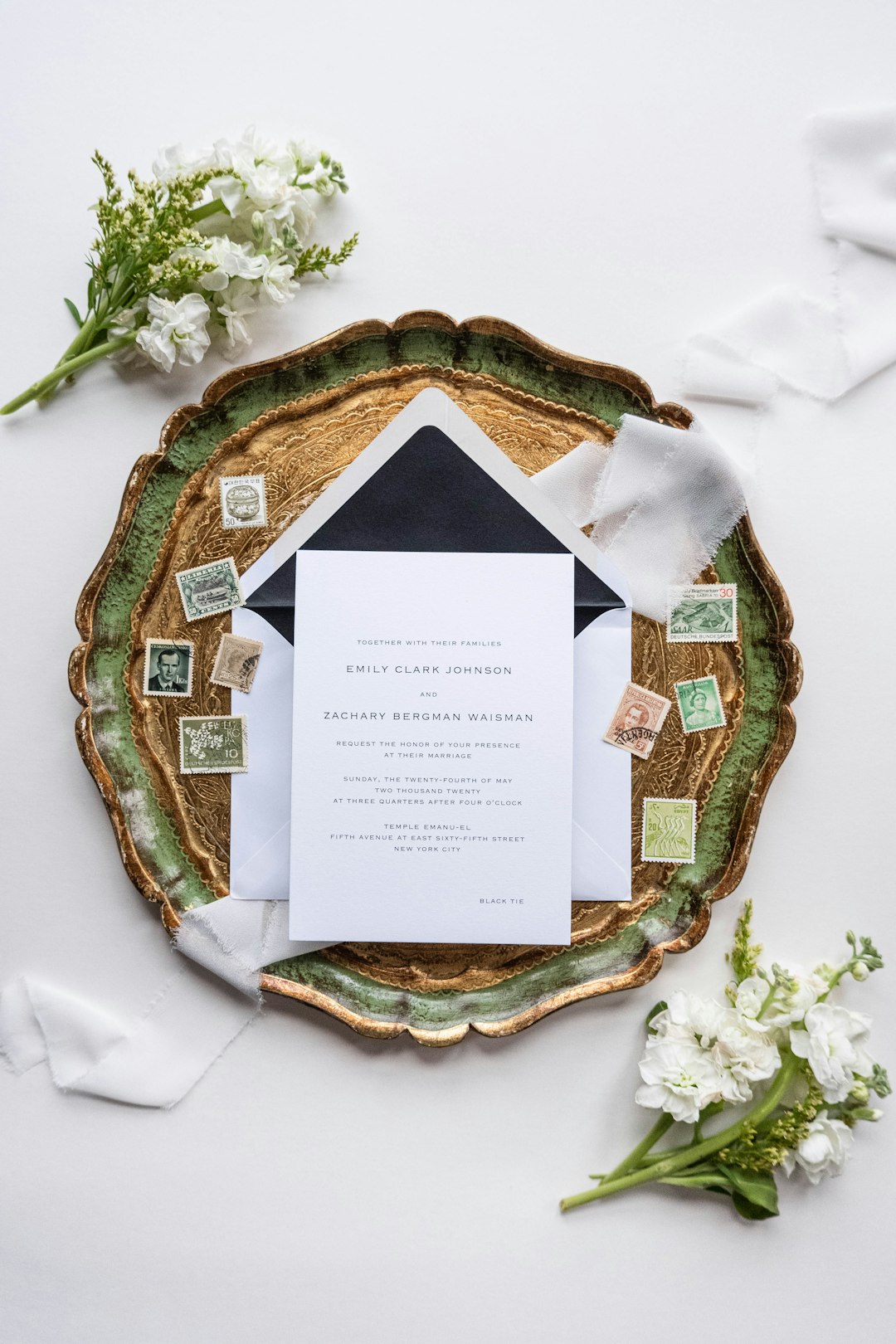
Print distribution requires a different type of preparation. Users should confirm dimensions, margins, bleed, resolution, and paper quality. Colors can appear differently on screen and in print, so important projects may require a proof before producing large quantities. For formal invitations, paper stock, finish, and envelope selection can influence the overall impression.
Benefits for Businesses and Organizations
For businesses, flyer invitation makers can support faster campaign execution. A small team can create materials for weekly promotions, local advertising, trade shows, and customer events without outsourcing every project. This does not eliminate the value of professional designers for major campaigns, but it does allow routine materials to be produced more efficiently.
Organizations also benefit from consistency. When templates and brand assets are used properly, flyers and invitations can maintain a unified appearance across departments, branches, or recurring events. This consistency helps audiences recognize the organization and builds trust over time.
Another important benefit is cost control. Printing, advertising, venue rental, and event logistics can already be expensive. Using a flyer invitation maker can reduce design costs for smaller projects while still producing materials that look credible and well planned.
Potential Mistakes to Avoid
While these tools are convenient, users should be cautious about common errors. A template can make a design look polished, but it cannot guarantee that the message is effective or accurate. Careful review remains necessary.
- Overloading the layout: Too many images, icons, fonts, or text blocks can make the flyer difficult to understand.
- Using low-quality images: Blurry or stretched images reduce professionalism and may harm credibility.
- Ignoring audience expectations: A design should match the tone, age group, culture, and purpose of the event.
- Forgetting mobile readability: Many people will view invitations and flyers on phones, so text must remain legible at smaller sizes.
- Failing to proofread: Incorrect dates, addresses, prices, or contact details can create confusion and damage trust.
How to Choose the Right Tool
The best flyer invitation maker depends on the user’s goals. A small business may prioritize brand controls and promotional templates. An event planner may need elegant invitation designs, RSVP-friendly layouts, and fast export options. A nonprofit may look for affordability, simple editing, and collaboration features for volunteers.
Before committing to a platform, it is sensible to test the workflow. Users should ask whether the tool is easy to learn, whether the templates look current, whether export quality is sufficient, and whether the final design can be adapted for multiple formats. It is also useful to check licensing terms for fonts, images, and icons, especially for commercial promotions.
Final Thoughts
A flyer invitation maker is more than a convenience tool; it is a practical resource for clear communication. When used thoughtfully, it can help organizations and individuals create materials that look professional, communicate essential details, and encourage action. The strongest results come from combining reliable software with careful planning, accurate information, and disciplined design choices.
For events and promotions, credibility is built before the audience arrives or responds. A well-designed flyer or invitation signals that the event is organized, the offer is legitimate, and the host values the audience’s attention. By choosing the right tool and applying sound design principles, users can create invitations and flyers that support successful outcomes across both digital and printed channels.