Custom emblems are used by sports teams, gaming clans, schools, clubs, small businesses, creators, and community groups that want a recognizable symbol without hiring a full design agency. A good emblem usually combines icons, typography, borders, colors, and a badge-like structure into one compact mark. Free emblem maker software makes this process easier by offering templates, drag-and-drop editors, vector tools, and export options suitable for digital and print use.
TLDR: The best free emblem maker software depends on the user’s design skill level, preferred workflow, and export needs. Canva, Adobe Express, Inkscape, Figma, GIMP, Vectr, LogoMakr, and Hatchful are among the most useful options for creating custom emblems. Beginners often benefit from template-based tools, while experienced designers may prefer vector editors for full control. The strongest emblem designs remain simple, readable, scalable, and consistent with the brand or group identity.
What Makes a Good Emblem Maker?
An effective emblem maker should help users create a design that looks balanced, professional, and flexible. Unlike a simple logo, an emblem often places text and imagery inside a defined shape such as a circle, shield, crest, badge, or seal. Because of this, the software should make it easy to align design elements, adjust spacing, and customize fonts and colors.
The best free tools usually offer several important features:
- Templates: Ready-made layouts help beginners start quickly.
- Icon libraries: Symbols, animals, shields, stars, laurel wreaths, and abstract shapes are useful for emblem design.
- Text tools: Curved text, font pairing, letter spacing, and hierarchy are essential.
- Vector support: Scalable graphics are important for printing and resizing.
- Export options: PNG, SVG, PDF, and transparent backgrounds are especially valuable.
- Ease of use: A clear interface helps non-designers create clean results.
Some software is ideal for fast social media graphics, while other tools are better suited for professional emblem creation. The right choice depends on whether the emblem is meant for a profile image, merchandise, signage, uniforms, or official branding.
1. Canva
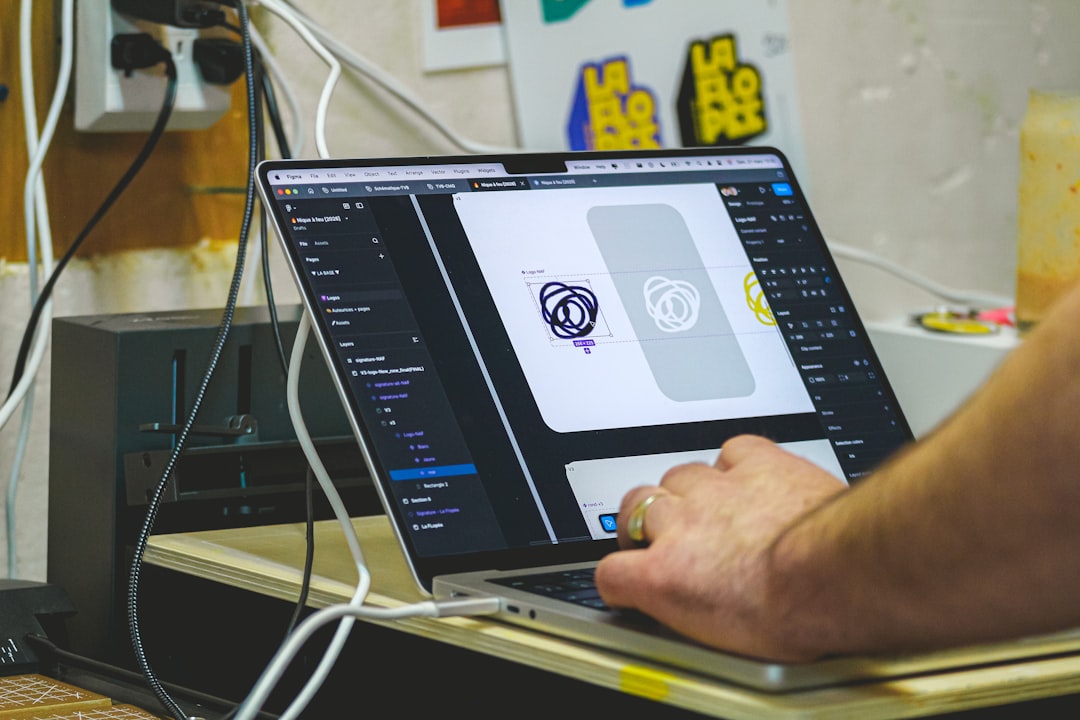
Canva is one of the most accessible free emblem maker tools for beginners. It offers a large selection of badge, crest, logo, and team emblem templates. Users can customize colors, icons, fonts, backgrounds, and shapes through a drag-and-drop editor.
Canva is especially useful for clubs, influencers, gaming groups, and small organizations that need a polished emblem quickly. Its template library includes circular badges, vintage seals, modern icons, and sports-style layouts. The free version provides many design assets, though some premium graphics and advanced export features require a paid plan.
Best for: Beginners, social media emblems, club badges, quick branding projects.
Key strengths: Easy interface, large template library, good font selection, fast editing.
Potential limitation: Free users may encounter premium elements inside templates, and vector export options are more limited than in dedicated design software.
2. Adobe Express
Adobe Express is another strong option for creating custom emblems without advanced design knowledge. It provides professional-looking templates, simple editing tools, and access to Adobe’s design ecosystem. Users can create badge-style graphics by combining icons, text, shapes, and branded colors.
Adobe Express works well for school organizations, small businesses, events, and creators who want a clean emblem without spending hours inside a complex design program. Its interface is streamlined, but it still gives enough flexibility for personalizing layouts and visual style.
Best for: Clean brand emblems, event badges, small business graphics.
Key strengths: Professional templates, easy resizing, polished typography, useful export options.
Potential limitation: Some advanced assets, branding features, and stock resources may be restricted to paid users.
3. Inkscape
Inkscape is one of the best free emblem maker options for users who want full creative control. It is an open-source vector graphics editor that can create scalable designs for print, embroidery, signage, websites, and merchandise. Unlike template-based tools, Inkscape allows detailed editing of paths, shapes, strokes, gradients, and text.
For emblem design, Inkscape is excellent because it supports precision alignment, custom shapes, layered artwork, and SVG export. Designers can create shields, circular seals, monograms, mascots, and decorative borders from scratch. It also supports curved text, which is especially useful for round badges and official-looking seals.
Best for: Advanced custom emblems, print-ready designs, scalable vector artwork.
Key strengths: Completely free, powerful vector tools, SVG support, detailed customization.
Potential limitation: It has a learning curve, especially for users unfamiliar with vector design.
4. Figma
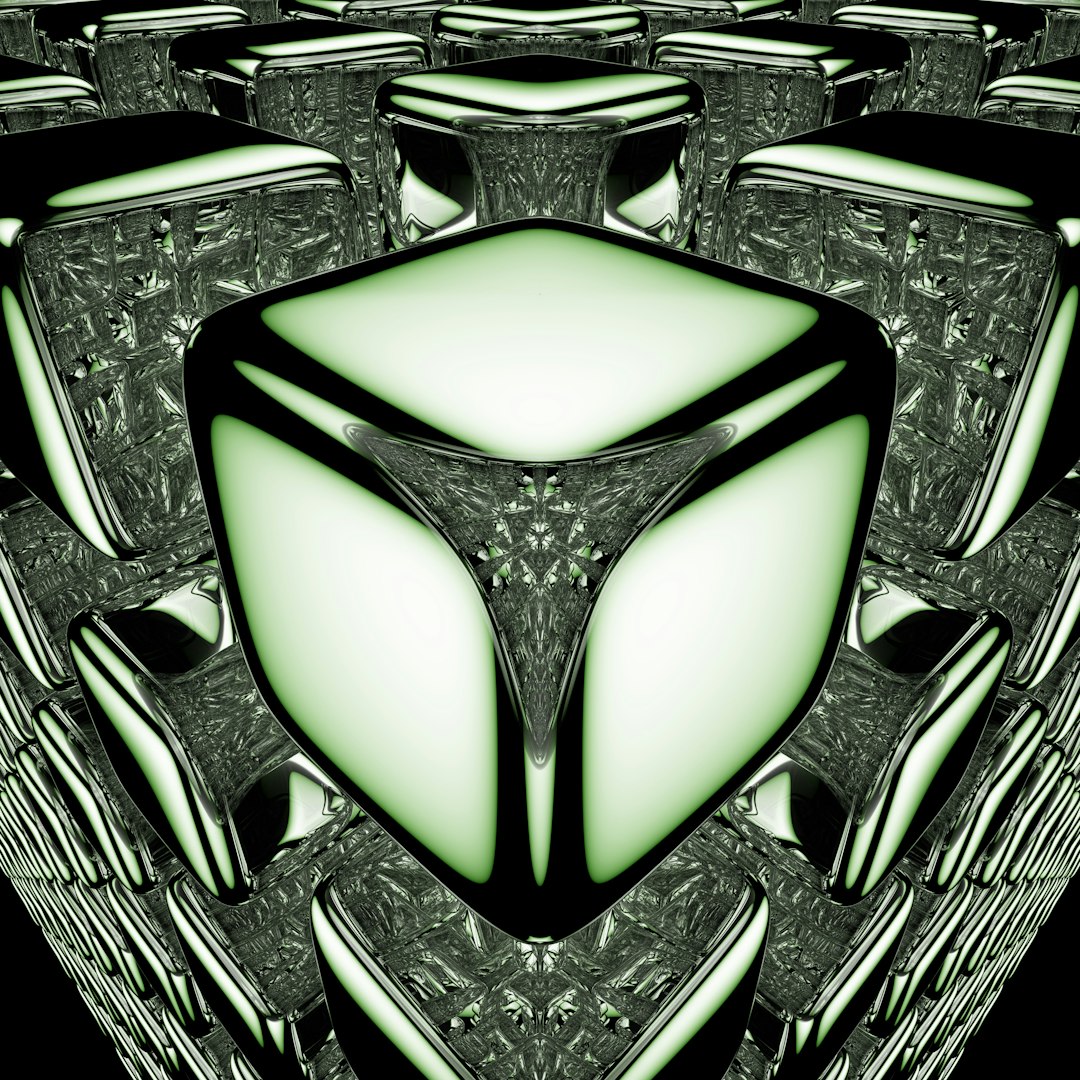
Figma is widely known as a user interface design tool, but it is also useful for creating modern emblems. Its free plan is generous for individual users and small teams. Figma works in the browser, supports collaboration, and includes vector editing tools that can handle badges, icons, geometric marks, and typography-based emblems.
Teams may find Figma especially useful because multiple people can comment on and refine the same design. This makes it practical for esports teams, startups, student clubs, and online communities that need feedback before choosing a final emblem.
Best for: Collaborative emblem design, modern badges, geometric symbols.
Key strengths: Browser-based workflow, real-time collaboration, clean vector tools, reusable components.
Potential limitation: It does not offer as many ready-made emblem templates as beginner-focused design platforms.
5. GIMP
GIMP is a free, open-source image editor that can be used for emblem creation, especially when the design includes textures, photo effects, shadows, or distressed vintage styling. While it is not primarily a vector tool, it is powerful for raster artwork and detailed image manipulation.
GIMP is useful for creating grunge sports badges, fantasy guild emblems, gaming logos, and weathered vintage seals. Users can work with layers, masks, brushes, filters, gradients, and typography. It is often paired with a vector tool such as Inkscape when a user wants both scalable shapes and advanced image effects.
Best for: Textured emblems, gaming badges, vintage effects, raster artwork.
Key strengths: Free and open-source, strong image editing features, extensive plugin support.
Potential limitation: It is less ideal for clean vector-only emblem design and may require more manual setup.
6. Vectr
Vectr is a simple vector design tool that works well for users who want a lightweight alternative to more complex software. It offers basic vector drawing, shapes, text editing, and layout features. While it is not as advanced as Inkscape or Figma, it can still produce clean emblem designs for online use.
Vectr suits users who need straightforward badges, icons, or simple organizational marks. Its learning curve is relatively gentle, and the interface does not overwhelm beginners with too many technical settings.
Best for: Simple vector emblems, beginner-friendly badge design, quick online graphics.
Key strengths: Easy to learn, lightweight, browser-friendly, vector-based editing.
Potential limitation: It lacks the deep customization and advanced typography tools found in more powerful design software.
7. LogoMakr
LogoMakr is a browser-based logo and emblem creation tool that provides a simple editor with icons, shapes, and text. Users can search for symbols, arrange elements, change colors, and build badge-style designs without installing software.
It works well for quick concepts and basic custom emblems. Community groups, hobby projects, and small teams may find it helpful for creating a first draft or temporary identity. However, users should always review the licensing and download options before using a design commercially.
Best for: Fast emblem drafts, simple logo concepts, hobby projects.
Key strengths: Quick setup, searchable icon library, simple editing workflow.
Potential limitation: High-resolution or commercial-use files may require payment depending on the chosen export option.
8. Hatchful by Shopify
Hatchful is a free logo maker that can also support emblem-style designs. It guides users through a simple process based on industry, visual style, and intended use. After generating design options, users can customize colors, fonts, icons, and layouts.
Hatchful is useful for small businesses, online stores, creators, and local services that need a quick brand mark. While it does not offer the same level of manual control as Inkscape or Figma, it is convenient for users who prefer guided design generation.
Best for: Small business emblems, startup branding, quick logo packages.
Key strengths: Guided creation process, beginner-friendly interface, fast results.
Potential limitation: Designs may feel less unique if they rely heavily on generated templates.
Template-Based Tools vs. Vector Editors
Free emblem maker software generally falls into two categories: template-based tools and vector editors. Template-based options such as Canva, Adobe Express, LogoMakr, and Hatchful are best for speed and convenience. They provide prebuilt layouts and visual assets that reduce the need for technical design skills.
Vector editors such as Inkscape, Figma, and Vectr are better for originality and scalability. They allow users to create custom shapes, edit anchor points, control spacing precisely, and export clean files. These tools are especially important when an emblem must appear on uniforms, signs, stickers, packaging, or embroidered patches.
Many designers use both approaches. A team might create an initial concept in Canva, then rebuild the final emblem in Inkscape for better scalability. This workflow combines speed with professional output.
Tips for Creating a Professional Custom Emblem
A strong emblem should look good at both large and small sizes. If the design becomes unreadable as a profile picture or shirt patch, it may be too complex. Simple shapes, strong contrast, and clear typography usually perform best.
- Limit the color palette: Two to four colors often create a cleaner and more memorable emblem.
- Use readable fonts: Decorative fonts can work, but they should remain legible at small sizes.
- Balance the layout: Icons, text, and borders should feel evenly distributed.
- Avoid excessive detail: Tiny lines, small text, and complex textures may disappear when resized.
- Check contrast: The emblem should work on light and dark backgrounds.
- Create variations: A full-color version, one-color version, and transparent-background version are useful.
- Export correctly: SVG or PDF is ideal for scaling, while PNG works well for web use.
For official organizations, it is also important to ensure that the emblem does not copy existing trademarks, teams, schools, or brands. Originality protects the group and makes the design more meaningful.
Which Free Emblem Maker Is Best Overall?
There is no single best free emblem maker for every situation. Canva is often the best choice for beginners who want templates and fast results. Adobe Express is ideal for polished promotional designs. Inkscape is the strongest choice for users who need professional, scalable vector artwork. Figma is excellent for collaboration and modern design workflows.
For quick drafts, tools like LogoMakr and Hatchful can be useful. For textured or artistic designs, GIMP offers creative flexibility. The best choice depends on the final purpose of the emblem and the user’s comfort level with design software.
FAQ
What is the best free emblem maker for beginners?
Canva is often considered one of the best free emblem makers for beginners because it offers templates, drag-and-drop editing, icons, fonts, and simple export options.
Which free software is best for professional emblem design?
Inkscape is one of the best free options for professional emblem design because it creates scalable vector artwork and supports detailed customization.
Can free emblem maker software be used for commercial projects?
Some free tools allow commercial use, but licensing depends on the platform, icons, fonts, and export type. Users should always review the license terms before using an emblem for business, merchandise, or public branding.
What file format is best for an emblem?
SVG is best for scalability, while PNG is useful for websites and social media. For printing, PDF or high-resolution vector files are usually preferred.
Can an emblem be made without design experience?
Yes. Template-based tools such as Canva, Adobe Express, Hatchful, and LogoMakr help non-designers create attractive emblems by providing ready-made layouts and simple customization controls.
What should be avoided in emblem design?
Designers should avoid overcrowded layouts, unreadable fonts, too many colors, copied artwork, and details that disappear at small sizes. A clear and memorable emblem is usually more effective than a complicated one.