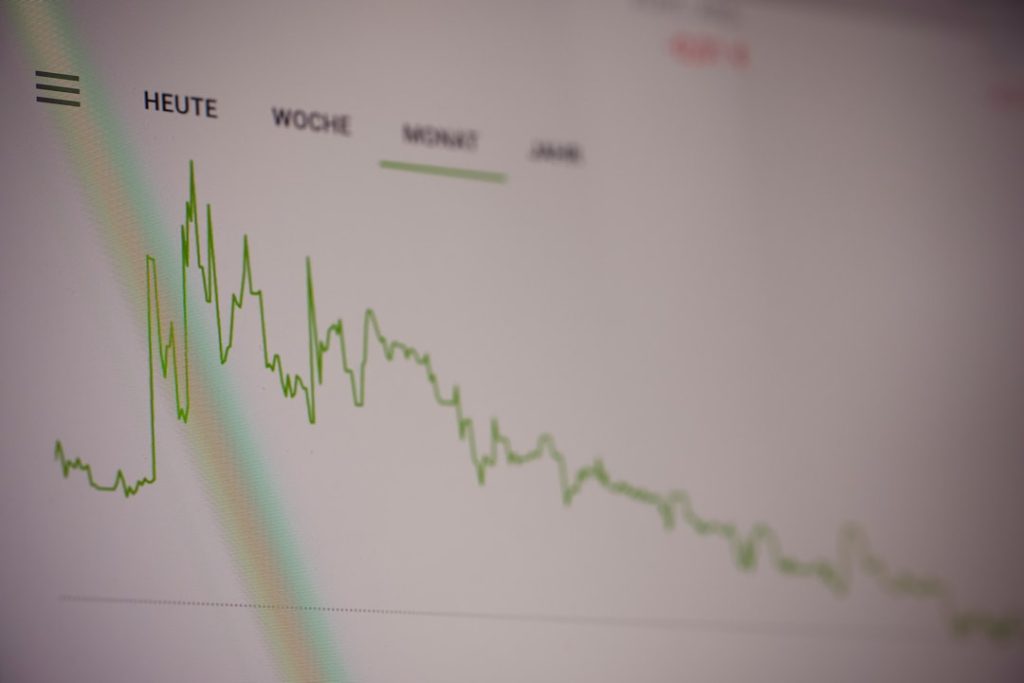
Treat a Penguin Checker as an investigation aid, not as a verdict machine: your real job is to compare ranking drops, traffic shifts, backlink patterns, and site changes until the link risk picture becomes clear.
TLDR: A Penguin Checker can help you spot whether a ranking loss lines up with known Google updates, but it cannot prove that links caused the loss. For example, if organic traffic fell 38% over two weeks while referring domains rose by 420 from low-quality directories, link risk deserves serious review. Start with Search Console, analytics, backlink exports, and ranking data. Then separate bad links from harmless noise before you remove or disavow anything.
What a Penguin Checker Can and Cannot Tell You
A Penguin Checker usually compares your organic traffic or ranking data against known Google algorithm update dates. Older versions focused on the original Penguin updates, which targeted manipulative links and anchor text. Modern use is broader. You are checking whether a site’s ranking problems may be related to links, even when there is no manual action in Google Search Console.
The catch is that timing alone is weak evidence. A traffic drop near a Google update can happen for many reasons: content quality, technical errors, search intent shifts, competitor gains, crawl problems, or a messy migration. Links may be part of the issue, but the tool cannot know that by itself.
Use a Penguin Checker to form a question, not an answer: “Did this decline happen at a time when link signals may have been reassessed?” Then test that question with data.
Start With the Drop, Not the Links
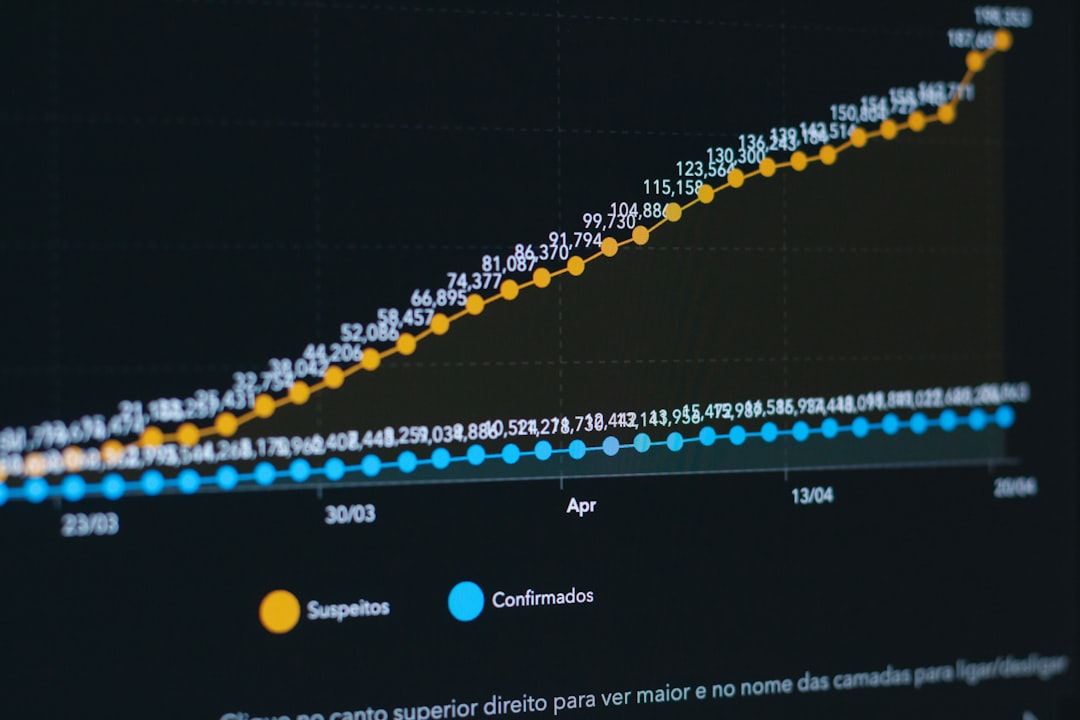
Many audits start by exporting backlinks and hunting for ugly domains. That feels productive, but it often wastes hours. Begin with the affected pages and keywords. If the drop is link-related, it usually has a pattern.
- Check the date: Did the decline happen suddenly, gradually, or after a known site change?
- Check the scope: Did the whole site drop, or only certain folders, pages, or keyword groups?
- Check the search type: Did branded searches hold steady while commercial keywords fell?
- Check geography: Is the drop limited to one country or language version?
- Check devices: Did mobile drop while desktop stayed stable?
A link problem often hits pages that were supported by artificial authority. For example, a service page with exact-match anchor links may fall while informational articles keep their positions. That does not prove Penguin-style suppression, but it gives you a clean direction.
Build a Reliable Data Set
Do not trust one backlink tool. Every link index is incomplete. Some tools miss links. Some keep dead links for too long. Others classify weak sites as toxic with no sound reason. Honestly, it feels like some “toxicity scores” are designed to scare clients into buying more reports.
Use at least three sources where possible:
- Google Search Console: Export external links, top linked pages, and top linking sites.
- One or two commercial backlink tools: Compare referring domains, anchors, link types, and first-seen dates.
- Analytics and rank tracking: Match traffic loss to affected URLs and terms.
- Server logs, if available: Confirm whether Googlebot is still crawling important pages.
Keep the exports dated. If you need to defend a removal request or a disavow decision later, you need a record of what you saw and when you saw it.
Look for Link Patterns That Actually Matter
Bad links are not just links from sites that look ugly. Real risk comes from patterns that show manipulation at scale. A single weak directory link is rarely the cause of a major ranking loss. Hundreds of coordinated links can be different.
Review these signals:
- Anchor text concentration: Too many links using exact commercial phrases, such as “best injury lawyer Chicago.”
- Link source quality: Large volumes from spun blogs, hacked pages, scraper sites, coupon spam, or fake news sites.
- Placement: Sitewide footer links, sidebar links, author bio spam, or irrelevant guest posts.
- Velocity: A sudden spike in referring domains without a real brand campaign or publicity event.
- Relevance: Links from unrelated industries, languages, or countries with no business reason.
- Network signs: Similar templates, duplicate content, shared IP ranges, or repeated ownership clues.
Anchor text is often the clearest warning sign. If 62% of referring domains to a money page use exact-match anchors, that is not normal for most brands. Natural links usually include brand names, URLs, page titles, and mixed phrasing.
Separate Algorithm Issues From Manual Actions
A manual action is visible in Google Search Console. You will see a message under Security and Manual Actions. If there is no message, do not tell stakeholders the site has a penalty. That word causes panic and bad decisions.
Modern Penguin-related effects are usually algorithmic. Google may ignore certain bad links rather than punish the whole site. Sometimes rankings fall because links that once helped no longer count. That difference matters. You may not need a massive cleanup. You may need stronger pages, better earned links, and a safer anchor profile over time.
Use careful language in reports:
- “The timing is consistent with a link-related reassessment.”
- “The backlink profile shows elevated risk in exact-match anchors.”
- “There is no confirmed manual action.”
- “Further testing is required before disavowal.”
Check Non-Link Causes Before Blaming Penguin
It drives me crazy when a tool points at an update date and ignores a broken site release that happened the same week. Before acting on links, rule out common causes.
- Indexing: Are key pages still indexed?
- Robots and canonicals: Did a noindex tag, canonical tag, or robots rule change?
- Internal links: Did navigation changes reduce internal support for key pages?
- Content changes: Were headings, body copy, reviews, pricing, or FAQs removed?
- Search intent: Did Google start favoring guides, video, local packs, or product pages?
- Competitors: Did stronger domains publish better pages or gain strong editorial links?
If a page lost rankings after its content was cut by 45%, do not blame links first. If a template update made product descriptions invisible to crawlers, fix that before touching the disavow file.
When to Remove or Disavow Links
Link cleanup should be targeted. Removing links blindly can damage useful authority. Disavowal is also not a magic reset button. Use it when you have strong evidence of manipulative links, failed removal options, or a history of paid link building, private blog networks, large-scale guest posting, or negative SEO at scale.
A practical workflow looks like this:
- Group links by domain: Domain-level review is faster and cleaner than URL-by-URL panic.
- Label risk: Use categories such as low, medium, high, and unknown.
- Document reasons: Note exact-match anchors, irrelevant source, malware, spun content, or network signs.
- Request removal when sensible: Contact real site owners, not obvious spam networks.
- Disavow only clear risk: Submit domains that show strong manipulation signals.
Expect results to take time. Google must recrawl and reprocess signals. Recovery may also require new quality signals, not just removal of old risk.

A Short Case Scenario
A B2B software site lost 31% of non-branded organic clicks in six weeks. Branded traffic stayed flat. A Penguin Checker showed the loss began three days after a broad Google update. That was useful, but not enough.
The audit found that 18 landing pages had most of the decline. Backlink exports showed 760 new referring domains in four months, mostly from thin “technology news” blogs. About 54% of anchors used two commercial phrases. There was no manual action. Technical checks found no noindex issue, no migration error, and no major content removal.
The team classified high-risk domains, contacted the few real publishers, disavowed the obvious network domains, and reduced reliance on those pages by improving internal links and publishing stronger comparison content. After three months, clicks were still down, but the affected pages recovered about 17%. More gains came later from new editorial links and better content.
Final Checklist for a Serious Penguin Review
- Confirm the affected dates, pages, and keyword groups.
- Compare the drop with update timing, but do not stop there.
- Export links from several sources.
- Review anchor text, relevance, velocity, and network signs.
- Rule out technical, content, and intent changes.
- Use cautious reporting language unless Search Console confirms a manual action.
- Remove or disavow only links with clear risk.
A Penguin Checker is useful when it keeps you disciplined. It is risky when it replaces judgment. The strongest audits combine update timing, link evidence, page-level losses, and technical checks. That is how you investigate link-related ranking problems without pretending an automated tool can read Google’s mind.