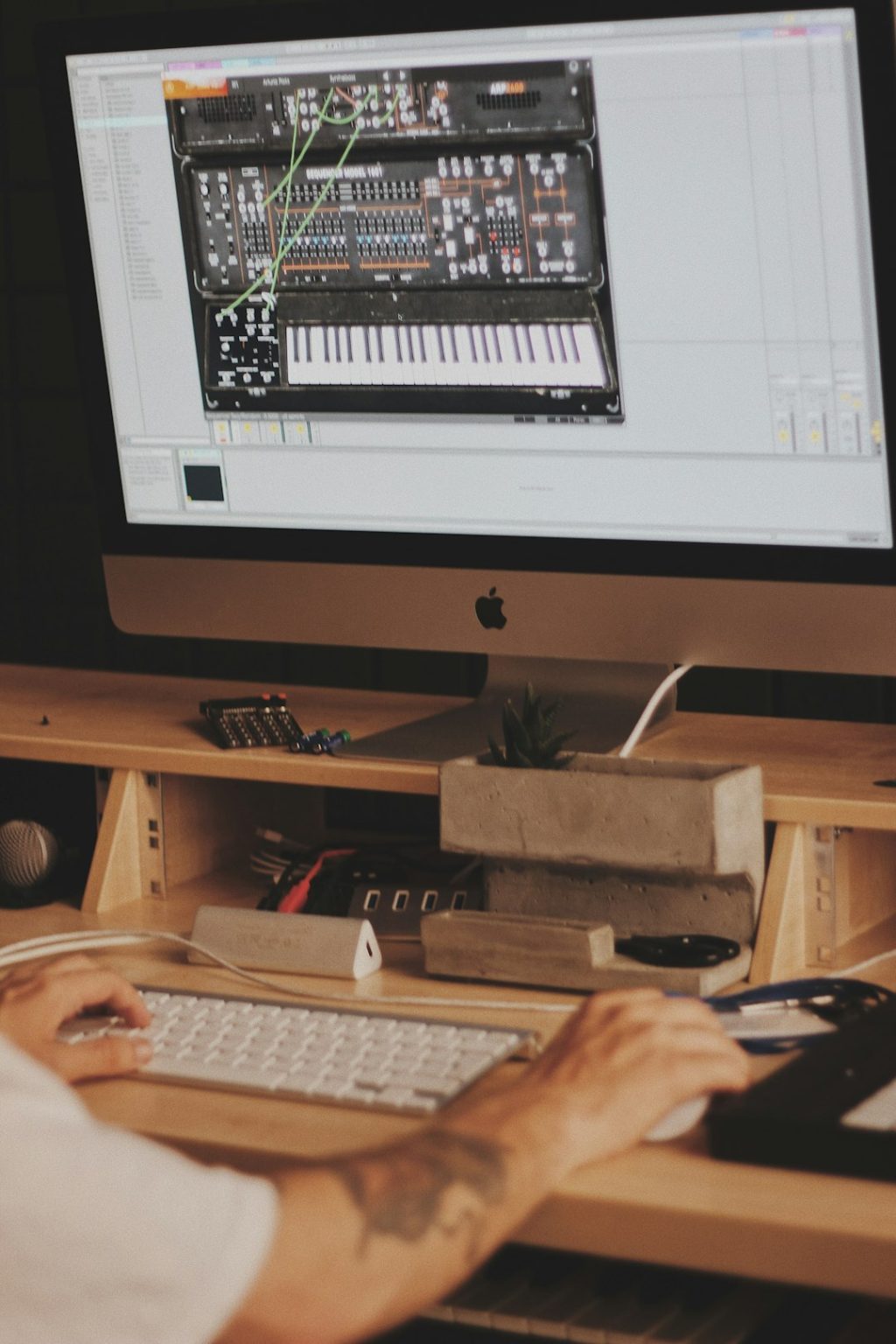
In today’s digital age, aspiring musicians and seasoned producers alike rely on powerful software to bring their musical ideas to life. Music production software, often referred to as Digital Audio Workstations (DAWs), provides the tools needed to record, edit, mix, and master tracks with professional-level quality. With so many options available, choosing the right platform can be overwhelming, especially when each program offers unique features, workflows, and creative possibilities.
TLDR: The best music production software combines flexibility, powerful editing tools, and professional-grade sound engines. Programs like Ableton Live, FL Studio, Logic Pro, Pro Tools, and Cubase stand out for their reliability and creative features. Each DAW caters to different production styles, from electronic beat-making to full studio recording. Choosing the right one depends on workflow preferences, budget, and long-term goals.
Below is a closer look at five of the most respected music production software platforms used to create professional tracks across a range of genres.
1. Ableton Live
Ableton Live has become a favorite among electronic music producers, DJs, and live performers. Known for its intuitive interface and real-time performance capabilities, it offers a seamless blend of studio production and stage functionality.
One of Ableton Live’s strongest features is the Session View, which allows users to trigger loops and musical ideas in real time. This makes it ideal for experimentation and live remixing. The Arrangement View, by contrast, offers a traditional timeline format for constructing full tracks.
- Extensive library of built-in instruments and sounds
- Advanced MIDI editing tools
- Flexible audio warping and time-stretching
- Seamless integration with MIDI controllers
Its clean layout and drag-and-drop workflow make it accessible to beginners while providing deep functionality for advanced users. Producers focused on electronic, hip-hop, and experimental music often gravitate toward Ableton for its creative flexibility.
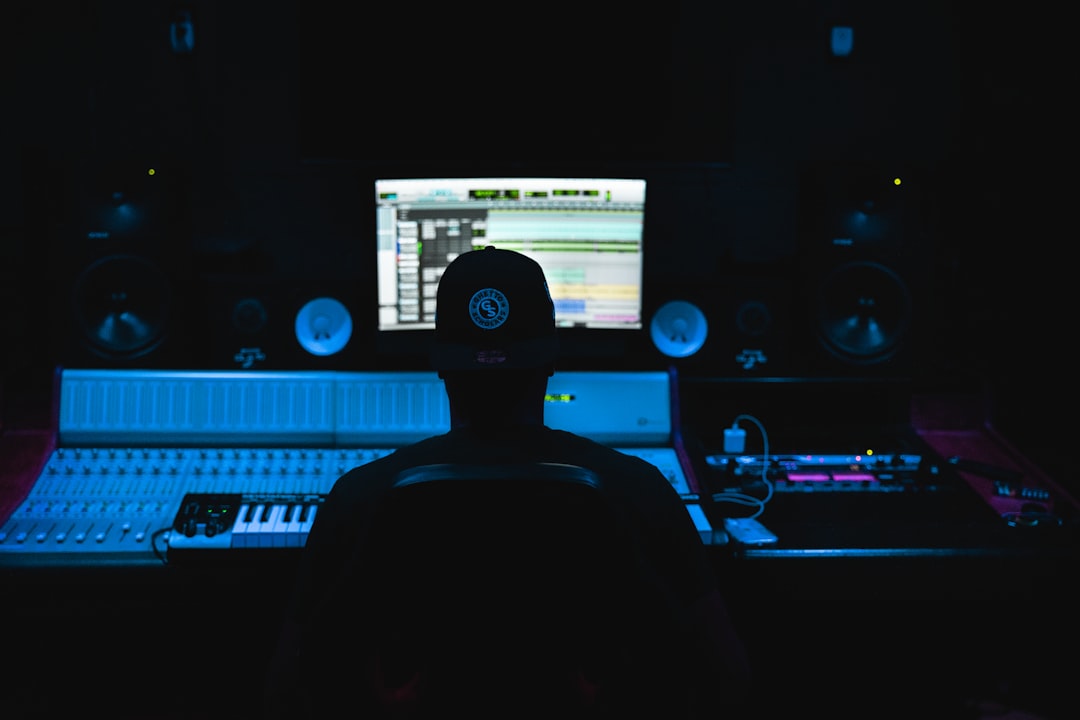
2. FL Studio
FL Studio, originally known as FruityLoops, is widely praised for its suitability in beat-making and electronic music production. Its pattern-based workflow allows users to build tracks quickly by sequencing loops and melodies in an intuitive step sequencer.
One of FL Studio’s key strengths is its user-friendly interface. New producers often appreciate how quickly they can begin creating beats. Professional producers, meanwhile, value its powerful automation tools and advanced plugin support.
- Highly visual piano roll editor
- Large collection of native plugins and synthesizers
- Lifetime free updates
- Strong community support and tutorials
The software supports both Windows and macOS and allows extensive third-party plugin integration. For genres such as trap, hip-hop, EDM, and pop, FL Studio remains a dominant tool in the industry.
3. Logic Pro
Logic Pro is a professional-grade DAW available exclusively for macOS users. Developed with a focus on both music production and songwriting, Logic Pro combines depth with affordability compared to other professional software.
Its interface balances clarity and power. The program includes a vast sound library featuring virtual instruments, loops, and effects. Songwriters appreciate features like Drummer, which automatically generates realistic drum tracks tailored to different genres.
- Comprehensive MIDI editing
- High-quality built-in plugins
- Advanced mixing and mastering tools
- Optimized performance on macOS systems
Logic Pro is particularly suited for composers, film scorers, and multi-instrumentalists who require detailed arrangement control. Its seamless integration with Apple hardware ensures stable performance even during complex sessions.
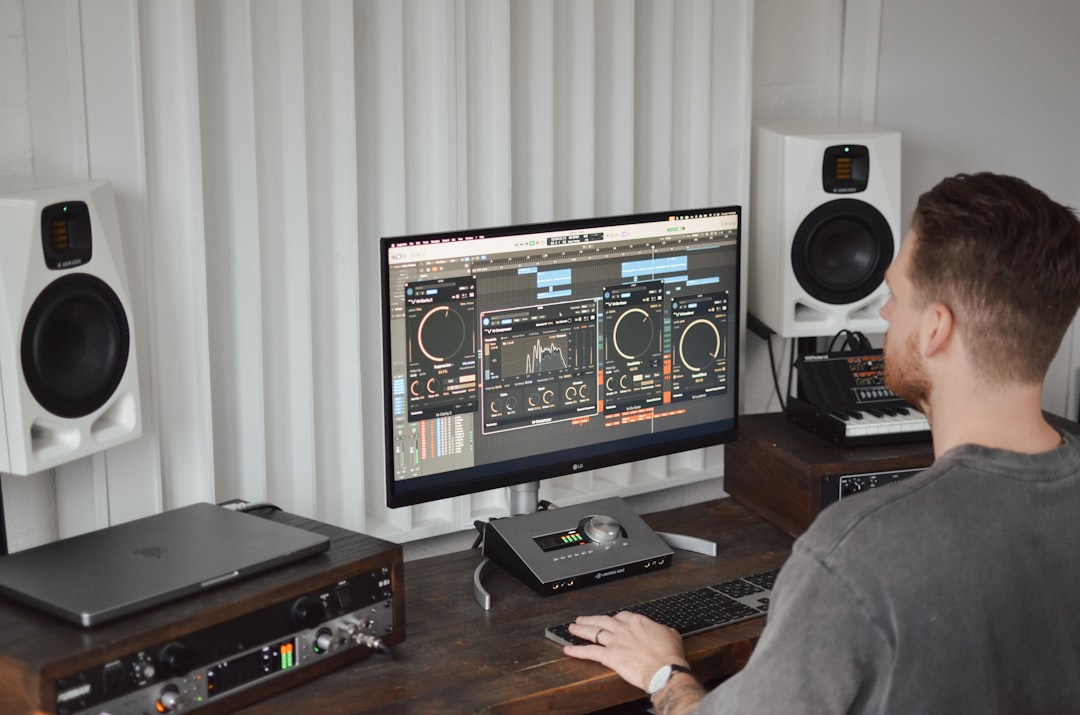
4. Pro Tools
Pro Tools has long been considered the industry standard in professional recording studios. While other DAWs excel in music creation and beat production, Pro Tools shines in recording, editing, and mixing live instruments and vocals.
This software is widely used in commercial studios due to its precise audio editing capabilities and reliable performance in high-track-count sessions. Engineers working on film scores, broadcast audio, and commercial albums frequently rely on Pro Tools.
- Advanced audio recording workflows
- Industry-leading editing tools
- Professional mixing console emulation
- Large-scale compatibility with studio hardware
Though it may have a steeper learning curve compared to beginner-friendly options, Pro Tools rewards users with unmatched precision and depth. For serious audio engineers and producers working in professional studio environments, it remains a top choice.
5. Cubase
Cubase is one of the longest-standing music production platforms and has evolved into a versatile powerhouse suitable for many production styles. It is particularly strong in MIDI composition, making it a favorite among composers and producers of orchestral and film music.
Its advanced scoring editor and harmony tools allow users to compose complex arrangements with ease. Cubase also offers excellent audio recording features, bridging the gap between creative sequencing and professional-grade tracking.
- Professional MIDI composition tools
- Robust audio engine
- Creative chord and scale assistants
- Extensive plugin ecosystem
Cubase’s adaptable workflow makes it suitable for electronic producers, bands, and scoring professionals alike. Its consistent updates ensure cutting-edge features that keep pace with industry demands.
Key Factors to Consider When Choosing Music Production Software
While each DAW listed above can produce professional-quality tracks, selecting the right one depends on individual needs. Producers should consider the following factors:
- Genre focus: Some DAWs excel in electronic music, while others specialize in recording live instruments.
- Budget: Pricing structures vary significantly, from one-time purchases to subscription models.
- Operating system compatibility: Not all programs work on both Windows and macOS.
- Workflow preference: Some users prefer loop-based creation, while others favor timeline arrangement.
- Included plugins and sounds: Built-in libraries can reduce the need for additional purchases.
Ultimately, professional-grade results come not just from the software but from the skill and creativity of the producer. However, a well-matched DAW can dramatically improve efficiency and inspire new ideas.
Conclusion
Modern music production software has transformed the music industry, making it possible for creators to produce studio-quality tracks from home setups. Ableton Live leads in creative performance and experimentation. FL Studio excels at fast-paced beat-making. Logic Pro provides a powerful all-in-one solution for Mac users. Pro Tools remains the gold standard for studio recording and editing, while Cubase stands out for detailed composition and MIDI work.
Each of these platforms is capable of delivering professional results when used effectively. By understanding personal workflow preferences and long-term goals, producers can confidently select the software that supports their creative journey.
FAQ
1. What is the best music production software for beginners?
FL Studio and Ableton Live are often recommended for beginners due to their intuitive interfaces and large online tutorial communities.
2. Can professional tracks be made with any DAW?
Yes. All major DAWs are capable of producing professional-quality tracks. The final result depends more on the producer’s skills than the software itself.
3. Is Logic Pro better than Pro Tools?
Logic Pro is often preferred for music creation and composition, while Pro Tools is widely used in professional studios for recording and mixing. The better choice depends on specific needs.
4. Do these programs require powerful computers?
Most professional DAWs benefit from a computer with sufficient RAM, fast storage, and a quality processor. More complex projects demand higher performance systems.
5. Are free music production programs good enough?
Free DAWs can be suitable for beginners and simple projects. However, paid software typically offers more advanced tools, plugins, and long-term scalability.
6. Can these DAWs be used for film scoring?
Yes. Cubase and Logic Pro are particularly popular for film scoring due to their advanced MIDI and orchestration tools.