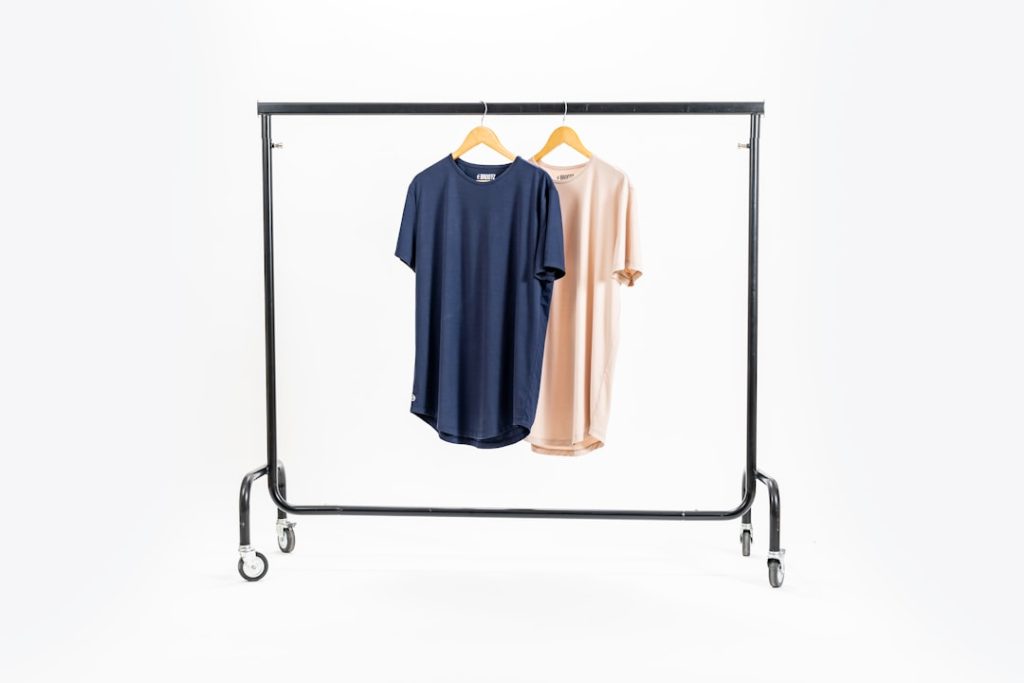
For online sellers, marketers, photographers, and content teams, clean visuals often determine whether a product is ignored or clicked. Smart background remover apps have become essential because they turn ordinary photos into polished assets with transparent PNG backgrounds, marketplace-ready product images, and reusable graphics in seconds. Instead of relying on manual cutouts, these apps use artificial intelligence to detect subjects, remove unwanted backgrounds, and prepare images for websites, catalogs, social posts, and ads.
TLDR: Smart background remover apps help users create transparent PNGs and professional product photos quickly by using AI subject detection. They are especially useful for ecommerce, social media, branding, and digital design workflows. The best results come from combining automated removal with light manual refinement, consistent lighting, and export settings suited to the final platform.
Why Background Removal Matters for Modern Product Images
In digital commerce, visuals carry much of the communication that would happen in person. A shopper cannot touch the fabric, inspect the packaging, or compare the scale of an item physically, so the image has to do the work. A clean background makes the subject easier to understand and helps the product appear more trustworthy.
Background removal is especially valuable when a product photo includes distractions such as furniture, shadows, hands, cluttered surfaces, or inconsistent studio backdrops. By converting the subject into a transparent PNG, the image becomes flexible. It can be placed on white backgrounds for marketplaces, colored backgrounds for promotions, or layered into banners, thumbnails, and advertisements.
For small businesses, the advantage is significant. A seller may not have access to a professional studio, but a smart background remover app can help create visuals that look consistent across an entire product line. This consistency contributes to a stronger brand presence and a more professional shopping experience.

How Smart Background Remover Apps Work
Most smart background remover apps rely on artificial intelligence and machine learning models trained to recognize objects, people, animals, clothing, packaging, furniture, accessories, and other common subjects. The app analyzes the image, separates the foreground from the background, and removes the unwanted area automatically.
Modern tools often go beyond simple cutouts. They can detect hair strands, glass edges, fabric texture, jewelry details, and soft shadows. Some apps also allow users to restore areas that were removed by mistake or erase remaining background fragments manually. This combination of automation and editing control is what makes them practical for real business use.
A typical workflow includes the following steps:
- Upload or capture an image: The user selects a product photo, portrait, or graphic.
- Automatic background detection: The app identifies the main subject and removes the surrounding area.
- Manual refinement: Edges, missing details, and leftover background marks can be corrected.
- Background replacement: The image may remain transparent or be placed on a solid color, gradient, scene, or branded backdrop.
- Export: The final file is saved as a transparent PNG, JPG, or another suitable format.
Transparent PNGs and Why They Are So Useful
A PNG file can support transparency, which means it can preserve a subject without a visible background. This makes it extremely useful for design and ecommerce. A transparent product image can be placed on different layouts without needing to recreate the cutout every time.
For example, a transparent PNG of a coffee mug can appear on a white marketplace listing, a pastel social media post, a holiday sale banner, and a comparison chart. The product remains the same, but the background can change to fit the campaign. This saves time and keeps visual assets consistent.
Transparent PNGs are also helpful for logos, stickers, profile graphics, apparel mockups, website hero images, and instructional diagrams. When the edges are clean, the subject appears naturally integrated into new designs. When the cutout is poor, however, it may show jagged outlines, halos, missing edges, or unnatural transparency. That is why the quality of the background remover app matters.
Benefits for Ecommerce and Product Photography
Smart background remover apps serve many industries, but ecommerce is one of the clearest use cases. Product listings often require clean, uniform images that focus attention on the item. Marketplaces may also have image requirements involving plain backgrounds, image size, or subject positioning.
The most important benefits include:
- Faster listing creation: Sellers can prepare product images without lengthy manual editing.
- Lower production costs: Businesses can reduce reliance on expensive reshoots or complex editing services.
- Consistent catalogs: Products from different sessions can be made to look visually aligned.
- Improved click appeal: Clean visuals are often easier to understand in search results and social feeds.
- Flexible marketing assets: One cutout can be reused across ads, landing pages, emails, and banners.
For product photographers, these apps can speed up post-production. A photographer may still control lighting, angles, and composition, but automated background removal helps reduce repetitive editing tasks. This allows more time for color correction, retouching, and creative presentation.

Key Features to Look For in a Background Remover App
Not every background remover app produces the same quality. Some are designed for fast casual edits, while others are better suited for professional product workflows. The best choice depends on the volume of images, the complexity of the subject, and the final use of the file.
Several features are especially important:
- Edge accuracy: The app should preserve fine details such as hair, fur, lace, jewelry, leaves, and transparent objects.
- Manual brush tools: Users should be able to erase or restore specific areas after the AI cutout.
- Batch processing: Businesses with many product images benefit from editing multiple files at once.
- High resolution export: Product photos should remain sharp enough for websites, catalogs, and ads.
- PNG transparency support: Transparent export is essential for reusable design assets.
- Background replacement: Solid colors, custom images, shadows, and branded scenes can help create finished visuals.
- Shadow and reflection control: Natural grounding effects make products look less flat.
- Mobile and desktop access: Flexible access helps teams edit images wherever they work.
Apps with simple interfaces are often preferred by small businesses, while advanced teams may prioritize integrations, export presets, and workflow automation. The ideal tool balances speed, quality, and control.
Common Challenges and How Apps Solve Them
Although AI background removal has improved greatly, some images remain difficult. White products on white backgrounds, transparent glass, reflective metal, fuzzy fabric, and complex shadows can confuse automated systems. A strong app should provide refinement tools for these situations.
Lighting also affects the final result. If a product is poorly lit or blends into the background, the app may struggle to identify its edges. Clear contrast between the subject and the background usually produces cleaner cutouts. For this reason, even when AI is used, good photography habits remain valuable.
Another common issue is the halo effect, where a thin outline from the old background remains around the product. This can make the image look unprofessional, especially when placed on a darker or brighter new background. Edge smoothing, feathering, and color decontamination tools can help remove these artifacts.
Best Practices for Better Product Cutouts
Smart apps work best when the original image gives them enough visual information. A product photo does not need to be perfect, but it should be clear and well lit. The subject should not be heavily blurred, cropped awkwardly, or hidden behind unnecessary props.
Useful best practices include:
- Use even lighting: Soft, balanced light reduces harsh shadows and makes edges easier to detect.
- Choose contrast: A background that differs from the product color helps the AI separate the subject.
- Keep the full product visible: Avoid cutting off corners, handles, straps, labels, or packaging details.
- Clean the product first: Dust, fingerprints, and wrinkles become more noticeable after the background is removed.
- Review edges at full size: Small errors may not appear in a preview but can be obvious in ads or listings.
- Export for the intended use: PNG is ideal for transparency, while JPG may be better for final images with solid backgrounds.
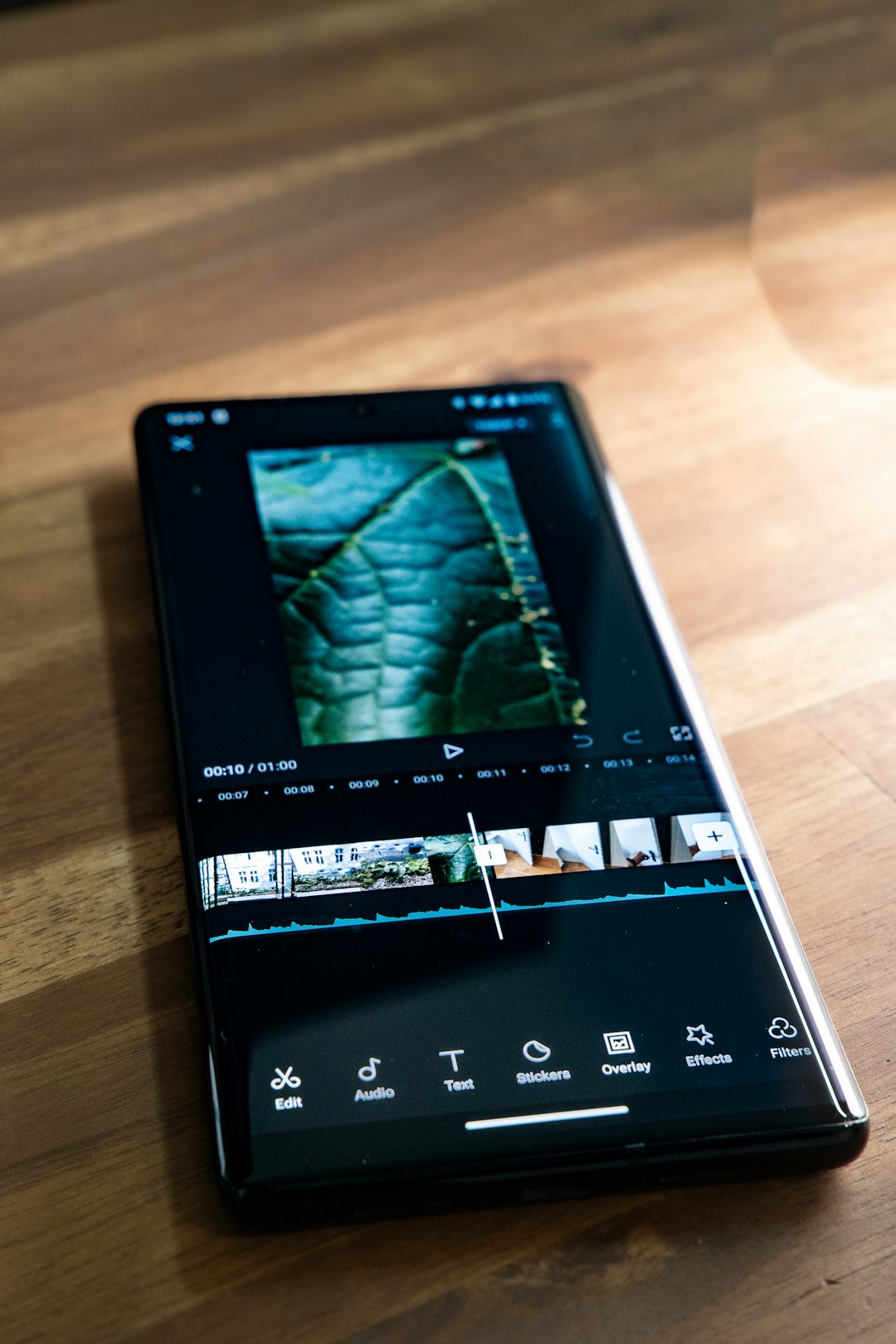
AI Background Removal for Social Media and Branding
Transparent PNGs are not limited to product listings. Social media teams often use cutout images to create promotional posts, announcement graphics, creator thumbnails, and seasonal campaigns. A transparent subject can be layered over colorful shapes, text, and branded elements without visual clutter.
For personal brands and creators, background remover apps help create profile images, digital stickers, presentation graphics, and video thumbnails. Clean cutouts can make content appear more polished, even when produced quickly. This is particularly useful in fast-moving channels where teams need to publish frequently.
Brand consistency is another advantage. When product images are separated from their original environments, designers can create a unified visual style. They may use the same background color, shadow direction, margin spacing, or composition rules across many assets.
Mobile Apps Versus Desktop Tools
Many background remover apps are available on mobile devices, making them convenient for sellers who photograph products with a phone. A mobile workflow can be fast: capture the item, remove the background, add a clean backdrop, and upload the image to a store or social platform.
Desktop tools, however, may offer more precision, larger previews, and better file management. They can be preferable for teams editing large catalogs or working with high-resolution photography. Some businesses use both: mobile apps for quick edits and desktop software for final polishing.
The best option depends on context. A small seller may value speed and simplicity, while a studio may prioritize color accuracy, file organization, and detailed edge control. In both cases, the goal is the same: to create clean, flexible visuals that support sales and communication.
Privacy, File Quality, and Workflow Considerations
Since many apps process images online, privacy can be important. Businesses handling unreleased products, client photos, prototypes, or confidential branding materials should review how an app stores and processes uploaded files. Clear data policies and secure handling should be considered part of the decision.
File quality is equally important. Some apps compress images heavily or limit export size unless a premium plan is used. For ecommerce, low-resolution images can reduce trust and make products appear less appealing. High-quality exports, transparent PNG support, and accurate color preservation should be priorities.
Workflow also matters. A good app should reduce friction rather than create extra steps. Features such as saved presets, automatic resizing, batch exports, and background templates can help teams produce images faster while keeping them consistent.
The Future of Smart Background Removal
Background remover apps are becoming more advanced as AI models improve. Future tools are likely to deliver better detection of transparent materials, complex shadows, overlapping objects, and realistic relighting. They may also generate complete product scenes automatically, allowing a plain product cutout to appear in lifestyle settings, studio scenes, or seasonal campaigns.
However, automation will not eliminate the need for visual judgment. A person still needs to decide whether the product looks accurate, whether the image matches the brand, and whether the final result builds trust. The strongest workflows will combine AI speed with human review.
Conclusion
Smart background remover apps have changed how transparent PNGs and product photos are created. They help businesses, creators, and photographers produce clean, reusable images without spending hours on manual editing. For ecommerce especially, they support faster listings, more consistent catalogs, and stronger marketing visuals.
The best results come from choosing an app with accurate AI detection, strong manual refinement tools, high-resolution exports, and reliable transparency support. When paired with good photography habits and thoughtful design, these apps can turn simple product photos into polished assets ready for stores, ads, social media, and branded campaigns.
FAQ
What is a background remover app?
A background remover app is a tool that removes the background from an image, usually by using AI to detect the main subject. It can create transparent PNGs or replace the original background with a new one.
Why are transparent PNGs useful for product photos?
Transparent PNGs allow a product image to be placed on different backgrounds without editing the subject again. This makes them useful for ecommerce listings, ads, banners, social media posts, and design layouts.
Are AI background remover apps accurate?
Many modern apps are highly accurate, especially with clear, well-lit photos. However, difficult subjects such as glass, hair, fur, shadows, and reflective products may still need manual refinement.
Should product photos have a white background or a transparent background?
It depends on the final use. A white background is common for marketplace listings, while a transparent background is better when the product needs to be reused across multiple designs or placed on branded backgrounds.
Can background remover apps be used on mobile phones?
Yes. Many apps work well on mobile devices and are useful for quick product edits. Desktop tools may still be better for large batches, high-resolution files, or detailed professional editing.
What file format is best after removing a background?
PNG is best when transparency is needed. JPG is suitable when the image has a finished solid background and smaller file size is important.