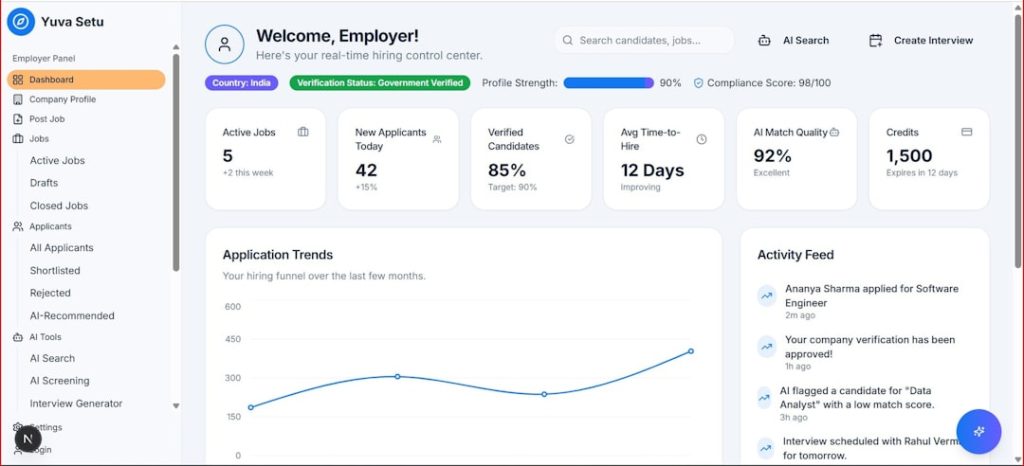
Base44 has attracted attention as an AI app builder for quickly turning ideas into working business tools. Still, many teams compare it with other platforms before committing, especially when requirements involve databases, permissions, mobile apps, integrations, or production-grade scaling.
TLDR: The best Base44 alternatives include Bubble, Softr, Glide, Lovable, Bolt, Replit, Cursor, Adalo, and FlutterFlow. For non-technical users, Softr and Glide are the easiest options; for more advanced web apps, Bubble and FlutterFlow offer deeper control. AI-first builders such as Lovable, Bolt, Replit, and Cursor are strongest for fast prototyping, but may require more technical judgment before launch.
How Base44 Alternatives Were Compared
The best AI app builder depends on the type of app being created. A founder building an MVP has different needs from an operations team creating an internal dashboard or a developer accelerating full-stack production work. The comparison below focuses on three practical factors: features, pricing, and ease of use.
1. Bubble
Best for: complex web apps, marketplaces, SaaS MVPs, and workflow-heavy products.
Bubble remains one of the strongest Base44 alternatives for building sophisticated web applications without traditional coding. It offers a visual editor, database tools, authentication, responsive design, API connections, plugins, and workflow automation. Its AI features help with app generation and development guidance, but Bubble’s biggest advantage is still its mature ecosystem.
Pricing: Bubble usually offers a free plan for testing, with paid plans starting around the lower monthly SaaS range and increasing for higher capacity, custom domains, and production needs.
Ease of use: Moderate. Beginners can start quickly, but advanced apps require learning Bubble’s logic, database structure, and responsive design system.
2. Softr
Best for: client portals, internal tools, directories, dashboards, and simple web apps.
Softr is one of the easiest alternatives for teams that want to build polished applications from data sources such as Airtable, Google Sheets, SmartSuite, or databases. It offers prebuilt blocks, user roles, payments, forms, lists, charts, and permissions. AI can assist with structure and page creation, but Softr’s main appeal is speed and simplicity.
Pricing: Softr has a free tier, while paid plans typically start at a modest monthly price and scale based on features, collaborators, and app requirements.
Ease of use: Very easy. It is less flexible than Bubble, but far faster for standard business apps.
3. Glide
Best for: internal mobile apps, field tools, employee portals, and data-driven apps.
Glide turns spreadsheets and databases into responsive apps with a clean interface. It includes AI components, computed columns, actions, role permissions, forms, and integrations. Compared with Base44, Glide is especially attractive for businesses that already manage operations in spreadsheets and want a professional interface quickly.
Pricing: Glide offers a free or trial-style starting point, with paid plans moving upward depending on users, data, and business features.
Ease of use: Very easy. Glide is one of the most beginner-friendly tools, although complex custom logic can become limiting.
4. Lovable
Best for: AI-generated web apps, prototypes, landing pages, and lightweight SaaS concepts.
Lovable allows users to describe an app in natural language and generate a working front end, often with modern design and code structure. It is popular among founders and product teams that want to move from idea to prototype quickly. It can connect with back-end services and development workflows, making it more technical than classic no-code tools.
Pricing: Lovable commonly provides a free or limited usage plan, with paid subscriptions based on AI usage, projects, and collaboration.
Ease of use: Easy to start, moderate to refine. Non-technical users can generate apps quickly, but debugging and production preparation may require developer support.

5. Bolt
Best for: rapid full-stack prototypes, developer-led MVPs, and AI-assisted coding.
Bolt, often associated with browser-based AI development, is a strong Base44 alternative for generating full-stack applications with code. It can create interfaces, install packages, modify files, and help iterate through prompts. Unlike traditional no-code builders, it produces a more code-centric experience, which benefits teams that want ownership and flexibility.
Pricing: Bolt generally uses a free entry level plus paid plans based on usage limits or AI credits.
Ease of use: Moderate. It is simpler than coding from scratch, but users benefit from understanding frameworks, deployment, and troubleshooting.
6. Replit
Best for: AI-assisted development, educational projects, prototypes, and deployable apps.
Replit combines an online development environment with AI assistance. Its agent-style tools can generate, explain, and modify code, while the platform supports hosting, databases, collaboration, and version control workflows. It is not a pure no-code app builder, but it is a powerful alternative for teams willing to work closer to the code.
Pricing: Replit includes free access with limitations, and paid plans provide more resources, private projects, AI usage, and deployment capabilities.
Ease of use: Moderate to advanced. It is approachable for learners, but production apps still require technical awareness.
7. Cursor
Best for: developers who want AI coding inside a familiar editor.
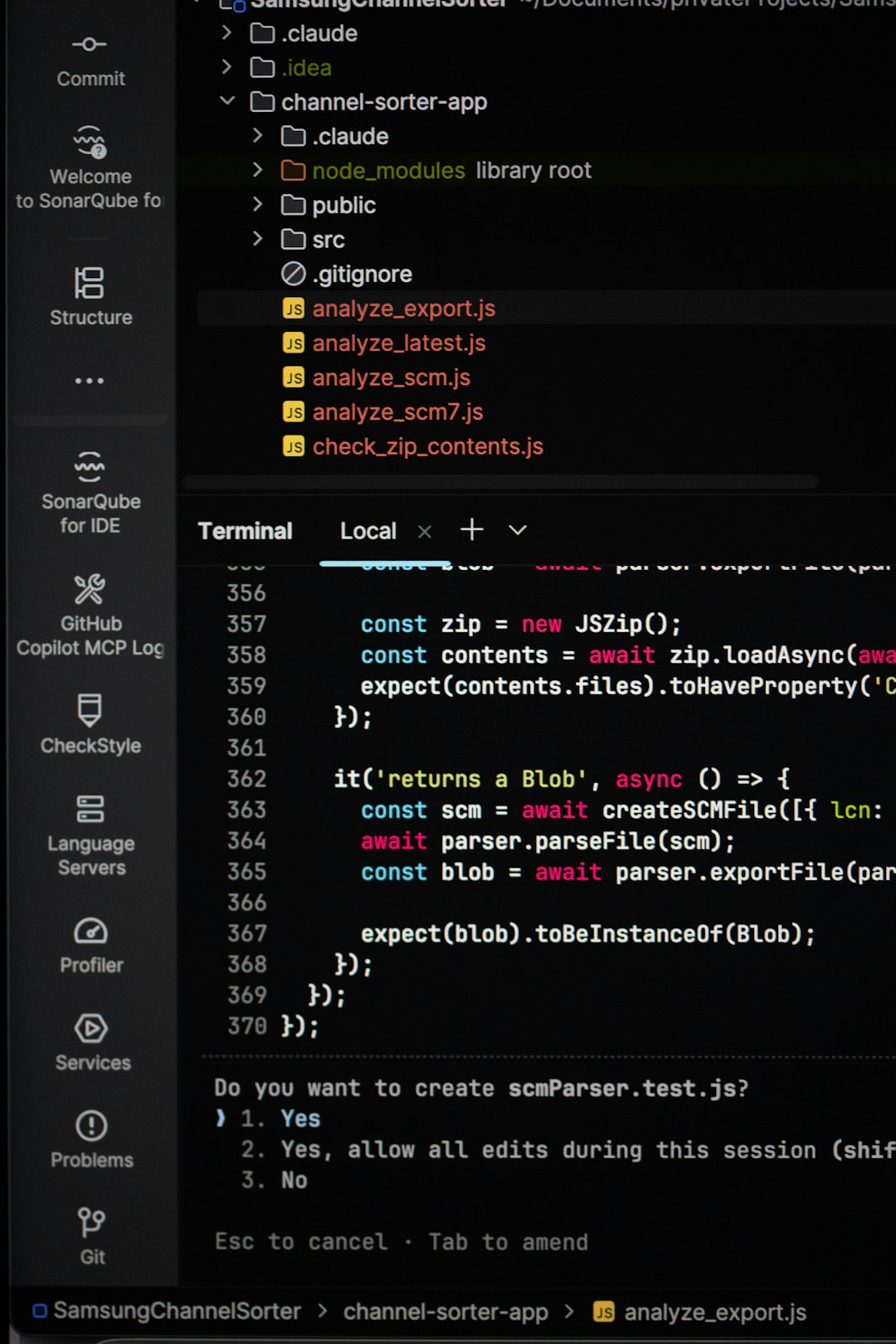
Cursor is an AI-powered code editor rather than a no-code builder. It helps developers generate features, refactor code, understand files, and build apps faster. As a Base44 alternative, it suits teams that prefer custom software over platform constraints. It is particularly useful when an app has unique architecture, complex integrations, or long-term engineering needs.
Pricing: Cursor typically offers a free plan, with paid tiers for heavier AI model usage and professional workflows.
Ease of use: Advanced. It is excellent for developers, but not suitable for users who want a purely visual builder.
8. Adalo
Best for: mobile apps, simple marketplaces, booking apps, and consumer-facing MVPs.
Adalo focuses on visual mobile app creation. It includes drag-and-drop screens, databases, user login, payments, actions, and publishing options. Compared with Base44, Adalo is stronger when the goal is a mobile-first application rather than a web-first business tool. Its templates and components make app creation accessible to non-technical teams.
Pricing: Adalo generally provides a free testing plan, while paid plans unlock publishing, custom domains, app store features, and higher usage.
Ease of use: Easy to moderate. It is simple for basic apps, but performance and scalability should be reviewed before building something complex.
9. FlutterFlow
Best for: production-quality mobile and web apps using Flutter.
FlutterFlow gives users a visual way to build apps on top of Google’s Flutter framework. It supports responsive UI design, Firebase, APIs, authentication, custom code, animations, and app store deployment. AI tools can help generate pages and logic, but FlutterFlow’s key advantage is its balance between visual building and developer extensibility.
Pricing: FlutterFlow offers a free plan for building and previewing, with paid plans for code export, deployment, collaboration, and advanced features.
Ease of use: Moderate. It is more technical than Glide or Softr, but more scalable for serious mobile development.
Quick Comparison
- Easiest overall: Softr and Glide
- Best for complex no-code web apps: Bubble
- Best for mobile apps: FlutterFlow and Adalo
- Best for AI-generated prototypes: Lovable and Bolt
- Best for developer control: Cursor and Replit
- Best for internal tools: Glide, Softr, and Bubble
Which Base44 Alternative Is Best?
For most non-technical teams, Softr is the easiest choice when the app is data-driven and does not require unusual logic. Glide is ideal for internal workflows and mobile-friendly operational tools. Bubble is better when the project needs custom workflows, user roles, payments, and marketplace-style functionality.
For AI-first development, Lovable and Bolt are excellent for quickly generating modern interfaces and prototypes. However, because these tools produce more code-oriented outputs, teams should plan for testing, security review, and deployment work. For experienced developers, Cursor and Replit may be the strongest long-term options because they offer greater flexibility than closed no-code platforms.
FAQ
What is the best Base44 alternative for beginners?
Softr and Glide are usually the best options for beginners because they use visual interfaces, templates, and simple data connections.
Which Base44 alternative is best for building a SaaS app?
Bubble is often the best no-code choice for SaaS MVPs because it supports databases, payments, user accounts, APIs, and custom workflows.
Which tool is best for mobile app development?
FlutterFlow is strongest for scalable mobile apps, while Adalo is easier for simple mobile-first MVPs.
Are AI app builders production-ready?
Some are, but production readiness depends on security, scalability, testing, data structure, and integrations. AI-generated apps should be reviewed carefully before launch.
Which alternative offers the most developer control?
Cursor, Replit, and Bolt provide the most control because they work closer to a traditional coding environment.
Is there a free Base44 alternative?
Many alternatives, including Bubble, Softr, Glide, Replit, Cursor, Adalo, and FlutterFlow, offer free plans or free trials. However, publishing and scaling usually require a paid plan.