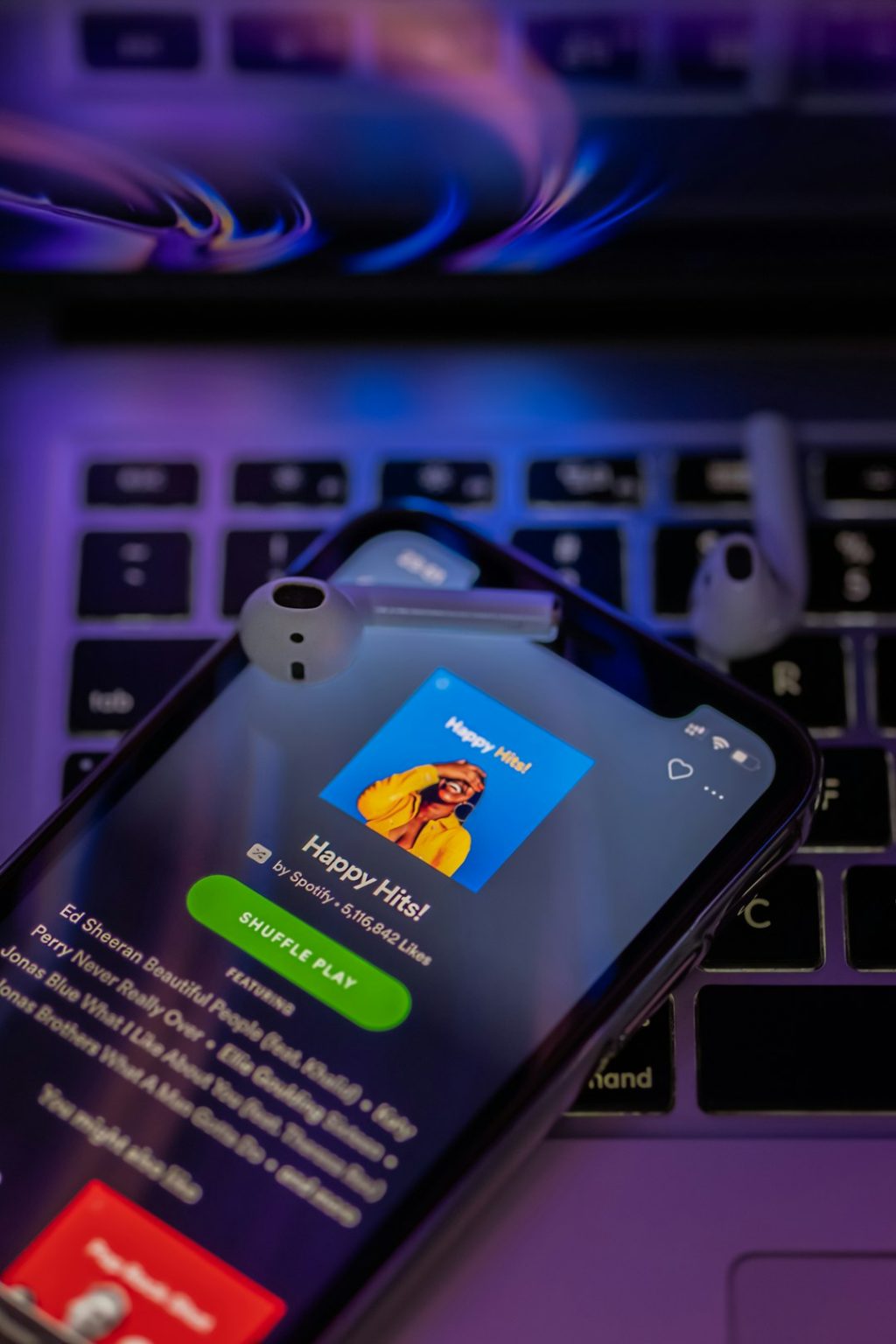
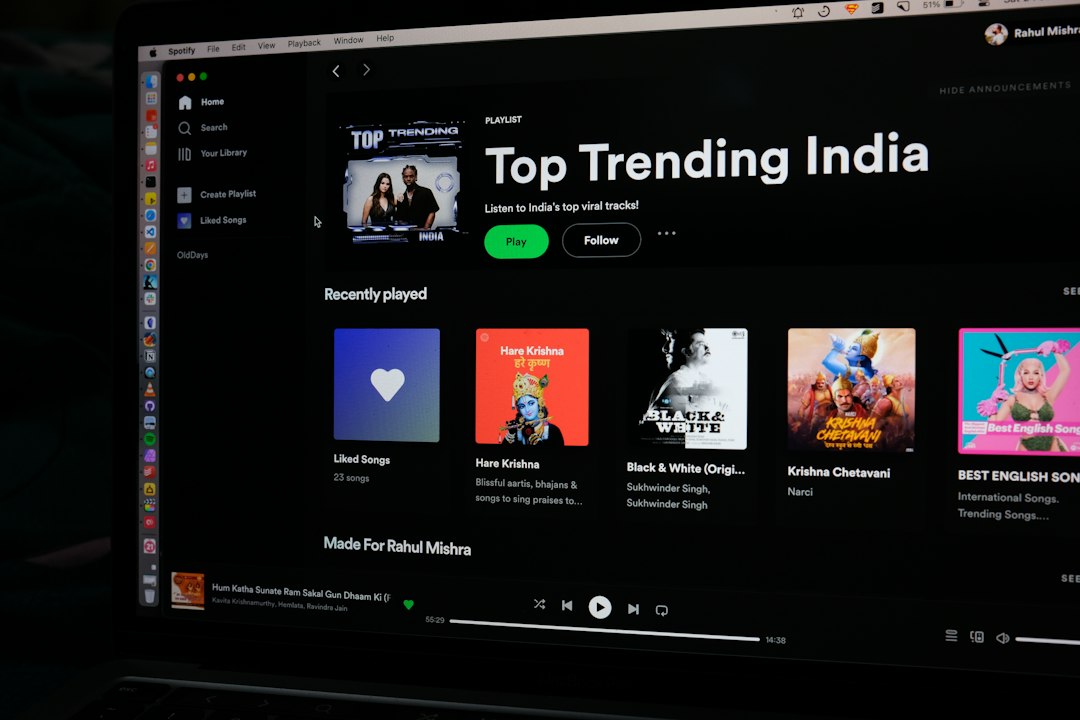
You upload music to Spotify by using a music distributor, not by uploading straight to Spotify. Spotify sends artists through approved distributors because they handle files, rights, stores, payments, and release data [source: Spotify]. Pick a distributor, upload your song, add cover art, set a release date, and submit. That is the basic path.
TLDR: You need a distributor like DistroKid, TuneCore, CD Baby, LANDR, or Amuse to put your music on Spotify. For example, if Maya has one finished single, she can upload a WAV file, add a 3000 x 3000 cover, pay the distributor, and choose a release date two weeks away. Many distributors send music to 150+ platforms, so one upload can reach Spotify, Apple Music, YouTube Music, and more. Plan for at least 7 to 14 days before release, because last minute uploads can get messy fast.
Wait, why can’t I upload straight to Spotify?
Because Spotify is not like SoundCloud or YouTube.
You cannot just drag in an MP3 and hit publish. At least, not as a regular independent artist.
Spotify wants clean data. It needs proof of rights. It needs royalty info. It needs song credits. It also needs the correct file format.
That is where distributors come in.
A distributor is the middle person. Annoying? A little. Useful? Very.
Your distributor sends your music to Spotify. It also sends it to other platforms if you choose. Then it collects your royalties and pays you.
Honestly, it feels silly the first time. You might think, “I made the song, so why can’t I just upload it?” Fair question. But once you release a few songs, the system starts to make sense.
Step 1: Finish your song first
Do not upload a half finished track.
Spotify is not the place for “I might change the vocals later.” Once the song is live, fixes can take days. Sometimes longer.
Before you upload, make sure you have:
- A final master of the song
- A clean WAV file, usually 16 bit or 24 bit
- No random silence at the start or end
- No clipping or ugly distortion
- Correct song title and artist name
MP3s are fine for sending demos to friends. For release, use WAV if possible.
Step 2: Choose a music distributor
This is the big choice.
Different distributors have different prices. They also have different rules. Some charge yearly. Some charge per release. Some take a cut of your royalties. Some let you keep 100% after fees.
Popular options include:
- DistroKid — simple, fast, yearly payment
- TuneCore — well known, good for many release types
- CD Baby — one time payment per release
- LANDR — includes mastering and release tools
- Amuse — has free and paid plans in some regions
Do not pick only by price.
Check these things too:
- How fast they deliver to Spotify
- How they pay royalties
- Whether they collect YouTube Content ID money
- How easy their dashboard feels
- How support replies when things go wrong
Expect to waste time on tiny form fields. Some dashboards ask for the same artist name three different ways. It drives people mad for a reason.
Step 3: Create your release
After you choose a distributor, create an account. Then start a new release.
You will usually pick one of these:
- Single — 1 song
- EP — a short group of songs
- Album — a larger project
For beginners, start with a single.
It is easier. It costs less. It helps you learn the process without turning your brain into soup.
You will upload your audio file. Then you will enter the song title, artist name, genre, language, release date, and songwriter credits.
Take your time here. Spelling errors look bad. Wrong credits can cause payment problems.
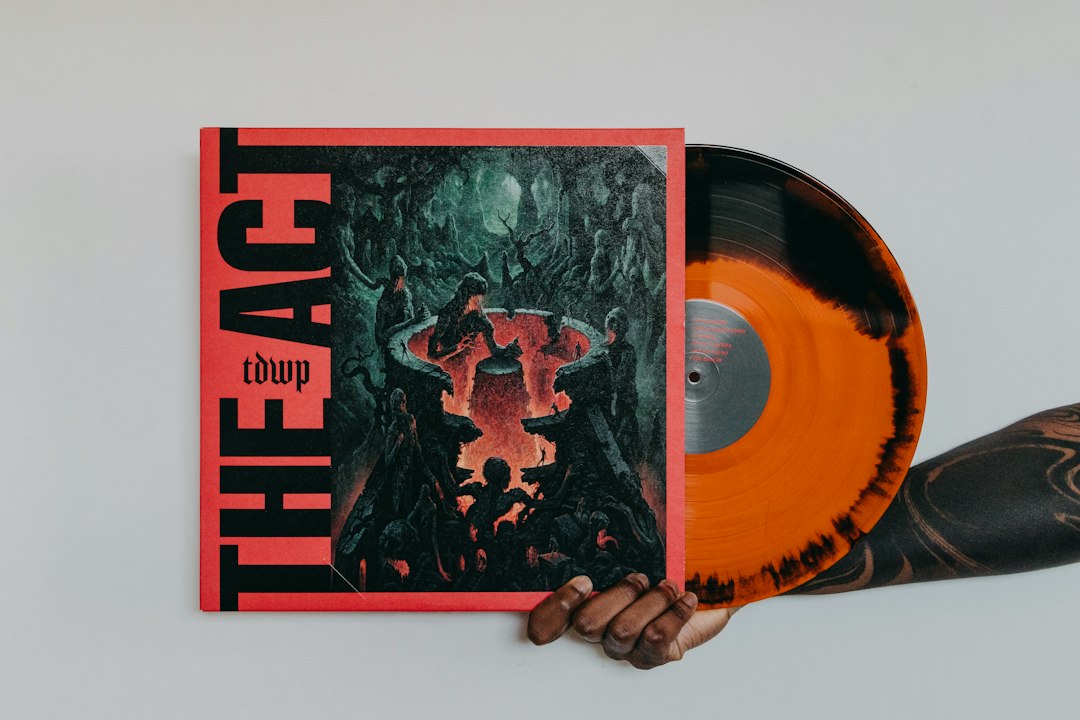
Step 4: Make cover art that passes the rules
Your cover art matters.
It is the first thing many listeners see. It also has to pass store checks.
Most distributors ask for square artwork. A common size is 3000 x 3000 pixels. Use JPG or PNG. Keep it sharp.
Avoid these common mistakes:
- Blurry images
- Tiny text
- Website links on the cover
- Social media handles
- Fake Spotify logos
- Copyrighted photos you do not own
If your song is called Moon Taxi, the cover can say Moon Taxi. But do not add “Available on Spotify” or “Follow me on Instagram.” Stores may reject it.
Step 5: Pick your release date
Do not release tomorrow.
Yes, some distributors are fast. Still, give yourself breathing room.
A safe choice is 2 to 4 weeks ahead. This helps with store approval. It also gives you time to plan posts, videos, emails, and playlist pitches.
If you want to pitch your song to Spotify’s editorial playlists, you need time. You can do this through Spotify for Artists after the release is delivered, before it goes live. Spotify recommends pitching unreleased music through the dashboard [source: Spotify for Artists].
The song must already be in your Spotify for Artists account. So do not wait until release day. That is how panic starts.
Step 6: Submit and wait
Once everything looks right, hit submit.
Your distributor will check the release. Then Spotify and other platforms review it too.
This part is boring. Sorry.
You may see statuses like:
- Processing
- Sent to stores
- Delivered
- Live
If there is a problem, the distributor will tell you. Common issues include bad cover art, missing credits, wrong file type, or a title that does not match the cover.
Fix it fast. Then resubmit.
Step 7: Claim your Spotify for Artists profile
After your first release is delivered, claim your Spotify for Artists profile.
This gives you control over your artist page.
You can add:
- Artist photo
- Bio
- Social links
- Artist pick
- Tour dates
- Canvas videos for tracks
You also get stats. You can see streams, listeners, saves, cities, age groups, and playlist adds.
This is gold.
If 42% of your listeners are in Chicago, you might run ads there. If a song gets lots of saves but few shares, you might make better short videos for it.
Step 8: Promote the song before and after release
Uploading is not the finish line.
It is the starting line.
Tell people before the song drops. Share short clips. Post the story behind the song. Send it to your email list if you have one. Ask friends to pre save it, but do not beg like a broken robot.
On release day, make it easy.
- Share one clean link
- Post a 15 second video
- Pin the song on your profile
- Thank early listeners
- Send it to small playlist curators
After release, keep going.
One post is not a campaign. People miss things. Algorithms miss things too. Share new angles for a few weeks.
How much does it cost?
It depends on your distributor.
Some plans start around the price of a few coffees per month. Others charge per single or album. Some free plans may take a royalty percentage.
Read the fine print.
Look for:
- Yearly fees
- Revenue splits
- Withdrawal fees
- Cover song fees
- Extra charges for Content ID
If you are new, keep it simple. Pick a trusted distributor. Release one single. Learn the flow. Then release more.
Quick beginner checklist
- Finish and master your song
- Export a high quality WAV file
- Create square cover art
- Choose a distributor
- Enter clean metadata
- Set a release date 2 to 4 weeks away
- Submit the release
- Claim Spotify for Artists
- Pitch the song if you can
- Promote before and after release
That is it. You do not need a label. You do not need a huge budget. You need a finished song, a distributor, clean details, and a small plan. Start with one track. Learn the process. Then do it again, but smarter.