Pick Riverside if you want an easy podcast recording setup with video, remote guests, and fewer tech headaches. Pick Audacity if you want free audio editing and do not mind learning knobs, tracks, and menus. Podcasting is worth the effort too. In the U.S., 47% of people age 12 and older listen to podcasts monthly, according to Edison Research [source: Edison Research].
TLDR
Riverside is better for beginners who record interviews online. It records each guest locally, so bad Wi Fi does not ruin everything. Audacity is better for editing audio for free, especially if you record alone or already have a good mic. Example: if you host a 30-minute interview with one guest, Riverside can save you 20 to 40 minutes of setup and file chasing, while Audacity can save you money with its free editing tools.
The simple answer
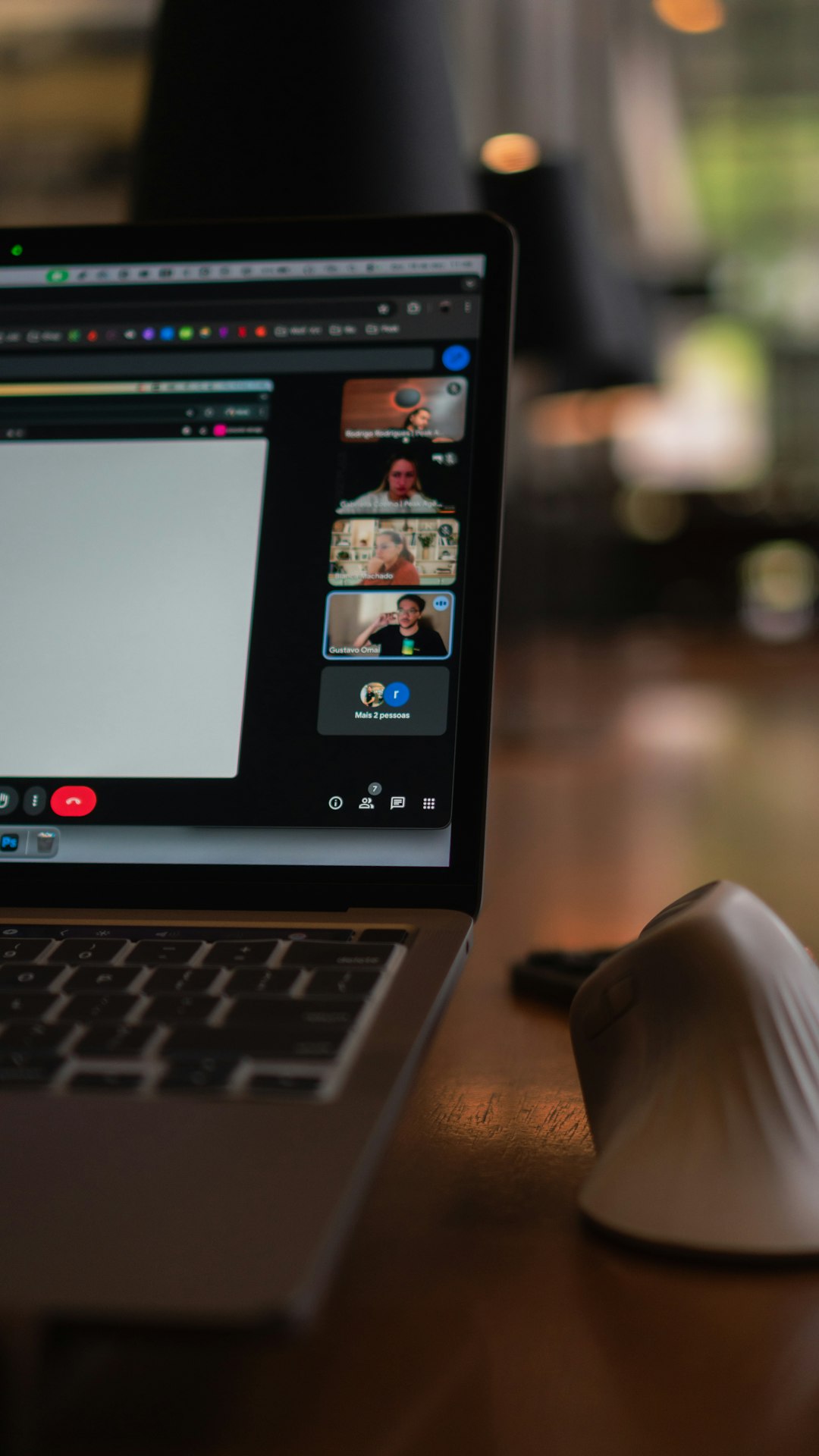
Riverside is a recording studio in your browser. It is made for interviews, video podcasts, solo episodes, and remote guests. You send a link. People join. You record. Nice.
Audacity is an audio editor. It is free. It is powerful. It is also a bit like opening a junk drawer full of buttons. Useful buttons, yes. Friendly buttons, not always.
So the choice is not really “which one is better?” It is “what pain do you want to avoid?”
- Hate tech setup? Use Riverside.
- Hate paying monthly fees? Use Audacity.
- Record guests online? Use Riverside.
- Edit voice tracks on a budget? Use Audacity.
- Need video clips for social media? Use Riverside.
What Riverside does best
Riverside is built for people who want to press record and get clean files. It records audio and video locally on each person’s computer. That is a big deal. Zoom-style tools often record the call as it happens. If the internet gets weird, the recording gets weird too.
With Riverside, your guest can sound cleaner even if their connection hiccups. The app uploads the files after recording. You also get separate tracks. That means your voice and your guest’s voice are not glued together forever.
That makes editing much easier. If your guest coughs while you speak, you can lower their track. If your dog barks, well, good luck. But at least you have options.
Riverside also has helpful extras:
- Remote recording with invite links.
- Separate audio and video tracks for each speaker.
- Text-based editing, so you can cut parts like editing a document.
- AI show notes and clips on many plans.
- Video recording for YouTube, TikTok, and LinkedIn clips.
Honestly, it feels like Riverside was made for the “I just want this episode done” crowd. And that is not an insult. That is most of us.
What Riverside does not do so well
Riverside is easy, but it is not perfect. You need a stable browser. Guests still need to follow basic rules. Wear headphones. Use a decent mic. Do not record next to a blender. The usual circus.
The biggest downside is price. Riverside has free and paid plans, but many useful features sit behind paid tiers. If you are starting with zero budget, that can sting.
Also, browser-based tools can still feel fussy. Sometimes a guest joins from the wrong mic. Sometimes permissions fail. Sometimes someone says, “Can you hear me?” for the fifth time. It drives me crazy that this still happens in 2026, but here we are.
What Audacity does best
Audacity is the classic free audio editor. It works on Windows, Mac, and Linux. It has been around for years. Many podcasters started there.
Audacity is great for cleaning up audio after you record. You can cut mistakes. Move clips. Reduce noise. Boost volume. Add music. Export your final episode as an audio file.
If you record solo, Audacity may be all you need. Plug in a USB mic. Hit record. Talk. Edit. Export. Done.
It is also good for learning how audio works. You see the waveform. You see silence. You see loud peaks. You start to understand why mouth clicks are tiny monsters.
What Audacity does not do so well
Audacity is not made for remote interviews. You can force a setup with extra tools, but beginners should avoid that pain. Recording a guest in Audacity over the internet is like taping a sandwich to a bicycle. Possible? Maybe. Smart? No.
The interface also feels old. Not broken. Just old. Some tools have odd names. Some settings are hidden. Expect to waste time on tiny tasks, like finding the right export format or fixing track volume.
For example, trimming one section is easy after you learn it. But the first time, you may stare at the screen for 30 seconds thinking, “Wait, did I delete it or just select it?” That is the Audacity welcome party.
Recording quality: who wins?
For remote guests, Riverside wins. Local recording is the star. It gives you cleaner source files than many call recorders.
For solo recording, Audacity can sound just as good. Your mic, room, and technique matter more than the app. A $70 USB mic in a quiet closet can beat a fancy studio app in a noisy kitchen.
Here is the beginner rule:
- One person in one room: Audacity is fine.
- Two people in different places: Riverside is safer.
- Video podcast: Riverside wins.
- Audio-only editing: Audacity is strong.
Editing: who wins?
This one is tricky.
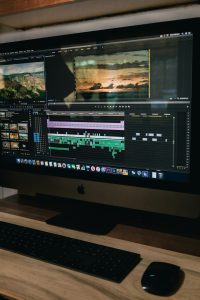
Audacity gives you deeper audio control. You can zoom into waveforms. You can apply effects. You can handle detailed edits. If you care about fine audio work, Audacity is better.
Riverside gives you faster basic editing. Text-based editing is great for beginners. Delete a sentence from the transcript, and the video or audio changes too. That feels like magic when it works well.
But Riverside is not a full audio workshop. Audacity gives you more control over exact sound cleanup. Riverside gives you speed.
Which one is easier?
Riverside is easier for recording. No contest. Send a link. Check mic. Record.
Audacity is easier for your wallet. It is free. That matters when your podcast has three listeners, and two are your relatives.
For editing, Riverside is easier at first. Audacity is better once you know the basics.
Think of Riverside as a scooter. Think of Audacity as a toolbox. The scooter gets you moving. The toolbox helps you fix and polish things.
Best beginner setups
Setup 1: The interview host
- Use Riverside to record guest interviews.
- Use its separate tracks.
- Use auto clips for social posts.
- Export the final audio.
This is best for coaches, creators, educators, and business podcasts.
Setup 2: The solo storyteller
- Use Audacity with a USB mic.
- Record in a quiet room.
- Edit mistakes by cutting silence and flubs.
- Add intro music if needed.
This is best for solo shows, essays, fiction, updates, and simple audio blogs.
Setup 3: The budget pro combo
- Record in Riverside.
- Edit detailed audio in Audacity.
- Use Riverside for guests.
- Use Audacity for cleanup.
This combo works very well. It is also beginner-friendly after a few episodes.
Final pick
Choose Riverside if you want the smoothest beginner path. It is best for interviews, video, social clips, and remote recording. You will spend less time fighting setup.
Choose Audacity if you want free editing power. It is best for solo audio, careful edits, and learners who want to understand sound.
If you are still unsure, use this rule: record with Riverside, polish with Audacity. That gives you the best of both worlds. Your future tired self will be thankful.