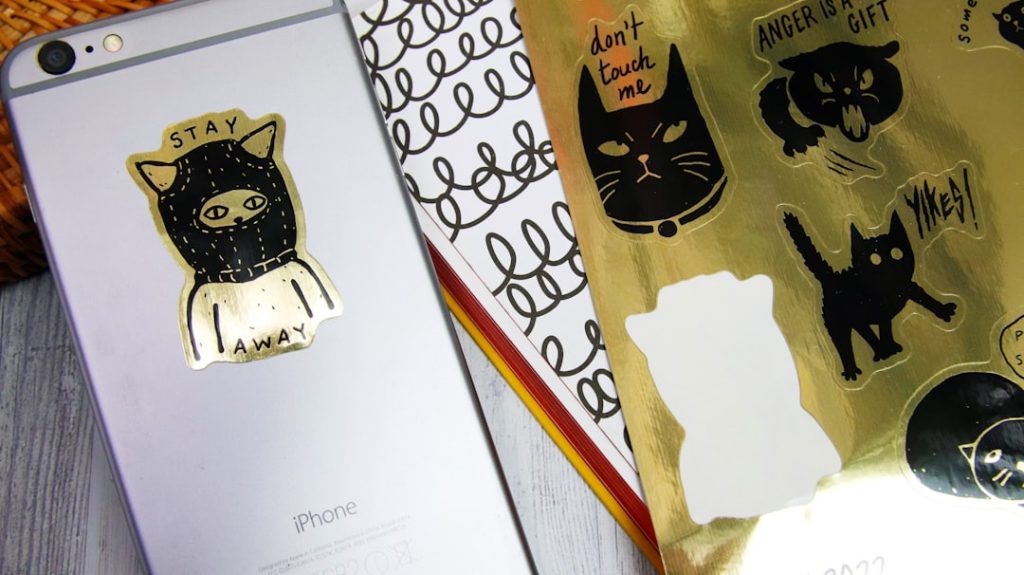
Stickers remain one of the most practical, affordable, and memorable tools for branding and marketing. Whether applied to packaging, handed out at events, included in customer orders, or used as promotional giveaways, a well-designed sticker can extend brand visibility far beyond a single transaction. Sticker Mule is well known in this space, but it is not the only strong option. Many businesses need alternatives with different design tools, pricing structures, materials, turnaround times, and customization options.
TLDR: The best Sticker Mule alternatives for branding and marketing include Canva, VistaPrint, StickerYou, MOO, and PrintRunner. Each platform offers useful sticker creation and printing features, but they serve slightly different needs, from fast design work to premium packaging and bulk promotional campaigns. For most small businesses, Canva and VistaPrint are the easiest starting points, while StickerYou, MOO, and PrintRunner are stronger choices for specialized, premium, or high-volume sticker projects.
What Makes a Sticker Tool Good for Branding?
A good sticker creation tool should do more than print adhesive paper. For business use, it should support consistent brand presentation, accurate colors, clear artwork, and dependable production quality. Marketing stickers need to look professional because they often appear on products, mailers, laptops, storefront materials, and event displays.
Before choosing a platform, consider the following criteria:
- Design flexibility: Can you upload your own artwork, use templates, and control fonts, colors, and layout?
- Material options: Does the provider offer vinyl, paper, clear, matte, glossy, waterproof, or weather-resistant stickers?
- Cut options: Are die-cut, kiss-cut, circle, square, rectangle, and custom shapes available?
- Order quantity: Can you order small test batches as well as larger marketing runs?
- Turnaround and shipping: Will the production schedule match your campaign deadline?
- Brand consistency: Can you reuse designs easily across packaging, labels, flyers, and other materials?
With those standards in mind, the following five tools are among the strongest options for businesses looking for reliable sticker creation platforms similar to Sticker Mule.
1. Canva
Best for: Easy design, quick branding assets, and small business marketing materials.
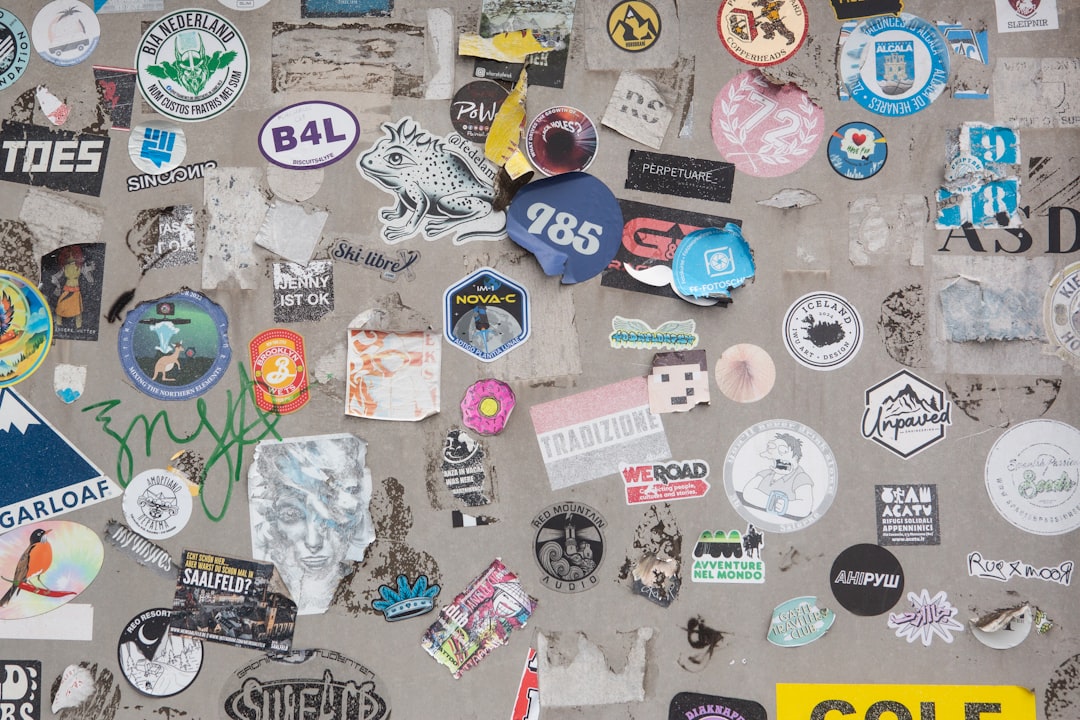
Canva is one of the most accessible tools for creating branded stickers, especially for teams that do not have professional design experience. Its strength is the combination of an intuitive design editor and a large library of templates, icons, illustrations, fonts, and layout elements. Businesses can create logo stickers, promotional decals, packaging seals, event handouts, and product labels without starting from a blank canvas.
For branding, Canva is particularly useful because it allows users to save brand colors, logos, and typography in a brand kit. This makes it easier to keep stickers consistent with social posts, business cards, presentations, and packaging inserts. For companies that manage multiple campaigns, this consistency is valuable.
Canva also offers printing services in many regions, allowing users to design and order stickers in one workflow. While it may not be the most specialized sticker printer on the market, it is a strong choice for businesses that prioritize speed, simplicity, and visual control.
- Pros: Beginner-friendly editor, strong template library, useful brand kit features, easy collaboration.
- Cons: Advanced material and specialty finish options may be more limited than dedicated print providers.
- Best use case: Startups, consultants, creators, and local businesses that need professional-looking stickers quickly.
2. VistaPrint
Best for: Small business branding, packaging stickers, and integrated marketing materials.
VistaPrint is a long-established printing service that offers stickers alongside a wide range of business products. This makes it a practical choice for companies that want to manage multiple branded materials from one provider. If you need stickers, business cards, signage, brochures, postcards, and packaging supplies, VistaPrint can help keep the process centralized.
The platform offers common sticker formats such as circles, squares, rectangles, rolls, and labels. It is especially useful for packaging and product presentation. For example, a bakery might use logo stickers to seal pastry boxes, while a boutique might use branded labels on tissue paper or shopping bags.
VistaPrint’s design experience is straightforward. Users can upload completed artwork or customize templates directly on the platform. The template-based workflow is helpful for non-designers, although businesses with strict brand standards may prefer uploading print-ready files created by a designer.
- Pros: Wide product catalog, reliable for small business needs, good for matching stickers with other printed materials.
- Cons: Custom shape options may not be as flexible as specialty sticker companies.
- Best use case: Businesses that want stickers as part of a broader print marketing package.
3. StickerYou
Best for: Custom shapes, specialty stickers, and flexible order quantities.
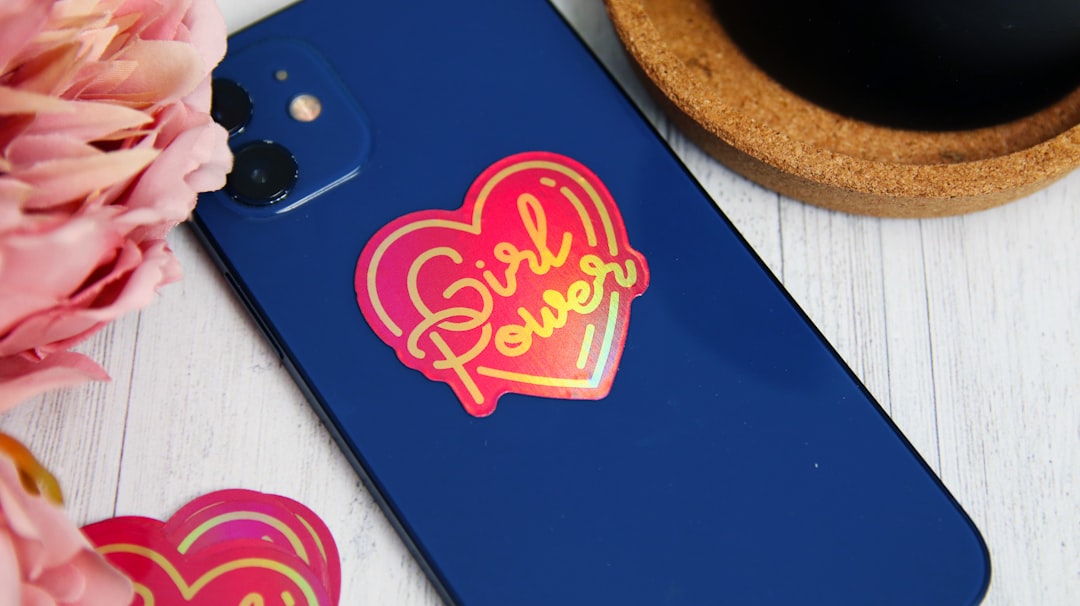
StickerYou is one of the most relevant alternatives to Sticker Mule because it focuses heavily on custom sticker products. It supports a wide variety of sticker types, including die-cut stickers, clear stickers, labels, decals, iron-ons, patches, and temporary tattoos. This makes it suitable for brands that want more than basic promotional stickers.
A major advantage of StickerYou is flexibility. Businesses can order small quantities for testing, seasonal campaigns, or limited product drops. This is valuable for companies that want to evaluate a design before committing to a large run. The platform also supports custom shapes, which can make logo stickers or character-based brand mascots more distinctive.
From a marketing perspective, StickerYou is useful for turning brand assets into physical merchandise. A coffee shop, brewery, fitness studio, or lifestyle brand can create stickers that customers actually want to use. That kind of voluntary placement can be more authentic than traditional advertising.
- Pros: Strong customization, many product types, good for special shapes and promotional merchandise.
- Cons: Pricing can vary depending on size, quantity, and material choices.
- Best use case: Brands that want customized promotional stickers, decals, and merchandise-style items.
4. MOO
Best for: Premium branding, upscale packaging, and design-conscious businesses.
MOO is known for polished print products with a strong emphasis on presentation. While it is often associated with premium business cards, it also offers sticker and label products that work well for high-end branding. Companies that care deeply about tactile quality, clean design, and an elevated customer experience may find MOO especially appealing.
MOO is a good option for product brands, consultants, agencies, boutique retailers, and creative professionals that want stickers to feel like part of a premium identity system. The platform’s templates are modern and refined, making them suitable for minimal, editorial, or luxury-inspired branding styles.
Although MOO may not be the cheapest choice for large sticker runs, it is a strong contender when quality perception matters. For example, a skincare brand might use elegant packaging labels to reinforce trust, while a design studio may include branded stickers in client welcome kits.
- Pros: Premium look and feel, tasteful templates, strong for cohesive brand presentation.
- Cons: Less ideal for businesses seeking the lowest possible bulk pricing.
- Best use case: Premium brands and service businesses that want stickers to support a refined visual identity.
5. PrintRunner
Best for: Bulk sticker printing, promotional campaigns, and business labels.
PrintRunner is a practical option for businesses that need larger quantities and a wide selection of printed marketing materials. It offers various sticker formats, including roll labels, cut-to-size stickers, bumper stickers, window decals, and product labels. This makes it useful for both promotional and operational needs.
One of PrintRunner’s strengths is suitability for structured campaigns. If a company is preparing for a trade show, direct mail promotion, product launch, or retail rollout, PrintRunner can support higher-volume production. Businesses can use it for branded giveaways, instruction labels, packaging seals, shipping stickers, or campaign-specific promotional decals.
The platform is generally more print-production oriented than design-first tools. That means it is often best for businesses that already have artwork prepared or are comfortable working with print specifications. For marketing teams and agencies, this can be an advantage because it allows for more controlled production.
- Pros: Good for bulk orders, multiple sticker and label formats, useful for campaign execution.
- Cons: The design experience may feel less beginner-friendly than template-heavy tools.
- Best use case: Businesses with prepared artwork that need dependable sticker printing at scale.
How to Choose the Right Sticker Creation Tool
The best platform depends on your business goals. If you need to create a sticker quickly with minimal design experience, Canva is likely the easiest choice. If you want stickers alongside other everyday marketing materials, VistaPrint is a dependable option. If your priority is custom shapes and specialty sticker products, StickerYou is highly relevant. For premium presentation, MOO is a better fit. For larger quantities and campaign-focused printing, PrintRunner deserves consideration.
It is also wise to order samples or small batches before committing to a large campaign. Sticker performance can depend on surface type, exposure to moisture, handling, and the intended use. A sticker that looks attractive on a screen must also hold up in real conditions.

Practical Branding Tips for Better Stickers
Regardless of which tool you choose, the effectiveness of your stickers depends on design discipline. A sticker should be simple enough to understand quickly, but distinctive enough to be remembered. Avoid overcrowding the layout with too much text. Use high-resolution artwork, maintain strong contrast, and ensure your logo remains legible at the final printed size.
For marketing, consider the role each sticker will play. A packaging sticker may need to look polished and trustworthy, while an event giveaway can be more playful. A product label must communicate clearly, but a laptop sticker should be visually appealing enough that customers want to display it.
The strongest sticker campaigns are not random decorations; they are small brand experiences. When designed carefully and printed professionally, stickers can increase recognition, improve packaging, encourage customer loyalty, and create everyday visibility for your business.
Final Verdict
Sticker Mule remains a respected name, but businesses have several strong alternatives. Canva, VistaPrint, StickerYou, MOO, and PrintRunner each offer credible sticker creation and printing solutions for different branding and marketing needs. The right choice depends on whether you value ease of design, broad print support, specialty customization, premium presentation, or bulk production.
For most brands, stickers are a small investment with meaningful marketing potential. Choose a provider that matches your quality standards, test your design before scaling, and treat every sticker as a public-facing representation of your brand.