A data breach investigation is the digital version of asking, “Who touched my stuff?” It checks what data was exposed, how it happened, who may be affected, and what must be fixed fast. The average cost of a data breach reached $4.88 million in 2024, so yes, this is not just “IT drama” [source: IBM].
TLDR: A data breach investigation finds out what was stolen, when it happened, and what to do next. Tools like Have I Been Pwned and Mozilla Monitor help you check if your email showed up in known breaches. Example: if your email appears in 7 breaches, you should change reused passwords first, then turn on two factor login. Think of these tools as smoke alarms, not firefighters.
So, What Is a Data Breach Investigation?
A data breach investigation is a structured check after private data may have leaked. That data may include emails, passwords, names, phone numbers, credit card details, health records, or company files.
The goal is simple:
- Find the entry point. Was it a stolen password? A bad server setting? A phishing email?
- Find the exposed data. Was it one account or a whole customer database?
- Find the timeline. Did it happen yesterday or six months ago?
- Contain the damage. Lock accounts. Reset passwords. Patch systems.
- Warn people. Users need to know what to do next.
It sounds serious because it is. But the idea is not scary. It is just detective work with logs, alerts, emails, and a lot of coffee.

How Investigators Start
First, they look for signs of trouble. These may include strange logins, password reset floods, unknown admin accounts, or files being downloaded at 3:12 a.m. Because of course it is always 3:12 a.m.
Then they collect evidence. This can include:
- Login records
- Server logs
- Email headers
- Firewall alerts
- Cloud activity reports
- Employee reports
Next comes the big question: was data actually taken? A hacker getting in is bad. A hacker taking customer data is worse. A hacker taking data and selling it online is the “cancel your afternoon” version.
Where Have I Been Pwned Helps
Have I Been Pwned, often called HIBP, lets you type in an email address and check if it appears in known breach records. It was created by security expert Troy Hunt. It is one of the most trusted public breach search tools.
You enter your email. It returns a list of breaches that include it. You may see old sites you forgot about. Honestly, it feels like opening a drawer and finding every bad password choice you made in 2014.
HIBP helps in a breach investigation because it can show if a password or email was already exposed somewhere else. That matters. Many attacks start with credential stuffing. That means attackers try old leaked passwords on new sites.
Example: you used the same password on a fitness app and your work email. The fitness app gets breached. Later, someone tries that same password at work. Boom. Problem.
How Mozilla Monitor Helps
Mozilla Monitor checks if your email appears in known breaches too. It also sends alerts when your email is found in a new breach. That is useful because you do not want to remember to check every week. Nobody wants another chore.
Mozilla Monitor is friendly for normal people. It explains which company leaked data and what type of data was involved. It may say things like passwords, names, IP addresses, or phone numbers were exposed.
The best part is the plain advice. It tells you what to fix. Change passwords. Use different passwords. Turn on two factor login. Watch for scam emails.
Other Tools That Help
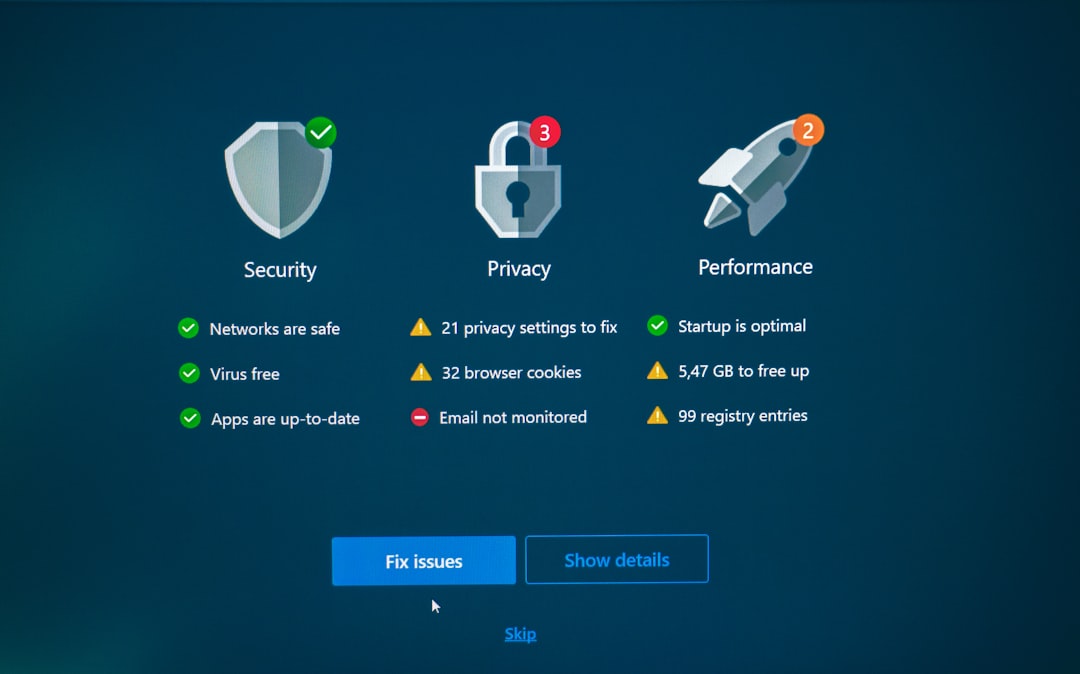
HIBP and Mozilla Monitor are great for public breach checks. But a full investigation needs more tools.
- Password managers can warn you about reused or weak passwords.
- Google Password Checkup can flag saved passwords found in known leaks.
- Microsoft Defender can spot risky logins and infected devices.
- SIEM tools collect security alerts from many systems in one place.
- Credit monitoring helps if financial data was exposed.
- Dark web monitoring may find stolen data being shared or sold.
The catch is that some tools bury simple answers under bulky dashboards. Expect to waste time clicking five menus just to find one useful alert. Still, the data is useful once you find it.
What You Should Do If You Were Pwned
If a tool says your email was found in a breach, do not panic. Do not ignore it either. Do this:
- Change the password for the breached site.
- Change any reused passwords on other sites.
- Turn on two factor login, also called MFA.
- Use a password manager to create long, unique passwords.
- Watch for scam emails that use real leaked details.
- Check bank and credit accounts if money data was involved.
Do not reuse passwords. Really. Reusing passwords is like using one key for your house, car, office, gym locker, and secret snack drawer.
For Businesses, Speed Matters
For a company, a breach investigation is not just technical. It also includes legal, customer support, public relations, and compliance work. Customers want clear answers. Regulators may require reports. Staff need instructions.
A good response team should answer four questions fast:
- What happened?
- Whose data was affected?
- What are we doing now?
- What should users do?

The Simple Takeaway
A data breach investigation finds the mess, measures the damage, and helps clean it up. Have I Been Pwned, Mozilla Monitor, and similar tools make the personal side much easier. They tell you when your email or password may be out there.
They are not magic shields. But they are great alarms. Use them. Then fix passwords, turn on two factor login, and stop giving hackers the easy win.