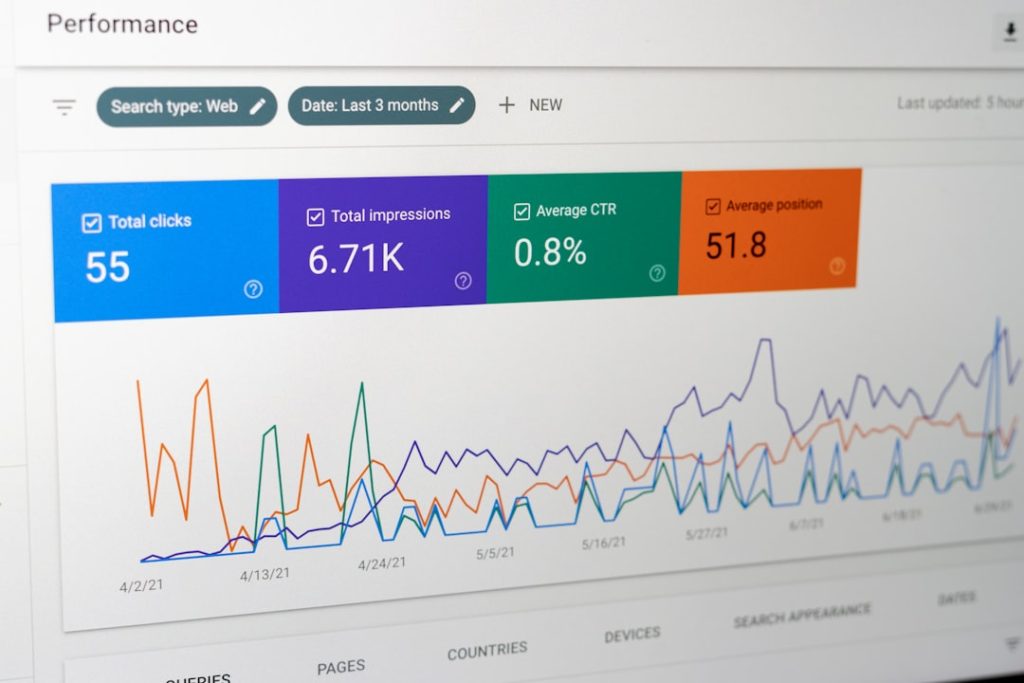
In a data-driven world, Google Analytics is one of the most powerful tools for understanding user behavior, traffic trends, and marketing performance. But extracting meaningful insights from raw analytics data can be overwhelming—especially if you don’t have coding skills. That’s where no-code Google Analytics connector solutions come in. These tools make it easy to integrate, visualize, automate, and share GA data without writing a single line of code.
TL;DR: No-code Google Analytics connectors allow businesses to sync and visualize their analytics data without technical expertise. The best solutions offer seamless integrations, automated reporting, real-time dashboards, and compatibility with tools like spreadsheets, CRMs, and BI platforms. Popular options include Zapier, Supermetrics, Looker Studio, Databox, and Coupler.io. Choosing the right one depends on your budget, data needs, and desired level of automation.
Why Use a No-Code Google Analytics Connector?
Google Analytics collects an enormous amount of data—but accessing and organizing it across platforms can be complex. For marketers, analysts, and business owners, manually exporting CSV files or building API connections is time-consuming. No-code connectors eliminate that friction.
Here’s why they matter:
- Time efficiency: Automate data transfers instead of manual exports.
- Accessibility: Empower non-technical team members.
- Data consolidation: Combine GA data with ads, CRM, and ecommerce metrics.
- Real-time insights: Get updated dashboards automatically.
- Error reduction: Minimize manual data handling mistakes.
Modern organizations depend on accurate reporting to guide marketing and operational decisions. No-code connectors bridge the gap between data complexity and business clarity.
Key Features to Look For
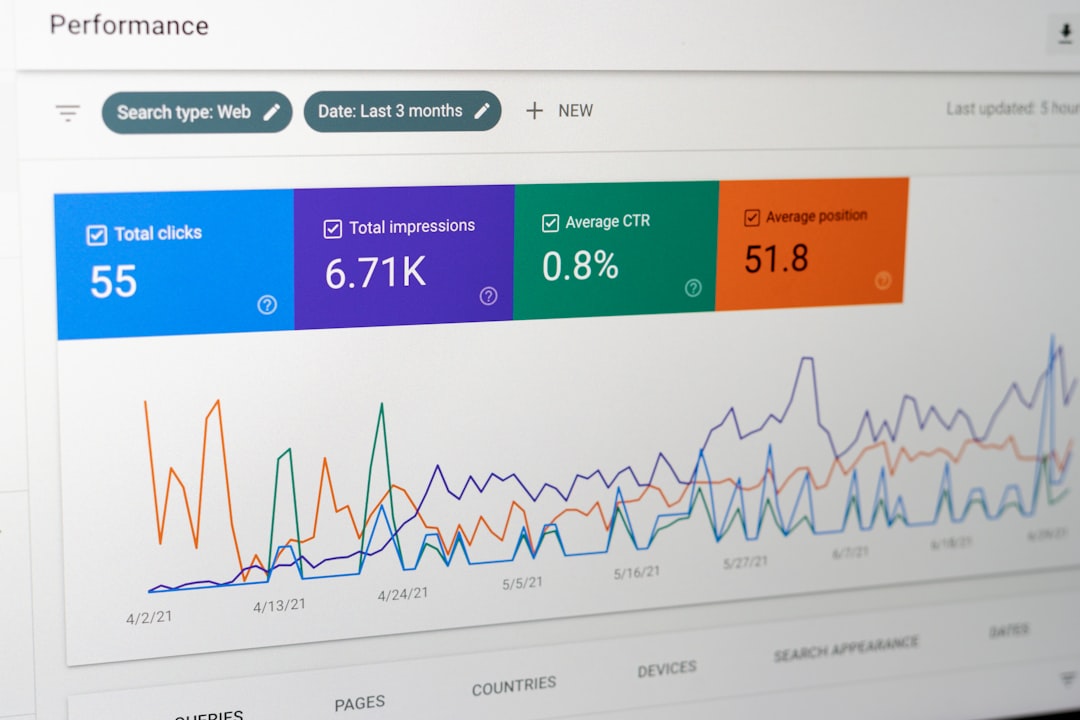
Not all no-code connectors are built the same. Before choosing a solution, consider the following features:
- Compatibility with GA4: With Universal Analytics phased out, GA4 support is essential.
- Automation Capabilities: Scheduled updates and triggers.
- Customizable Dashboards: Tailored reports for your specific KPIs.
- Multi-Platform Integration: Connect with CRMs, ad platforms, spreadsheets, or BI tools.
- User-Friendly Interface: Minimal learning curve.
- Security and Compliance: Data encryption and access controls.
Now, let’s explore some of the best no-code Google Analytics connector solutions currently available.
1. Zapier
Best for: Automation between apps
Zapier is a widely used automation tool that connects Google Analytics with thousands of apps. Although it’s not a dedicated reporting platform, it’s incredibly powerful for triggering workflows based on GA events.
Example use cases:
- Send Slack alerts when traffic spikes.
- Add leads to a CRM based on goal completions.
- Log GA data into Google Sheets automatically.
Its intuitive interface allows users to create automated “Zaps” without programming knowledge. For businesses that want to integrate analytics insights directly into operational workflows, Zapier is a flexible solution.
2. Supermetrics
Best for: Advanced marketing data aggregation
Supermetrics is a premium data connector built specifically for marketers. It integrates Google Analytics with platforms like Google Sheets, Excel, Looker Studio, and major BI tools.
What sets Supermetrics apart is its robust data querying capabilities. Users can pull granular metrics and dimensions from GA4 without coding. This makes it especially valuable for agencies and enterprise marketing teams.
Key advantages include:
- Pre-built report templates
- Reliable data refresh automation
- Scalable for multiple clients
- Strong GA4 compatibility
While it may be priced higher than lightweight tools, it offers enterprise-grade reliability and depth.
3. Looker Studio (formerly Google Data Studio)
Best for: Free, customizable dashboards
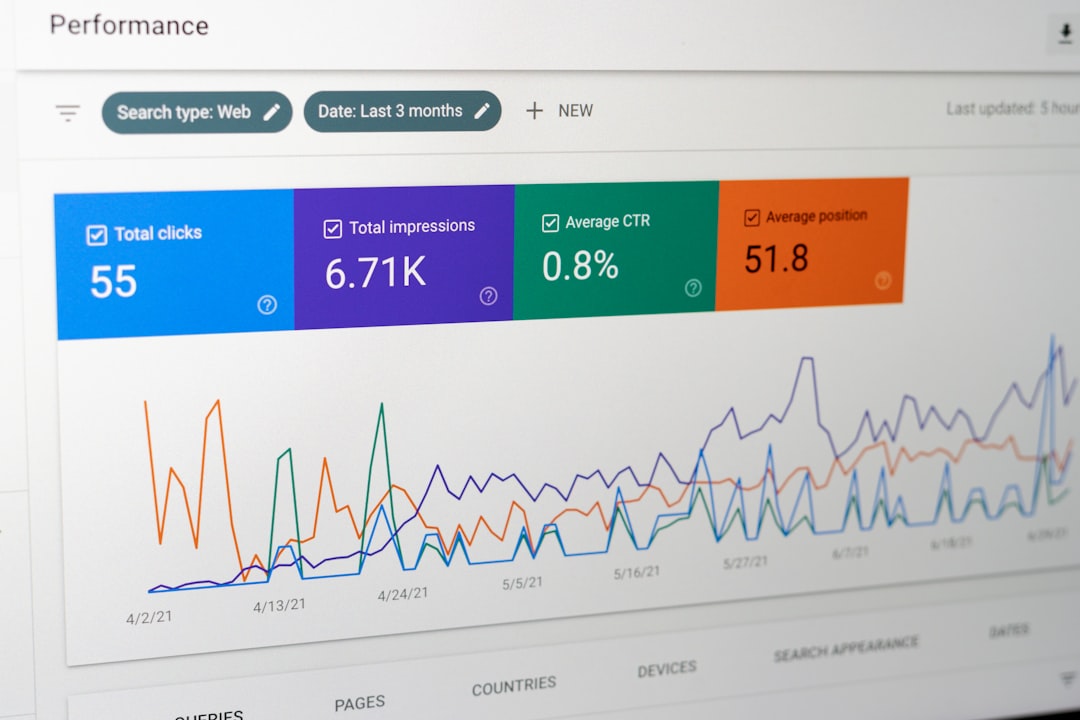
Looker Studio is Google’s own data visualization platform, and it integrates natively with Google Analytics. It’s one of the most accessible no-code reporting tools available.
The drag-and-drop dashboard builder allows users to create interactive reports with charts, filters, and scorecards. Since it connects directly to GA, no middleware is required.
Why it stands out:
- Free to use
- Highly customizable layouts
- Real-time data streaming
- Easy sharing across teams
However, for more complex cross-platform data blending, external connectors may still be needed.
4. Databox
Best for: Visual KPI reporting
Databox focuses on simple yet powerful business dashboards. It integrates with Google Analytics and numerous marketing tools to create consolidated KPI views.
One of Databox’s strengths is its mobile-first dashboard design. Executives can quickly review performance metrics from any device. For businesses that prioritize accessibility and real-time alerts, Databox offers strong value.
Core benefits include:
- Pre-built templates for marketing metrics
- Goal tracking and performance alerts
- Cross-channel reporting
- No technical setup required
For small to mid-sized teams wanting visual clarity without complexity, Databox is a strong contender.
5. Coupler.io
Best for: Automated data exports
Coupler.io allows businesses to automatically import Google Analytics data into tools like Google Sheets, Excel, or BigQuery. It’s particularly useful for companies that prefer working within spreadsheet environments but want automated updates.
The platform supports custom scheduling, meaning reports can refresh hourly, daily, or weekly.
Use case example:
- Create an automated executive report in Google Sheets that refreshes daily.
- Consolidate GA data with Facebook Ads metrics.
Its interface simplifies what would otherwise require API configuration, making it ideal for data-focused teams that lack development resources.
6. Funnel.io
Best for: Enterprise-level marketing data integration
Funnel.io is designed for organizations that need large-scale data aggregation. It combines Google Analytics data with advertising platforms, CRMs, and ecommerce sources into centralized dashboards or warehouses.
This solution is particularly useful for:
- Marketing agencies handling multiple clients
- Brands with multi-channel campaigns
- Companies requiring data warehouse integrations
Although more advanced than entry-level tools, Funnel.io remains no-code in practice, offering guided workflows rather than manual scripting.

Choosing the Right Solution
The “best” no-code Google Analytics connector depends on your specific priorities. Ask yourself:
- Do you need simple dashboards or deep data control?
- Are you working solo or within a large organization?
- What platforms must your analytics integrate with?
- Is automation more important than visualization?
- What is your monthly budget?
For startups and small businesses: Looker Studio and Databox provide accessible entry points.
For marketing teams and agencies: Supermetrics and Funnel.io offer greater flexibility and scalability.
For workflow automation: Zapier shines.
For spreadsheet-heavy teams: Coupler.io is ideal.
The Growing Importance of GA4 Compatibility
Since Google transitioned fully to GA4, connector platforms have had to adapt to its new event-based data model. Unlike Universal Analytics, GA4 emphasizes events and user lifecycle tracking rather than session-based views.
When selecting a connector, ensure it supports:
- Custom event tracking
- Enhanced ecommerce reporting
- Exploration reports
- User-level data segmentation
Future-proofing your analytics stack means confirming that updates keep pace with Google’s evolving ecosystem.
Final Thoughts
No-code Google Analytics connector solutions are transforming how businesses handle data. What once required technical expertise, API calls, and custom scripts can now be done with intuitive dashboards and guided workflows.
The true benefit lies not just in ease of use—but in empowerment. Marketing professionals, founders, and analysts can access real-time insights, automate data reporting, and make smarter, faster decisions without depending on developers.
As digital competition intensifies, the ability to seamlessly integrate and visualize analytics data becomes a strategic advantage. Whether you’re running a startup, managing campaigns for clients, or leading an enterprise team, the right no-code connector ensures your Google Analytics data works for you—not the other way around.
In the end, the best solution is the one that aligns with your workflow, scales with your growth, and turns complex data into clear action.