Starting a business or personal brand is exciting. But one big question always pops up. How do you create a logo that looks professional without spending a fortune? The good news is simple. Today’s logo makers are fast, affordable, and surprisingly smart. You do not need to be a designer. You just need the right tool.
TLDR: Great logo makers help entrepreneurs and creators build strong brands fast. Many tools use AI to generate logos in minutes. They are affordable and easy to use. The best choice depends on your style, budget, and need for customization.
A logo is more than a tiny graphic. It is your first impression. It shows up on your website, your social media, and even your invoices. A strong logo builds trust. A weak one can scare people away. Let’s explore the top logo makers that make branding simple and even fun.
Why Use a Logo Maker?
Before we jump into the list, let’s talk about why logo makers are so popular.
- They save time. Most tools create options in minutes.
- They cost less. Hiring a designer can cost hundreds or thousands.
- They are beginner friendly. No design experience needed.
- They offer instant downloads. You can use your logo right away.
For new founders and creators, this is a game changer. You can focus on building your idea instead of worrying about complex design software.
1. Canva Logo Maker
Canva is a favorite among creators. It is simple. It is visual. And it offers a large library of templates.
With Canva, you can:
- Search by industry or style
- Edit fonts easily
- Drag and drop icons
- Change colors with one click
The free version is generous. But premium elements cost extra. Canva works best for people who want control but do not want complexity.
Best for: Content creators, small shops, coaches, and freelancers.
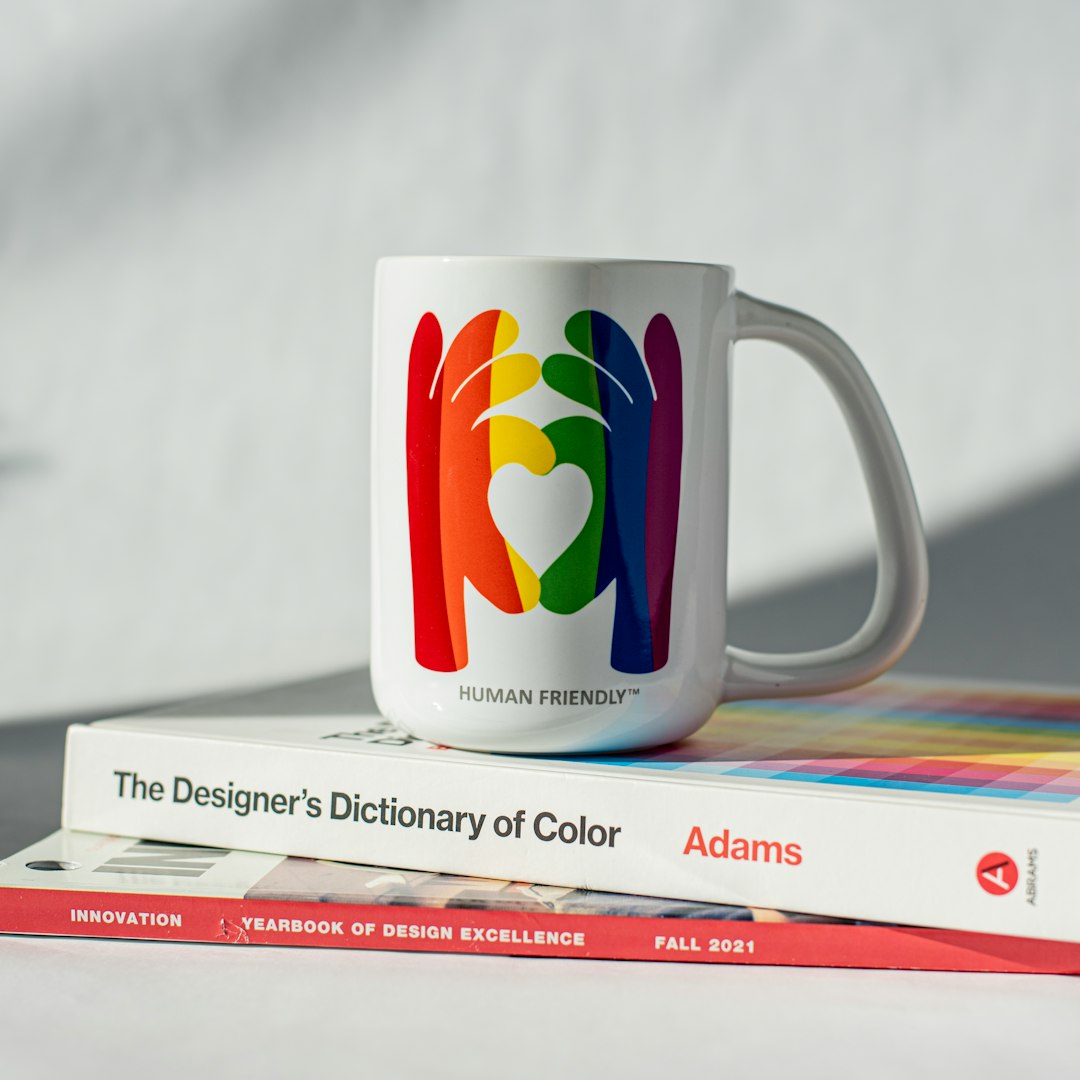
One big advantage is flexibility. You are not locked into one generated design. You can tweak everything. This makes it feel less automated and more personal.
2. Looka
Looka uses artificial intelligence. You answer a few questions. Then it generates logo ideas instantly.
It asks about:
- Your brand name
- Your industry
- Color preferences
- Style choices such as modern or classic
After that, the magic happens. Dozens of logos appear. You can customize fonts, spacing, and icons.
Looka also offers full brand kits. That includes social media templates and business card designs. This is great for entrepreneurs who want everything in one place.
Best for: Startup founders who want a fast but polished brand look.
3. Tailor Brands
Tailor Brands is another AI-powered tool. It feels professional and guided. The process walks you step by step.
You choose:
- Icon based logo
- Wordmark logo
- Initial based logo
This matters. Some brands work better with just text. Others need a symbol.
Tailor Brands also integrates business tools. You can form an LLC, create a website, and design merchandise. It is built for serious entrepreneurs.
Best for: Business owners who want branding plus extra services.
4. Wix Logo Maker
Wix is known for websites. But its logo maker stands out too.
It starts with a smart questionnaire. Then it generates logos that match your answers. The editing interface is clean and beginner friendly.
If you are building a Wix website, this is a natural choice. Everything connects smoothly.
Key features include:
- High resolution files
- Social media ready formats
- Full commercial rights
Best for: Entrepreneurs already using Wix for their site.
5. Fiverr Logo Maker
Fiverr is famous for freelance services. But it also has an AI logo maker.
The twist is interesting. The AI designs are based on styles created by real designers. That means you get automation mixed with human creativity.
If you want extra customization, you can connect directly with a freelancer. This hybrid model offers flexibility.
Best for: Creators who may want to upgrade to a human designer later.
6. Hatchful by Shopify
Hatchful is free. Yes, free.
It is built for ecommerce sellers. The tool is simple. It focuses on speed.
You choose your business space. For example:
- Fashion
- Health
- Beauty
- Tech
Then you choose a visual style. Within seconds, you get logo options.
Customization is limited compared to paid tools. But for side hustlers, it is more than enough.
Best for: Dropshippers and small online store owners.
7. Adobe Express Logo Maker
Adobe may sound intimidating. But Adobe Express makes things simple.
It combines Adobe’s design power with an easy interface. You get clean, modern templates. You also get access to Adobe fonts.
While it is not as automated as some AI tools, it gives more control. That balance makes it great for creators who want a slightly advanced feel.
Best for: Creators who want more design flexibility without full Photoshop complexity.
How to Choose the Right Logo Maker
Not all tools fit every person. Ask yourself a few questions.
- Do I want full automation? Choose AI heavy tools like Looka.
- Do I want creative control? Canva or Adobe Express may be better.
- Am I building an online store? Consider Shopify Hatchful.
- Do I need a full brand kit? Tailor Brands could win.
Also think about budget. Some platforms charge a one time fee. Others require subscriptions. Always check what files you get. Make sure you receive high resolution and vector files.
Tips for Creating a Strong Logo
A tool helps. But strategy matters more.
Here are simple tips:
- Keep it simple. Complex logos are hard to remember.
- Use readable fonts. Fancy scripts can confuse people.
- Limit colors. Two or three colors are enough.
- Think long term. Avoid trendy elements that may age fast.
Test your logo in different sizes. Does it look good as a small social media icon? Does it work in black and white? If yes, you are on the right track.
Common Mistakes to Avoid
Even with great tools, mistakes happen.
- Copying competitors too closely
- Using too many effects or shadows
- Choosing trendy fonts that become outdated
- Ignoring file quality and licensing
Your logo should feel unique to you. It should tell your story in a simple visual way.
Free vs Paid Logo Makers
Free tools are attractive. They lower the risk. But paid tools often provide:
- Better customization
- Vector files for scaling
- Full branding kits
- Commercial rights clarity
If your project is a hobby, free might work. If you plan to grow big, investing in a paid option is smart.
The Future of Logo Design
AI is changing design fast. Logo makers are getting smarter. They analyze trends. They learn from user choices. Some tools now generate entire brand identities, not just logos.
But human creativity still matters. The best results come when you mix smart tools with your own ideas.
Remember, your logo is a starting point. Your brand grows through action, service, and creativity.
Final Thoughts
You do not need a big budget to look professional. You do not need years of design experience. Today’s logo makers make branding accessible to everyone.
Choose a tool that matches your goals. Keep your design clean. Focus on clarity. And most importantly, start.
A simple logo launched today is better than a perfect logo delayed for months. Entrepreneurs and creators win by taking action. Your brand deserves to be seen. So pick a logo maker and bring it to life.