Anime-style AI art has gone from a niche experiment to one of the most searched categories in AI image generation. Whether you’re designing an avatar, building a character for a creative project, or just exploring Japanese illustration styles for fun, the demand is real — and so is the variety of tools trying to serve it.
But here’s what most guides don’t tell you: you don’t need a tool built exclusively for anime to get great anime-style results.
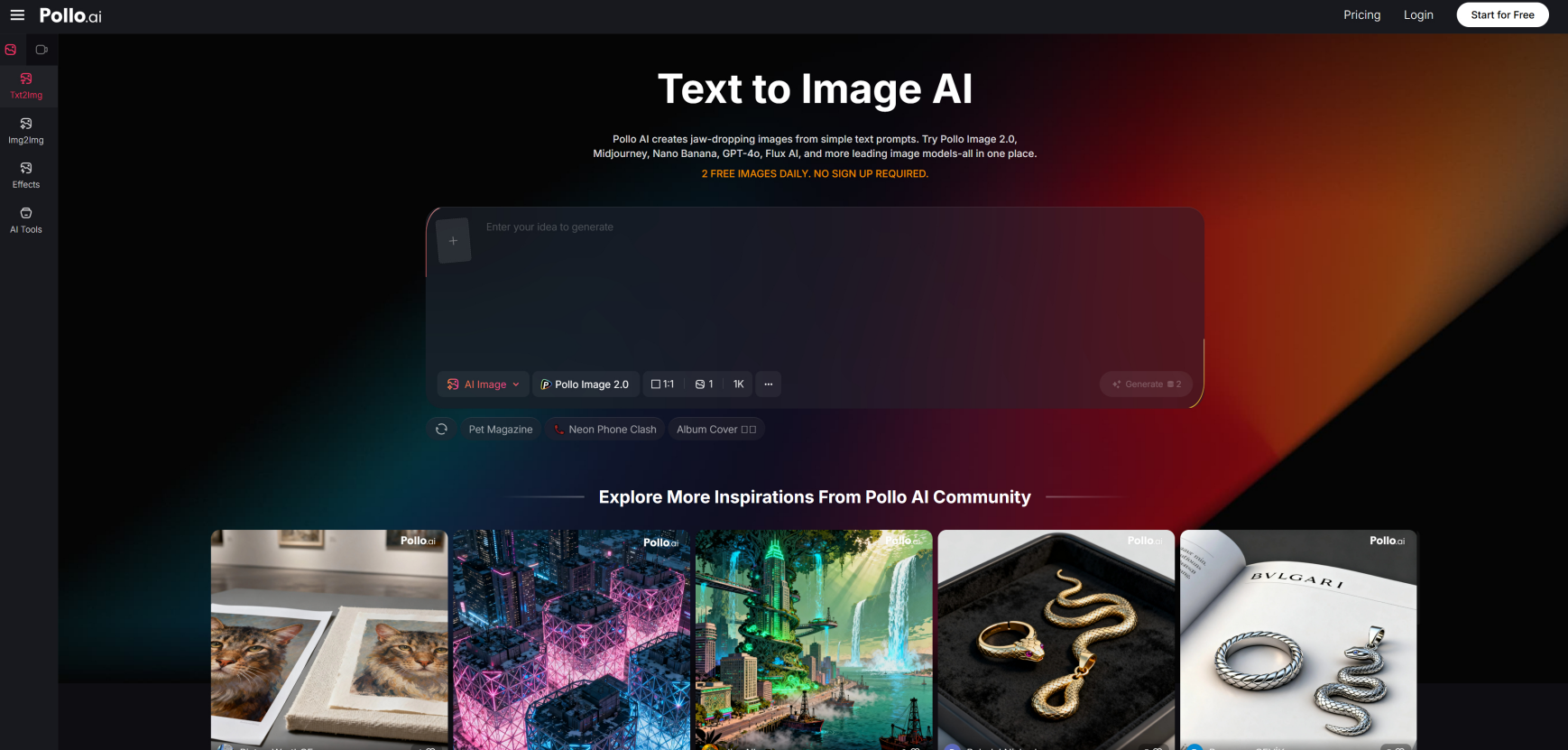
The Pollo AI image generator handles character creation, illustration styles, and anime aesthetics as part of a broader toolkit — which is actually more useful for creators who don’t want to be boxed into a single style.
Here’s what to look for, what to avoid, and how to write prompts that actually work.
What Makes an Anime Generator Feel Usable
Not all anime AI tools are created equal. When testing any generator for anime-style output, these are the qualities that matter most:
- Style consistency: Does a “shōnen action scene” actually look different from a “shōjo romance portrait”? Tools that blend styles indiscriminately produce forgettable results.
- Character readability: Can you tell what the character looks like? Hair color, outfit, and expression should all be legible in the output.
- Color control: Anime often depends on specific, stylized palettes. The best generators let you guide this through prompts — soft pastels for slice-of-life, saturated primaries for action genres.
- Speed of iteration: Character design is highly iterative. If each generation takes a minute, you’ll spend your evening waiting rather than creating.
Prompt Elements That Actually Improve Anime Outputs
The gap between a weak anime image and a strong one is almost always in the prompt. These are the elements worth getting specific about:
- Hair: Color, length, and style (e.g., “silver twin tails,” “messy dark undercut”)
- Pose: Static portrait vs dynamic action (e.g., “mid-air sword attack,” “seated, looking out a window”)
- Outfit: Genre-specific clothing adds instant context (“school uniform,” “fantasy armor,” “streetwear hoodie”)
- Lighting: This sets mood fast. “Soft backlighting” reads romance; “harsh side lighting” reads tension.
- Background: Even a simple background cue — “cherry blossoms,” “futuristic city at night” — transforms the context.
- Camera framing: “Close-up portrait,” “full body shot,” or “dynamic low angle” all give the model composition direction.
Combining four or five of these elements in one prompt consistently outperforms single-word style tags.
Common Mistakes in Anime Image Generation
Even experienced users fall into these traps:
Overloaded prompts. Listing twenty style adjectives doesn’t make the image better — it makes the model average everything out. Pick a genre direction and stick with it.
Conflicting style tags. Asking for “realistic anime” with “flat cell shading” will produce something incoherent. Choose one visual language.
No composition cue. Without knowing what kind of shot you want, the model will default to whatever its most common training output looks like — which may have nothing to do with your character concept.
Expecting perfection on the first pass. Anime character design is iterative even for professional artists. Generate, evaluate, adjust one element, repeat.
Why Users Look for Alternatives to Niche Anime Tools
Purpose-built anime generators like PixAI — one of the most-searched alternatives to PixAI for anime art — have a clear appeal: deep specialization in character generation, community features, and large libraries of anime-specific models. For users who want nothing but anime output, that focus makes sense.
The tradeoff is flexibility. Niche anime tools often struggle when you want to shift into photorealistic product mockups, editorial illustrations, or mixed-style concept work. If your creative projects span more than one aesthetic (which most people’s do), you’re better served by a broader tool that handles anime as one mode among many.
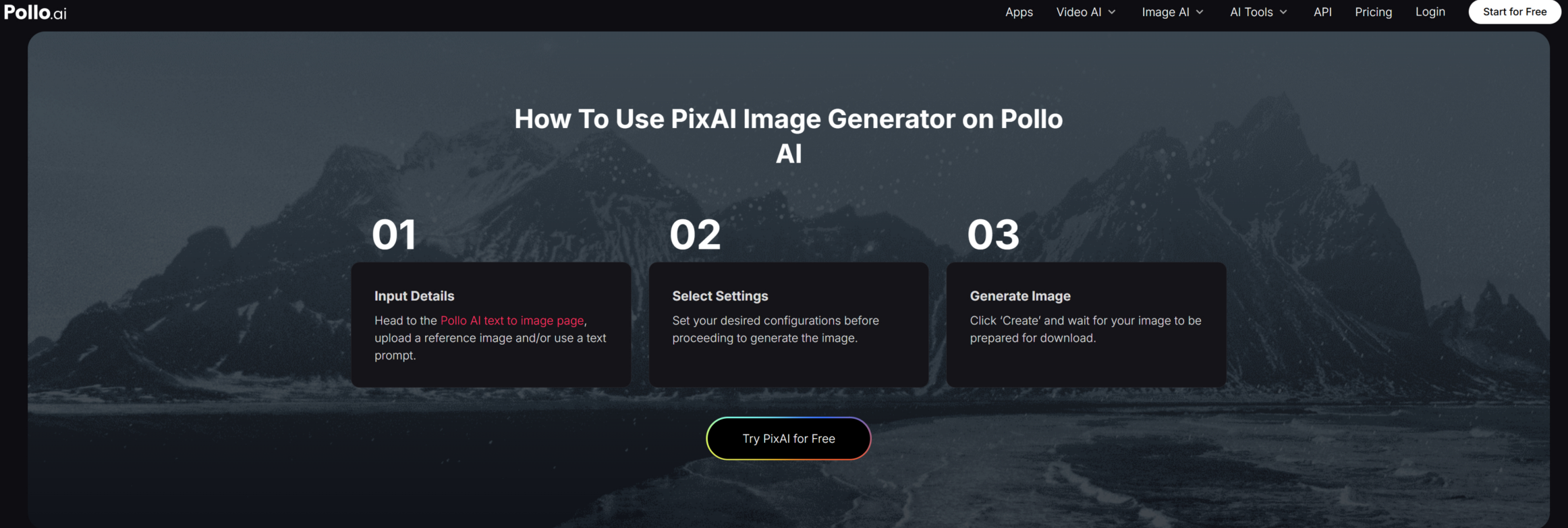
PixAI fits that profile. It supports anime and character work without locking you into that as the only thing you can generate, which matters when your next project is a product visual, a blog header, or something entirely different.
Beginner Prompt Templates for Anime Characters
Try these as starting points and adapt to your project:
Character portrait:
“Anime girl with long silver hair and violet eyes, wearing a dark school uniform, soft natural light from a window, detailed facial features, studio ghibli-inspired style, portrait format.”
Action pose:
“Male anime warrior with spiky orange hair, mid-air jump, glowing red energy sword, dark fantasy background, dynamic low-angle shot, vibrant color palette.”
Fantasy key art:
“Anime sorceress in white robes standing on a floating island, moonlight, dramatic backlighting, ethereal atmosphere, full body shot.”
Profile/avatar image:
“Cute anime avatar, pastel pink hair, cheerful expression, simple gradient background, soft shading, square format, clean line art.”
Run each one as-is or swap in details specific to your character. The structure — subject, outfit, lighting, background, format — is more important than any individual word.
Choose Tools Based on Control, Not Hype
The best anime AI generator for you is the one that gives you the most control over the output you’re trying to create. If you’re building characters across different projects and styles, flexibility matters more than specialization.
The Pollo AI image generator handles anime concepts without forcing you to leave when your creative needs change. Try the templates above — they’re a faster path to usable character art than starting from scratch.