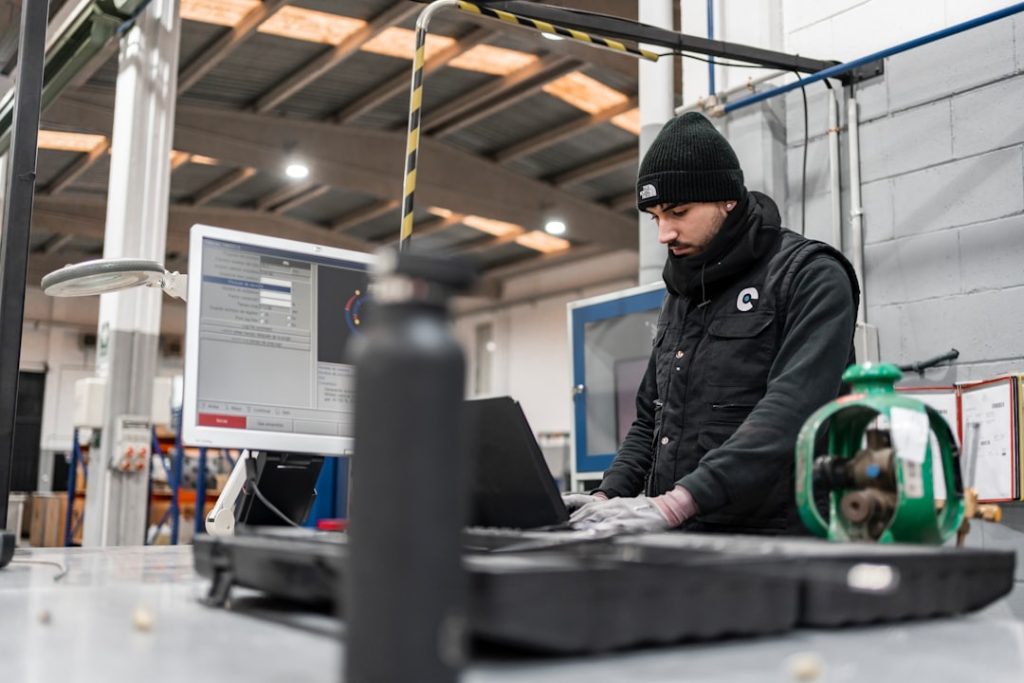
When a critical machine fails in a remote facility or a field technician encounters unfamiliar equipment on-site, delays can cost thousands—or even millions—of dollars. Traditional support methods like phone calls, emails, and even video conferencing often fall short when hands-on, real-time guidance is required. Augmented Reality (AR) remote assistance platforms are transforming how organizations support, train, and empower field workers by overlaying digital instructions and expert guidance directly into the worker’s physical environment.
TLDR: AR remote assistance platforms allow experts to guide field workers in real time using augmented reality overlays, live annotations, and wearable devices. These tools reduce downtime, cut travel costs, and improve first-time fix rates. Industries like manufacturing, energy, telecom, and healthcare are rapidly adopting them. Choosing the right platform depends on features, hardware compatibility, security, and integration capabilities.
What Are AR Remote Assistance Platforms?
AR remote assistance platforms combine live video streaming, augmented reality overlays, and collaboration tools to connect field technicians with remote experts. Using devices such as smart glasses, tablets, or smartphones, on-site workers stream their point of view to an expert who can provide step-by-step visual instructions.
Unlike traditional video calls, AR platforms allow experts to:
- Draw annotations directly onto the worker’s screen
- Place 3D markers anchored to physical objects
- Highlight components that require attention
- Share documents and schematics in real time
- Guide procedures hands-free via voice commands
This immersive support dramatically reduces ambiguity and speeds up issue resolution.
Why AR Remote Assistance Is Gaining Momentum
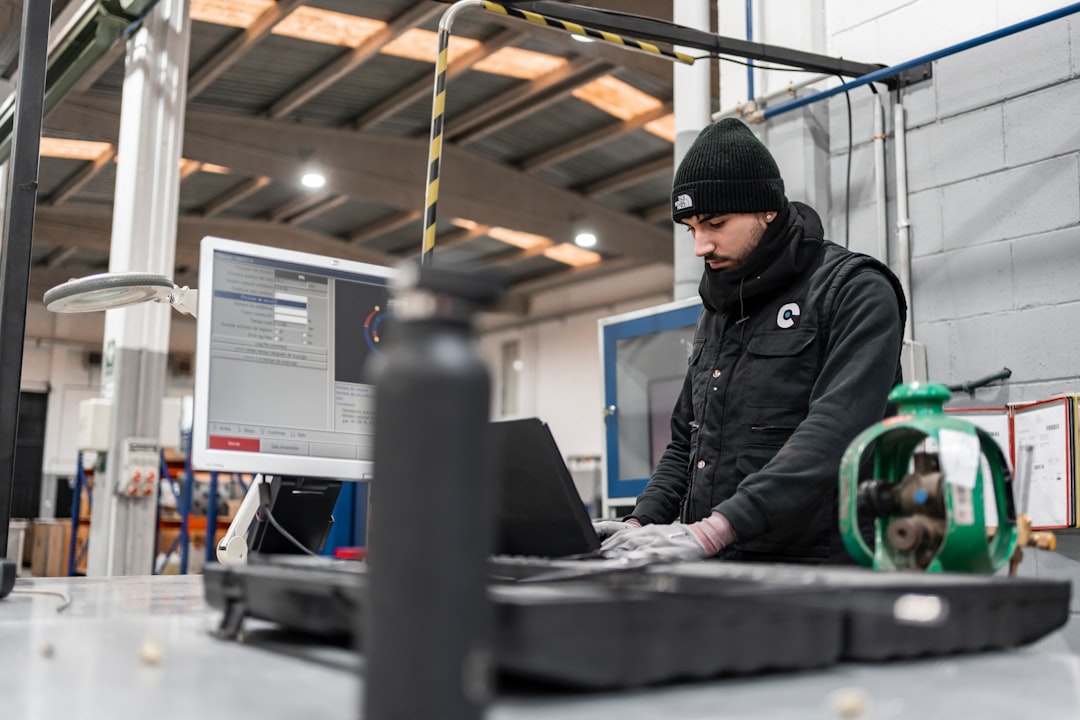
Several market forces are pushing organizations toward AR-based support solutions:
1. Skilled Labor Shortages
As experienced technicians retire, companies face a widening expertise gap. AR enables a smaller pool of experts to support a broader workforce globally.
2. Rising Travel Costs
Sending specialists across the country—or internationally—is expensive and time-consuming. Remote AR guidance eliminates many of these trips.
3. Demand for Faster Resolutions
Industries like manufacturing, oil and gas, and telecommunications can’t afford extended downtime. AR significantly improves first-time fix rates.
4. Digital Transformation Initiatives
Companies investing in Industry 4.0 technologies are naturally incorporating AR into connected worker ecosystems.
Key Features of Leading AR Remote Assistance Platforms
While platforms differ in sophistication, most enterprise-grade solutions include the following functionality:
- Live Video With Low Latency: High-quality streaming even in low-bandwidth environments.
- Spatial Annotation: Sticky annotations that attach to real-world objects and remain anchored as the user moves.
- Hands-Free Operation: Voice control compatibility for smart glasses users.
- Session Recording: For audit trails, compliance, or training reuse.
- Integration Capabilities: ERP, CRM, IoT, and asset management system integrations.
- Enterprise-Grade Security: End-to-end encryption and identity management.
Leading AR Remote Assistance Platforms
Below are some of the most recognized platforms helping organizations guide field workers remotely.
1. Microsoft Dynamics 365 Remote Assist
Designed for integration with the Microsoft ecosystem, this solution works seamlessly with HoloLens and mobile devices. It offers robust annotation tools and deep integration with Microsoft Teams.
2. TeamViewer Frontline
TeamViewer’s AR offering focuses on workflow digitization and industrial use cases. It supports smart glasses and provides step-by-step interactive guidance alongside remote collaboration.
3. Vuforia Chalk
Known for its strong spatial tracking, Vuforia Chalk enables precise real-world annotations. It performs well even in moderately unstable network conditions.
4. Scope AR (WorkLink)
Scope AR combines remote assistance with AR work instructions. It emphasizes scalable knowledge capture and enterprise integrations.
5. RE’FLEKT ONE
This platform centers around AR-based training and real-time support, frequently used in automotive and manufacturing sectors.
Comparison Chart: Popular AR Remote Assistance Platforms
| Platform | Device Compatibility | Best For | Key Strength | Integration Capabilities |
|---|---|---|---|---|
| Microsoft Dynamics 365 Remote Assist | HoloLens, iOS, Android | Enterprise environments | Microsoft ecosystem integration | Strong with Microsoft tools |
| TeamViewer Frontline | Smart glasses, mobile, tablets | Industrial workflows | Workflow digitization | ERP and IoT integration |
| Vuforia Chalk | iOS, Android devices | Quick deployment teams | Advanced spatial anchoring | API-based integration |
| Scope AR WorkLink | Smart glasses, mobile | Large-scale enterprises | Knowledge capture and scalability | Strong enterprise connectors |
| RE’FLEKT ONE | AR headsets, tablets | Training-intensive industries | Training-focused AR guidance | Custom enterprise integration |
How AR Remote Assistance Works in Practice
Consider an industrial compressor malfunction in a remote oil refinery. A junior technician on-site wears AR-enabled smart glasses. Upon initiating a support session:
- The technician streams a live view to a senior expert.
- The expert identifies the faulty valve and draws a digital circle around it.
- A step-by-step repair procedure is displayed in the technician’s field of vision.
- The expert monitors progress and confirms completion.
The entire repair is completed without requiring travel, reducing downtime by hours—or even days.
Industries Benefiting Most
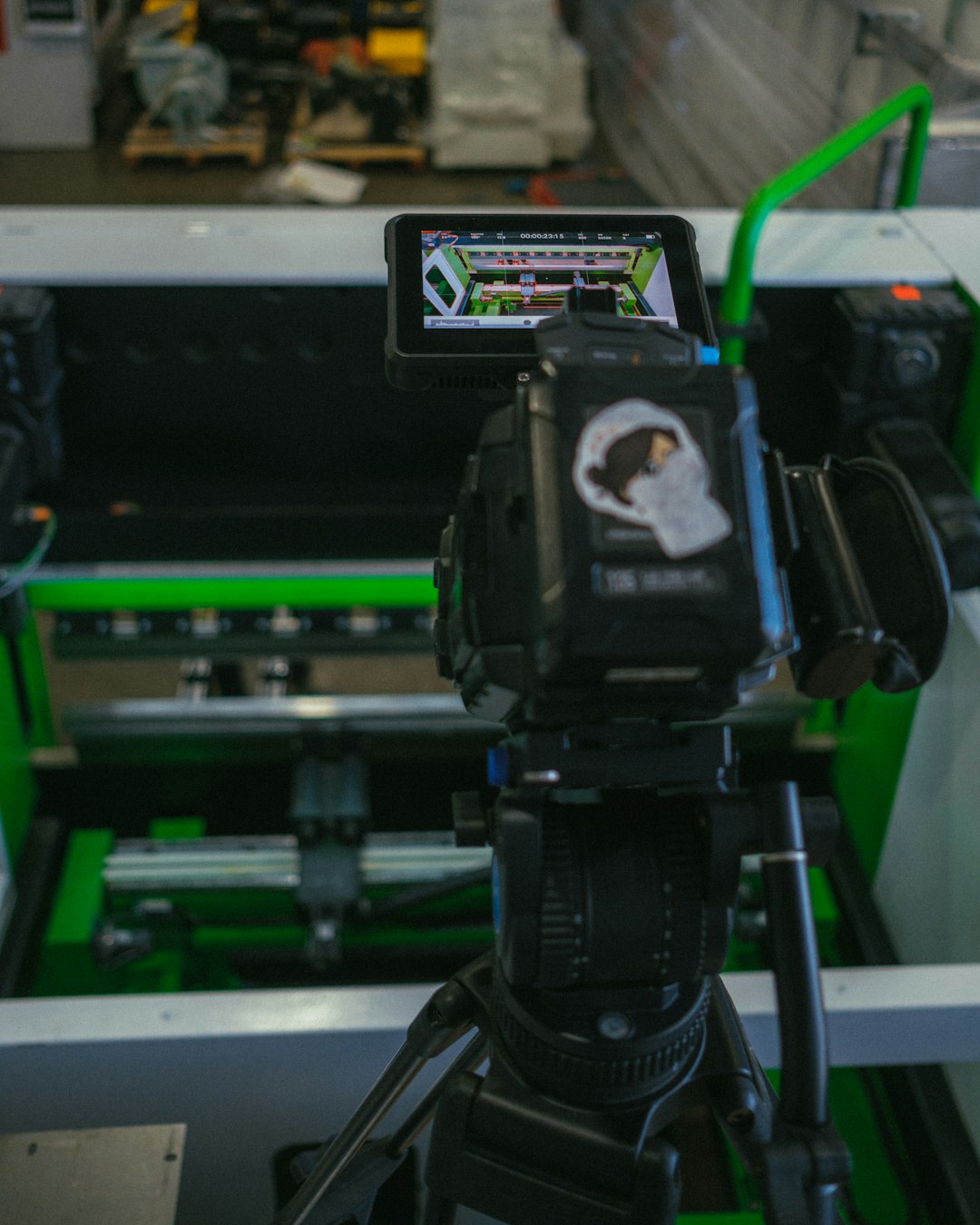
While AR remote assistance has broad applications, several industries are seeing especially strong returns on investment:
Manufacturing
Minimizes production disruptions by providing instant troubleshooting guidance.
Energy and Utilities
Enables expert oversight in hazardous or geographically isolated environments.
Telecommunications
Speeds up infrastructure installations and tower maintenance tasks.
Healthcare
Supports biomedical equipment repairs and specialized medical training.
Aerospace and Defense
Ensures compliance-heavy maintenance procedures are executed precisely.
Business Benefits That Drive ROI
Organizations adopting AR remote assistance frequently report measurable improvements across several metrics:
- Increased First-Time Fix Rates: Fewer repeat visits.
- Reduced Downtime: Faster problem resolution.
- Lower Travel Expenses: Fewer expert site visits.
- Improved Safety: Reduced exposure in dangerous environments.
- Accelerated Training: New hires ramp up faster.
Some companies report travel cost reductions of up to 30% and productivity gains exceeding 20% within the first year of deployment.
Hardware Considerations
Choosing the right device environment is just as important as selecting the software platform. Options include:
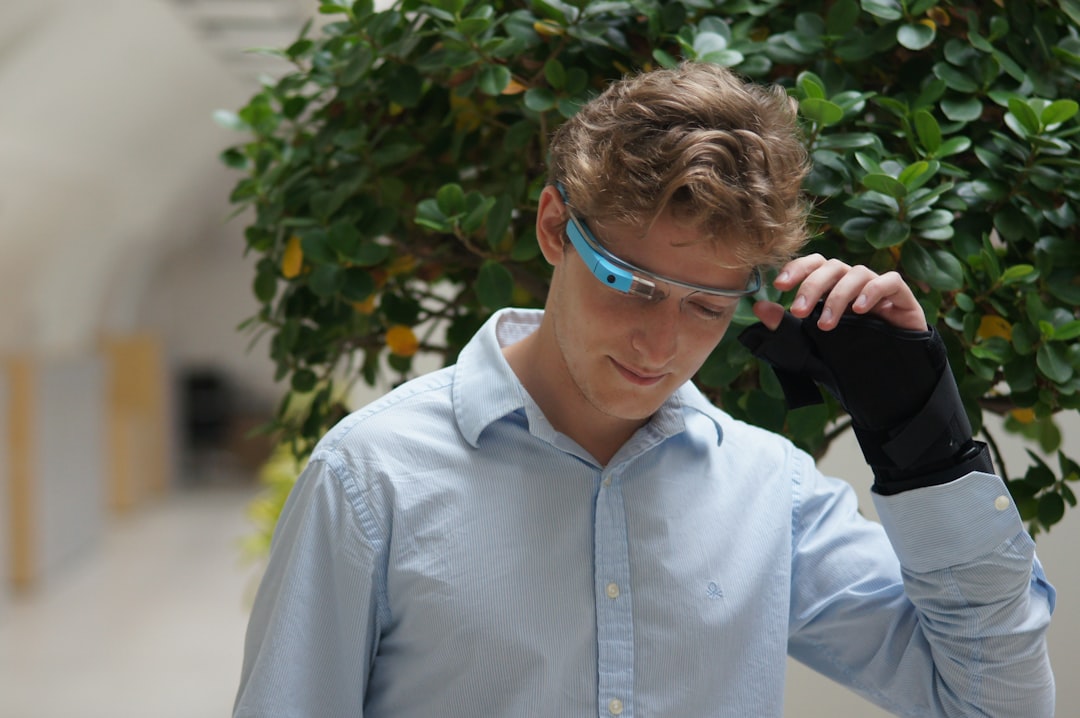
- Smart Glasses: Ideal for hands-free tasks and complex procedures.
- Tablets: Flexible and widely accessible, but require manual operation.
- Smartphones: Easy to deploy quickly but less immersive.
- Mixed Reality Headsets: High-end solutions for advanced 3D overlay use cases.
Your environment—dusty factory floors, outdoor utility sites, sterile medical settings—should heavily influence device selection.
Security and Compliance Factors
Because AR remote assistance involves live video streaming from operational sites, security is non-negotiable.
Key compliance considerations include:
- End-to-end encryption for all video sessions
- Role-based access control
- Audit trails and session recordings
- Data residency requirements for global enterprises
Industries such as defense, pharmaceuticals, and finance must ensure vendors meet strict regulatory frameworks.
Challenges to Consider
While promising, AR remote assistance is not without obstacles:
- Connectivity Issues: Rural or underground sites may struggle with stable bandwidth.
- User Adoption Resistance: Workers may hesitate to adopt wearable technology.
- Initial Investment: Hardware and integration costs can be significant.
- IT Complexity: Integrating with legacy systems requires planning.
However, phased rollouts and pilot programs can mitigate many of these challenges.
The Future of AR Remote Guidance
As 5G connectivity expands and wearable technology becomes lighter and more powerful, AR remote assistance will become increasingly immersive. Integration with AI-driven diagnostics and predictive maintenance systems is already underway.
Imagine a system that not only connects you to an expert but also automatically identifies faulty components and suggests corrective steps in real time. Combined with digital twins and IoT sensors, AR will likely become a foundational tool in the connected workforce ecosystem.
Final Thoughts
AR remote assistance platforms represent more than a futuristic novelty—they are a practical, ROI-driven solution to one of modern industry’s most pressing challenges: scaling expertise across distributed teams. By enabling real-time visual collaboration, reducing downtime, and empowering field technicians with hands-free guidance, these platforms are reshaping how service and maintenance operations function.
Organizations evaluating adoption should carefully assess integration requirements, device compatibility, security standards, and scalability. When implemented strategically, AR remote assistance can become a powerful competitive advantage—helping companies work smarter, faster, and more safely in an increasingly complex operational landscape.