
Digital benefits communication software should help employees understand choices before enrollment, not bury them in PDFs. With average annual family health premiums reaching $25,572 in 2024, poor communication can make an already expensive benefit feel even more confusing [source: KFF].
TLDR: The best platforms combine benefits education, enrollment reminders, decision support, and targeted updates in one place. For example, a 1,200-employee company could segment workers by plan type, send 6 reminder messages during open enrollment, and track which groups still have a 40% non-response rate. Tools such as Businessolver, Jellyvision ALEX, Nayya, Benefitfocus, Empyrean, and PlanSource help HR teams explain benefits without sending the same generic email to everyone. The right pick depends on whether the company needs simple education, deeper personalization, or full benefits administration.
Why Benefits Communication Software Matters
Employees often do not ignore benefits because they do not care. They ignore them because the details feel dense, dry, and risky. One wrong choice can affect medical bills, taxes, or family coverage.
Digital benefits communication software fixes part of that problem. It gives HR teams tools to send targeted messages, explain plans in plain language, and guide employees through enrollment steps. It also gives HR data. That means teams can see who opened a message, who started enrollment, and who still needs a push.
Honestly, it feels like some benefit portals were built for plan administrators, not normal people. A good communication tool should cut clicks, reduce repeat questions, and make key dates hard to miss.

What to Look For
- Audience targeting: Messages should differ for new hires, remote workers, parents, and employees near retirement.
- Decision support: Employees need help comparing plans, not just a chart full of deductibles.
- Campaign tools: HR should be able to schedule reminders by email, SMS, portal alerts, or app notifications.
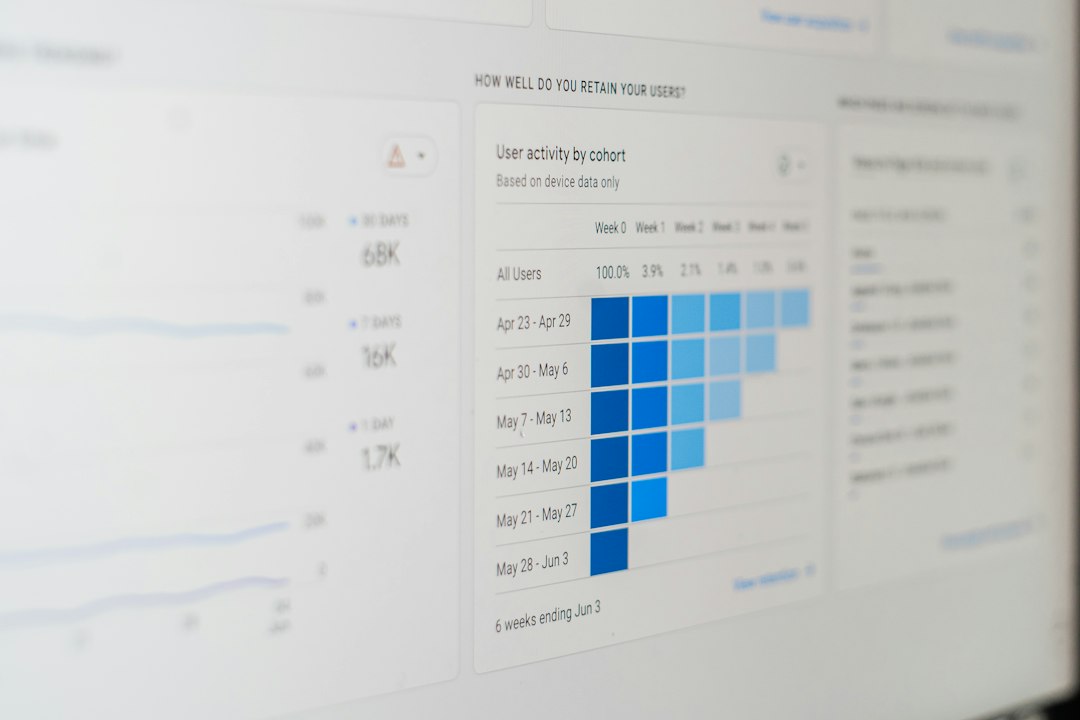
- Analytics: Open rates, click rates, completion rates, and missed steps should be easy to see.
- Personalization: The system should recommend content based on life events, location, plan use, or eligibility.
- Integration: It should connect with payroll, HRIS, carriers, and benefits administration systems.
6 Platforms for Employee Education and Enrollment Campaigns
1. Businessolver Benefitsolver
Best for: Larger employers that want benefits administration and employee communication in one system.
Benefitsolver helps employees enroll, compare plans, and get support through its Sofia virtual assistant. HR teams can use it to send targeted messages and track enrollment progress. It works well for complex benefit programs with many plan types, locations, or employee groups.
The downside: It may feel heavy for smaller teams that only need education campaigns and basic reminders.
2. Jellyvision ALEX
Best for: Clear, friendly benefits education.
ALEX is known for plain English guidance. It asks employees questions and then explains options in a conversational way. This helps when employees have to compare health plans, HSAs, FSAs, disability insurance, or voluntary benefits.
It is useful before and during open enrollment. HR can point employees to ALEX before they make choices, which may reduce one-on-one questions. The tone is also less stiff than many benefits tools, which helps.
3. Nayya
Best for: Personalized recommendations and benefits guidance.
Nayya focuses on matching employees with benefits based on their needs. It can use data points such as household details, risk tolerance, and expected care needs to suggest plans or benefit options.
This is helpful for companies that offer many voluntary benefits. Employees often skip those because they do not know what applies to them. Nayya can make those choices feel less random.
4. Benefitfocus
Best for: Benefits enrollment at scale.
Benefitfocus supports enrollment, benefits shopping, and communication for employers, brokers, and health plans. It is suited for organizations that need strong administration tools along with education features.
HR teams can use it to present benefit choices, manage eligibility, and guide employees through enrollment. It can also support year-round benefits communication, not just the annual rush.
The catch is that setup can take time. Employers with messy plan rules should expect to spend extra effort cleaning data before campaigns run smoothly.
5. Empyrean
Best for: High-touch benefits administration and employee support.
Empyrean combines benefits administration with communication and service support. It can help employees understand coverage and complete enrollment while giving HR teams tools for targeted outreach.
This platform is a strong fit for employers that want both software and service. It can be especially useful when benefits are complex or when HR does not have a large internal team.
6. PlanSource
Best for: Enrollment campaigns, benefits shopping, and HR integrations.
PlanSource helps employees review options, enroll in benefits, and receive communication during key windows. HR teams can use it to manage open enrollment campaigns, automate messages, and connect benefit data with other systems.
It is a practical choice for companies that need a modern enrollment experience without building everything from scratch. Still, every employer should test the employee view before launch. A portal that looks fine to HR may still confuse a first-time user.
How HR Teams Can Use These Tools
- Before open enrollment: Send short education campaigns about plan changes, key dates, and common mistakes.
- During enrollment: Trigger reminders for employees who have not started or finished selections.
- After enrollment: Send personalized next steps, such as how to use an HSA or find an in-network doctor.
- All year: Share life event reminders, preventive care prompts, and updates about new perks.
The best results usually come from short messages. Employees do not need a 12-page guide in every email. They need one clear action, one deadline, and one link.

How to Choose the Right Platform
Companies should start with the main pain point. If employees do not understand plan choices, ALEX or Nayya may help. If the real issue is enrollment tracking and administration, Businessolver, Benefitfocus, Empyrean, or PlanSource may be stronger.
HR should also ask vendors for a live demo using sample employee profiles. A single employee, a parent, a remote worker, and a new hire should each see different guidance. If every person gets the same message, the platform is not truly personal.
FAQ
What is digital benefits communication software?
It is software that helps employers explain benefits, send enrollment reminders, personalize updates, and track employee engagement.
Which platform is best for employee education?
Jellyvision ALEX is often strong for simple, friendly education. Nayya is strong when personalized recommendations matter most.
Which tools work best for open enrollment?
Businessolver, Benefitfocus, Empyrean, and PlanSource are good fits for enrollment campaigns, tracking, and benefits administration.
Can these platforms reduce HR questions?
Yes. Clear decision support, targeted reminders, and self-service answers can reduce repeat questions during busy enrollment periods.
Should small businesses use this software?
Some should. If the company has simple benefits, a lighter tool may be enough. If plans are complex, software can save time and reduce confusion.