A modern HR department needs one connected system for people, pay, hiring, learning, performance, and compliance. It does not need 12 random apps fighting for attention. That matters because only 23% of employees worldwide were engaged at work in Gallup’s reporting, which means HR has to spot problems early, not after resignations pile up [source: Gallup].
TLDR: A strong HR setup should help a team hire faster, onboard better, answer employee questions, track performance, and protect company data. For example, a 250-person company may cut onboarding from 10 days to 6 by using digital forms, automated reminders, and a clear task list. If payroll errors fall from 4% to 1%, HR also spends fewer hours fixing avoidable messes. The best tools save time without making employees feel like they are filling out paperwork for a machine.
12 tools a modern HR department should explore
HR software should remove friction. Too many tools do the opposite. Honestly, it feels like some platforms were built by people who have never approved a vacation request while eating lunch at their desk.
1. Human Resource Information System
An HRIS is the core database. It stores employee records, job titles, salaries, documents, emergency contacts, and reporting lines. Without it, HR ends up buried in spreadsheets. A decent HRIS should make updates simple and keep records clean.
2. Applicant Tracking System
An ATS helps recruiters post jobs, sort candidates, schedule interviews, and track hiring steps. It should reduce admin work, not bury good applicants behind clumsy filters. The best systems show where candidates drop out, which job boards work, and how long each role takes to fill.
3. Payroll software
Payroll needs accuracy. Nobody wants a paycheck apology email. Payroll tools should handle salaries, tax forms, deductions, bonuses, overtime, and local rules. Modern systems also give employees access to payslips without asking HR every two weeks.
4. Time and attendance tracking
This tool tracks work hours, shifts, breaks, overtime, and absences. It is useful for hourly teams, remote staff, and hybrid offices. The key is fairness. If clock-ins take 20 seconds longer than they should, people notice. Small irritations become big complaints.
5. Benefits administration platform
Benefits can get messy fast. Health plans, retirement options, wellness perks, leave rules, and dependents all need clean records. A benefits tool helps employees compare options and make changes during enrollment. HR gets fewer repeated questions and fewer manual corrections.
6. Learning management system
A learning management system stores training courses, company policies, safety modules, and skill programs. It should track who completed what and when. This is useful for compliance, but also for growth. Employees want proof that the company is investing in them.

7. Performance management tool
Annual reviews alone are not enough. A performance tool can support goals, feedback, check-ins, peer notes, and career plans. It should make managers better, not just give them another form to ignore. Short monthly check-ins often work better than one tense meeting in December.
8. Employee engagement software
Engagement tools collect pulse surveys, mood checks, anonymous comments, and team trend data. They help HR see stress, burnout, manager issues, and culture gaps. The tool should protect anonymity where promised. If employees do not trust it, the answers become polite fiction.
9. Internal communication platform
HR needs a clear way to send updates. Policy changes, holiday reminders, benefit dates, and company news should not vanish in crowded inboxes. A communication tool can segment messages by team, office, role, or region. Good targeting cuts noise.
10. Employee self service portal
A self service portal lets employees update addresses, download documents, request leave, read policies, and check benefits. It saves HR from answering the same five questions all week. It also gives employees more control, which they usually prefer.
11. Compliance and document management tool
HR handles sensitive files. Contracts, IDs, tax documents, medical notes, policy acknowledgments, and investigation records need secure storage. A document tool should include permissions, audit trails, expiration reminders, and e-signatures. Privacy mistakes are expensive and embarrassing.
12. People analytics platform
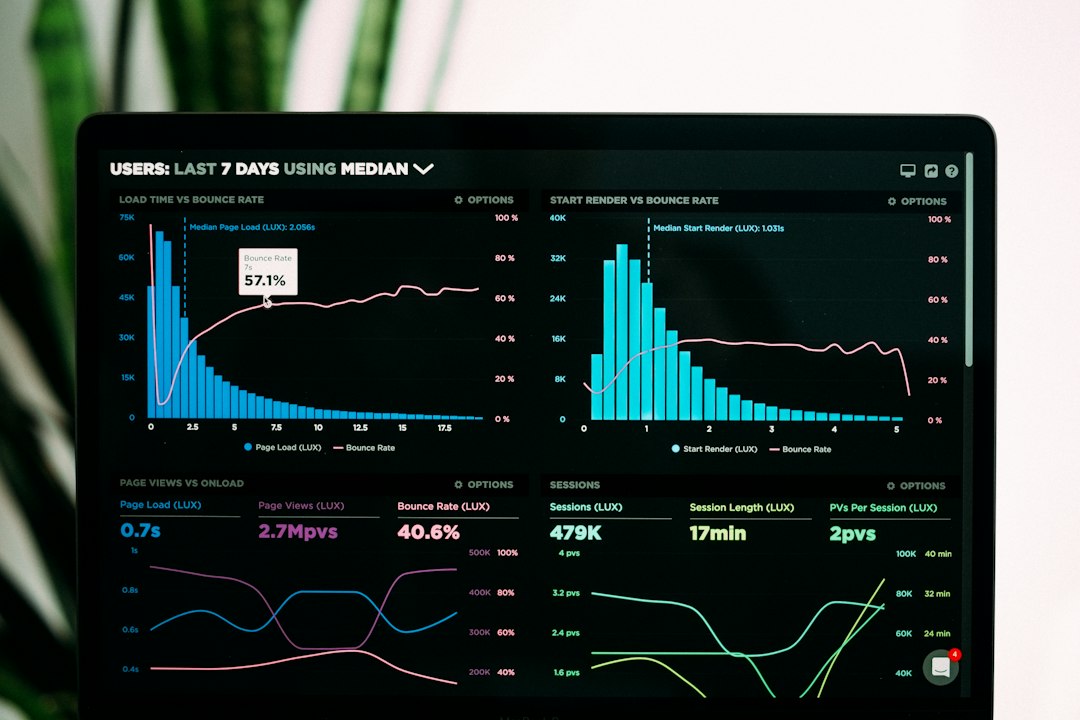
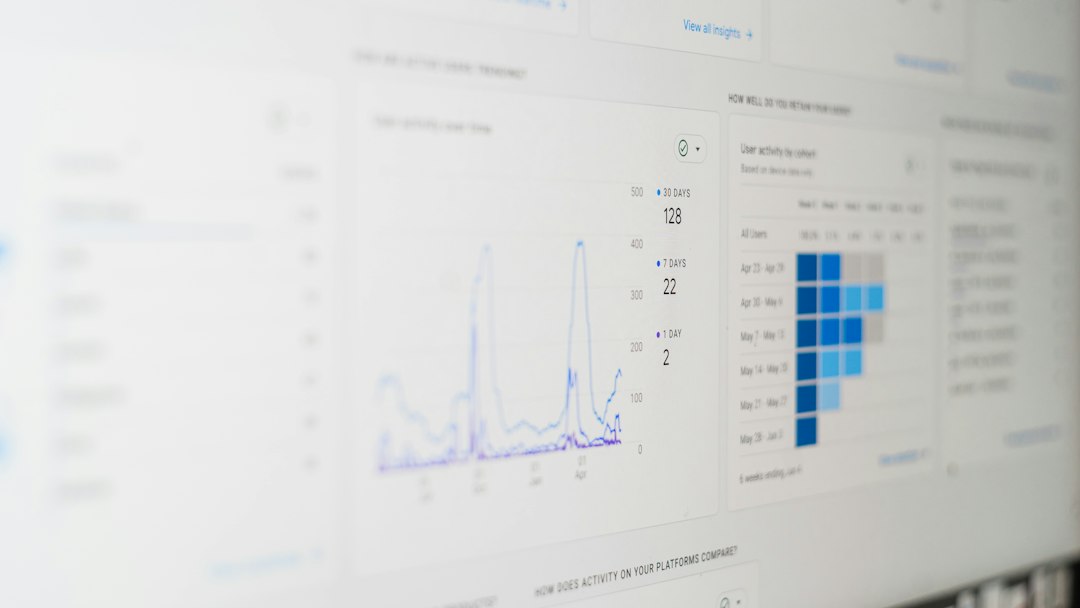
People analytics tools turn HR data into useful reports. They can show turnover by department, hiring speed, training completion, absence trends, pay gaps, and promotion patterns. The goal is not to spy on employees. The goal is to catch problems before they become resignations, lawsuits, or budget shocks.
What should HR choose first?
The first pick should usually be an HRIS. It becomes the base for records, workflows, reporting, and employee data. After that, priorities depend on pain. A company hiring 80 people this year needs an ATS. A company with payroll mistakes needs payroll software. A company losing managers needs performance and learning tools.
Integration matters. If HR has to copy the same employee name into four systems, the setup is already broken. Tools should share data safely. They should also be easy enough for managers and employees to use without a training marathon.
Buying checklist for HR teams
- Ease of use: Can employees complete basic tasks without help?
- Security: Does the tool protect personal data and control access?
- Integration: Does it connect with payroll, calendars, email, and identity tools?
- Reporting: Can HR get useful numbers without manual cleanup?
- Support: Is help available when payroll closes in two hours?
- Scalability: Will it still work when the company doubles in size?
FAQ
- What is the most needed HR tool?
-
For most companies, the most needed tool is an HRIS. It keeps employee records organized and supports many other HR processes.
- Does a small business need all 12 tools?
-
No. A small business may start with payroll, employee records, time tracking, and basic hiring tools. More tools can be added as the team grows.
- How can HR avoid buying too much software?
-
HR should list its top three problems first. Then it should buy tools that solve those problems directly, instead of chasing features nobody will use.
- Are HR tools replacing HR staff?
-
No. Good tools remove repetitive work. HR staff still handle judgment, trust, coaching, conflict, policy, and culture.
- What makes an HR tool worth the cost?
-
It should save time, reduce errors, improve employee experience, and give leaders clearer data. If it only creates extra clicks, it is not worth keeping.